
Before picking one AI assistant for research, I put Gemini vs Perplexity through the same live-data, citation, and file-upload prompts.
Ask Gemini and Perplexity the same question, and you’ll get two different answers. Gemini can pull from your Gmail and Docs when it answers. Perplexity puts a source link next to each claim. Which one fits you better depends on what you’re asking.
I ran four tests on both tools, side by side, and the same pattern held almost every time.
Below, I walk through what each tool is actually built for, what the free and paid plans include, and when each one wins out.
Gemini vs Perplexity: TL;DR
- No clear winner: It depends on what you're asking, though Perplexity won all three of the smaller tests.
- Gemini: Best for long research runs, plus everyday work inside Gmail, Docs, and Sheets on paid plans.
- Perplexity: Best for a quick, source-checked answer with the citation sitting right next to it.
- Deep Research: Gemini's version is free on every plan (Free included), with daily limits that rise on Google AI Pro and Ultra. Perplexity caps free accounts to one Research query a month, with Pro raising that limit for $20/month.
How I tested Gemini and Perplexity
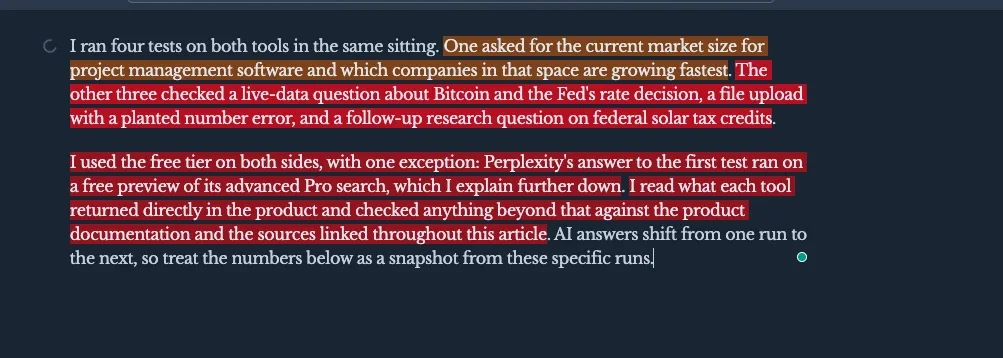
I ran four tests on both tools in the same sitting. One asked for the current market size for project management software and which companies in that space are growing fastest. The other three checked a live-data question about Bitcoin and the Fed's rate decision, a file upload with a planted number error, and a follow-up research question on federal solar tax credits.
I checked each answer against the product documentation and the sources linked throughout this article. AI answers shift from one run to the next, so treat the numbers below as a snapshot from these specific runs.
Gemini vs Perplexity: What's the difference?
Gemini is Google's general-purpose assistant built into its own apps. Perplexity is a standalone engine built around cited search.
Where Gemini and Perplexity differ most:
- Gemini is Google's AI assistant, built into Gmail, Docs, Sheets, and Search. Perplexity is a standalone research engine built to answer one question and show exactly where it came from.
- Perplexity answered a real two-part research question in seven seconds with 41 cited sources, covering both halves of the question with five companies' growth figures in the second part.
- Gemini's free Deep Research completed my test without hitting a usage limit. It read 25 sources in a few minutes and laid out structured dollar figures for three named companies.
- Perplexity rations its own Deep Research to a single free run each month, with more runs starting at $20/month on Pro. Gemini's Deep Research is free on every tier, with daily limits that rise on Google AI Pro and Ultra.
- Gemini's cheapest paid plan, Google AI Plus, runs $4.99/month, well under Perplexity Pro's $20/month. The Gemini tier that lines up closest with Perplexity Pro on price is Google AI Pro, at $19.99/month ($16.67/month, billed annually).
Meet Gemini: Features & highlights
Gemini is Google's AI assistant. It's built into Search, Gmail, Docs, Sheets, and Drive, and it's also available in Chrome and on Android. Its top model on Google AI Pro, Gemini 4 Argon, handles long, multi-step work like big document reviews and open-ended research. Free and Plus accounts run smaller models instead.
It reads text, images, PDFs, and video in the same conversation. It can also pull context from an open tab or a connected Google app without you copying anything over by hand.
That connection works through a small @ mention in the prompt box. Type @, pick an app like Gmail, Calendar, or Maps, and Gemini reads directly from it. The first time you connect a new app, it asks for permission. A personal or third-party app's own connector can add custom tools to that same list.
What you can upload, and how much:
- A single prompt can carry up to 10 files, any mix of documents, images, and video. Each video can run up to 2GB, and every other file type tops out at 100MB.
- Free and Plus accounts cap video and audio uploads at just a few minutes; Pro or Ultra stretches that to about an hour of video and three hours of audio.
Gemini can also turn what it reads into new output. Upload a spreadsheet, and it can build a chart straight from the data, one you can zoom into and relabel on request.
Meet Perplexity: Features & highlights
Perplexity is an AI search engine built around one job: answering a question and showing you exactly where the answer came from. Each claim carries a small citation tag you can click straight through to the source.
Its Deep Research mode is mostly a paid feature, though. Perplexity caps a free account to a single Research run per month. A free account can still search and cite sources outside that mode.
It also runs Projects (renamed from Spaces in 2026), shared workspaces for one piece of work at a time. Each one lets you save research, keep files, and give Perplexity standing instructions. Each Project holds its own instructions, up to 8,000 characters, and up to 10,000 files totaling 5GB of storage.
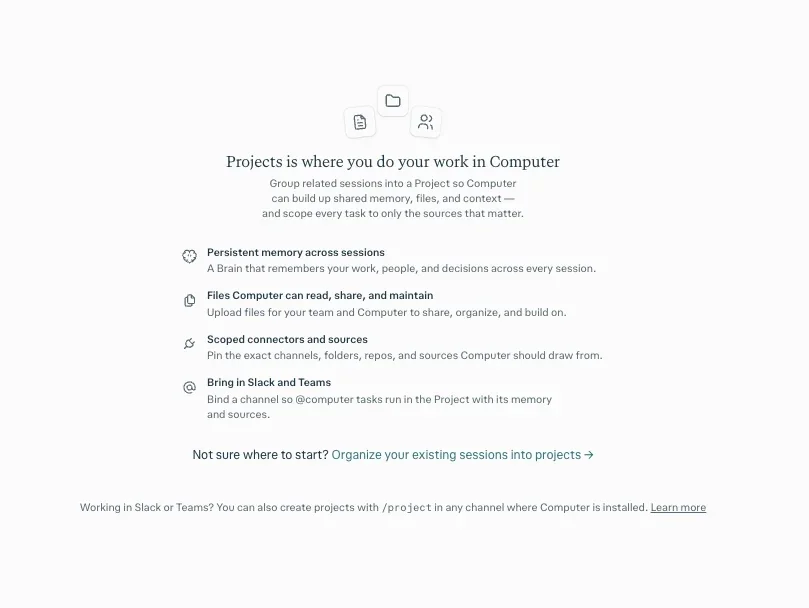
A personal account can invite up to five contributors into one Project, for a group of six including the owner.
Perplexity also has Comet, its own browser, built on the same base as Chrome, which reads whatever page you're on while you work.
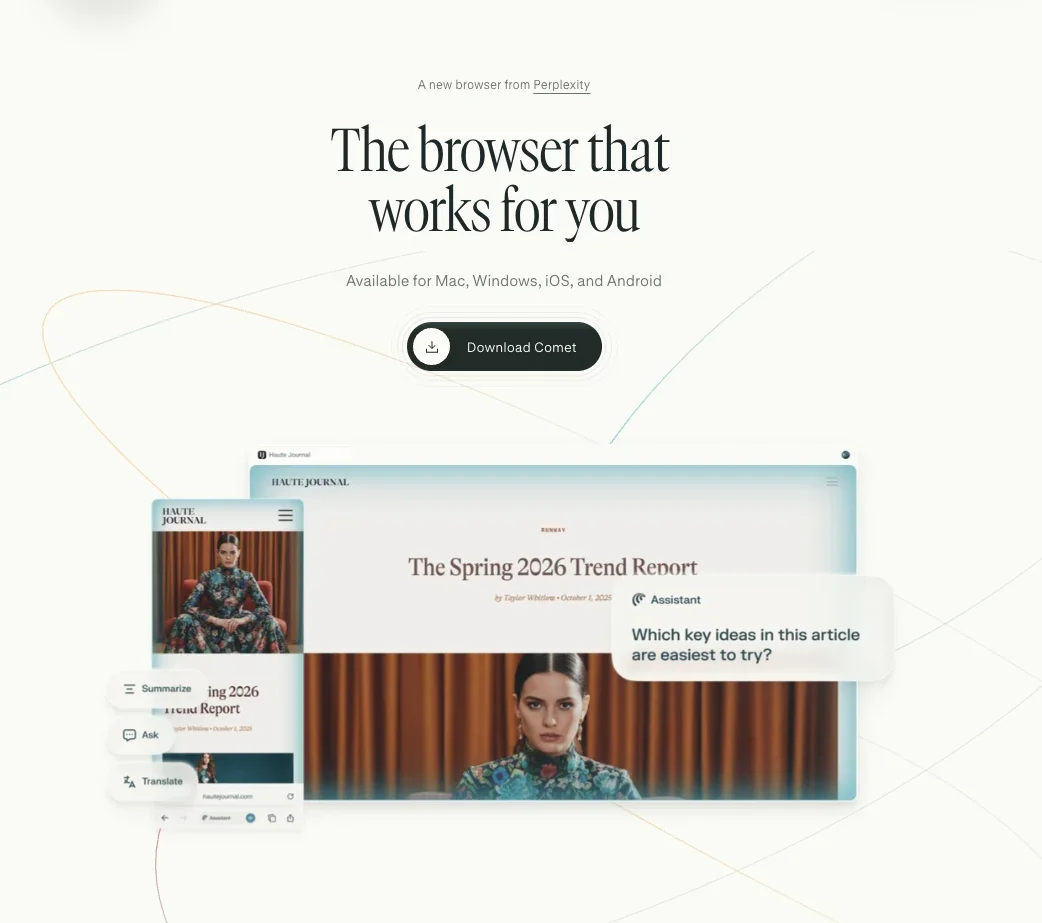
What sets Comet apart from a standard browser:
- Perplexity-powered search as the default engine
- Personal Search, a layer that reads your own browsing history for context
- Gmail connector access, built directly in
- An Ask button for the page currently open
- A Summarize button for condensing long pages
It still carries the ordinary browser basics underneath that, too, including bookmarks, page translation, and support for most existing Chrome extensions. Comet doesn't ask you to give up what a regular browser already does.
Gemini vs Perplexity: At a glance
How Gemini and Perplexity stack up:
| Feature | Gemini | Perplexity |
|---|---|---|
| Best For | Everyday work inside Google's apps | Fast, source-checked answers |
| Pricing | $4.99/month | $20/month |
| Key Strength | Reasoning across Docs, Sheets, and Gmail | Fast answers with a citation on nearly every claim |
| Main Weakness | Top models need Pro or Ultra | Deep Research limited on Free |
| Sharing | One paid plan shared with up to five family members | Up to five collaborators in each Project |
| Free Deep Research | Free on every tier | 1 query a month |
| Browser | Built into Chrome | Comet browser |
| Outside Models | Google's model only | GPT, Claude, Grok (Pro+) |






Gemini vs Perplexity: Feature-by-feature comparison
The answer quality, real-time info, file upload, and citations sections draw on my tests above. Perplexity’s Deep Research side and the remaining sections come from product documentation.
Answer quality and everyday research
Perplexity put the project management software market at about $8.7 billion to $13.8 billion for 2026, in seven seconds.
Perplexity covered the other half of the question (which companies are growing fastest) just as quickly, naming five with real growth figures, accurate across the board except for one stale 2024 number it carried over for Smartsheet, from before the company went private.
A small "Pro" tag at the bottom of the answer noted that this run included a free preview of advanced search, which likely explains why it went further than a typical free-plan Perplexity search.

Gemini’s free Deep Research mode spent several minutes working on its own. It then came back with specific numbers for named companies.
Gemini's numbers held up for two of the three companies. Monday.com's revenue has crossed $1.2 billion with over 20% growth, and Notion has passed $600 million in annual recurring revenue. Atlassian is the exception: Gemini put its cloud business above $5 billion, but Atlassian’s actual FY2026 results reported $4.411 billion, an overstatement of about 13%.
Gemini wrote those figures into full sentences, not a table. Side by side, Perplexity's answer read like a spreadsheet, while Gemini's read like a written report. Perplexity's table let you scan the numbers at a glance. Gemini's paragraphs asked for a full read, start to finish.
Winner: Close call. Gemini went deeper with structured dollar figures across three companies in a few minutes. Perplexity covered five companies with growth percentages in seven seconds.
Real-time info and localization
Perplexity gave the fuller live-data answer. I asked both tools for Bitcoin's live price and the Fed's latest rate decision, to see how each one handles numbers that change by the hour. Perplexity answered in four seconds. It showed a live price card with market cap and 24-hour volume, then gave a price range sourced to CoinGecko and CoinMarketCap.
Perplexity also named the Fed's exact 3.75%-4.00% hike and noted the vote was unanimous, 12-0, the first hike since July 2023.
Gemini answered in two seconds. It gave one flat sentence for Bitcoin's price and one for the Fed's hike, without the vote count or the historical comparison. It also quoted Bitcoin in euros instead of dollars, converting to my local currency without being asked. Perplexity's answer, card included, stayed in US dollars.
Winner: Perplexity. Both tools got the facts right, but Perplexity backed its answer with a live price card and more specific sourcing. Gemini also switches currency to match where you’re asking from, and Perplexity doesn’t.
File uploads
Both tools caught the planted number error. I uploaded the same internal-notes document to both and asked for a five-bullet summary with any inconsistent numbers flagged. The document stated total sessions at 42,000, but its own channel-by-channel breakdown added up to only 38,000, a 4,000-session gap.
Both tools caught it. Perplexity answered in one second. It flagged the 4,000-session gap and separately noted a coincidental match: Direct traffic sessions and influencer spend both landed on 2,950. Gemini took five seconds and flagged the same two things inside its bullet summary.
Winner: Perplexity, on speed. Both tools caught the same discrepancy and the same coincidental match. Perplexity did it five times faster.
Sources and citations
Perplexity's citations sit right inside the answer, so you can trace every claim back to its source. Every claim carries a small source tag next to it, like the market-size figures above, and clicking one jumps straight to the original page.
Gemini cites sources too, a step removed from the claim itself. During a Deep Research run, it lists the sites it's reading as it goes, then tucks each paragraph's citation behind a small expandable arrow. The source itself sits two clicks away.
How many clicks it takes to reach a source:
- A Perplexity source takes one click to reach, since the tag is already the link.
- A Gemini source takes two clicks, one to expand the arrow and one more to open what's underneath it.
Perplexity says every answer carries numbered citations straight through to the source, whether it’s a quick fact or a longer Pro Search. That holds on free accounts and paid ones, with nothing extra to turn on.
The same list of sites it's reading, with the same expandable-arrow citation format, appeared during the free Deep Research run, start to finish. The citation trail comes from the Deep Research process itself.
The same citation gap appeared outside Deep Research mode, too: on a second research question (2026's federal solar tax credit rules), Perplexity still cited a source on nearly every line, including the IRS and SolarEdge. Gemini's quick-query answer carried no citations at all, not even an expandable arrow.
Winner: Perplexity. Every citation sits right next to the claim it backs. Gemini’s sits two clicks away behind an expandable arrow during Deep Research, and in my run, its regular answer showed no sources at all.
Deep Research mode
The first difference between Gemini Deep Research and Perplexity's own Deep Research is how much of it a free account can reach.
On Gemini, Deep Research sits in the same menu as every other tool, open to every account. On a free account, it ran the whole way through, building a five-step plan, reading 25 sources, and finishing with its own table of contents. The whole thing took a few minutes.
On Perplexity, a free account gets exactly one Research run every month. Past that, the mode carries a small lock icon that opens straight into an upgrade screen. Pro starts at $20/month.
Perplexity describes that upgrade as dozens of automated searches, reading hundreds of sources, and delivering a finished report in two to four minutes. It works through the research step by step, reasoning through what it finds before writing the final version.
Where Gemini's finished Deep Research report can go:
- Straight to Google Docs, or copied as plain text, a real advantage if the whole point of the run is handing the result to someone else.
- Into an audio overview made right inside Gemini’s Canvas, or on Google AI Ultra, a set of visual aids in the same report.
Winner: Gemini. It runs Deep Research free on every tier, where Perplexity caps its own Research mode at one free query a month before locking it behind a $20/month plan.
Pricing and plans
Google sells Gemini’s paid tiers as Google AI plans, bundling Google One storage into the plan alongside more AI access.
What Gemini's plans cost:
| Plan & Price | Includes |
|---|---|
| Free | Flash-Lite model |
| Google AI Plus: $4.99/month | 400GB, Gemini 4 Hydrogen |
| Google AI Pro: $19.99/month ($16.67/month, billed annually) | 5TB |
| Google AI Ultra (5x/20x): $99.99-$199.99/month (no annual option) | 20TB-30TB |
Every paid Gemini plan also includes family sharing with up to five others, a household of six including the owner.
Free and Plus accounts don’t get Gemini 4 Argon in the Gemini app. On Google AI Studio, developers can reach Gemini 3.8 Flash at no cost.
Perplexity's structure is simpler. It has two paid tiers above Free.
What Perplexity's plans cost:
| Plan & Price | Includes |
|---|---|
| Free: $0 | Standard search, one Research query/month |
| Perplexity Pro: $20/month ($17/month, billed annually) | 4,000 one-time bonus credits |
| Perplexity Max: $200/month ($167/month, billed annually) | 10,000 credits/month + 35,000 one-time bonus |
Credits pay for Perplexity Computer tasks only; regular searches don't use them. Pro’s 4,000 credits are a one-time signup bonus that expires in about 30 days, and Pro also includes weekly Computer usage. Max adds 10,000 credits every month, on top of its one-time 35,000-credit bonus.
Perplexity Pro lets you switch between outside models, like GPT-6.1 Sol, Claude Sonnet 5.5, and Grok 4.7. Gemini’s Pro tier instead gives you Gemini 4 Argon plus 5TB of storage.
Both offer student pricing. Perplexity offers 50% off Pro to students and educators. Gemini gives verified US college students a free 12-month Google AI Pro trial before reverting to $19.99/month, and college students outside the US get a Google AI Plus trial instead.
Google AI Pro and YouTube Premium also bundle together for students, costing about 75% less than paying for both separately ($8.99/month in the US).
Winner: Gemini, on price. Its entry paid tier costs a quarter of Perplexity's. Google AI Pro, which raises Gemini's Deep Research limits and adds Gemini 4 Argon, costs about the same as Perplexity Pro.
Apps and integrations
Gemini sits inside Chrome, and every paid Google AI plan brings it into Gmail. Google AI Pro and Ultra add it inside Docs and Sheets too, alongside Drive. It also comes standard on Android, so using it rarely means opening a new app.
Perplexity doesn’t ship inside Gmail or Docs the way Gemini does, and on Android it comes built in only on some phones, like Samsung’s Galaxy S26. It’s a standalone app on iOS, Android, Windows, and Mac, plus its own Comet browser if you want research pulled into your regular browsing session.
Gemini is also built directly into Chrome, reading whatever page is open the same way Comet does for Perplexity. Outside their main apps, the two tools work in similar ways.
Where Perplexity reaches beyond its own main app:
- Perplexity's web app runs in the major browsers, including Chrome, Firefox, Edge, and Safari, so you can use it in whatever browser you already have open.
- Perplexity connects to outside tools too. On paid plans, its connectors reach workplace tools like Slack, Notion, Jira, and Microsoft Teams (Notion needs Max or Enterprise). Gemini's own connected-app list doesn't include any of those four.
ChatGPT sits a little outside this comparison, though Gemini and Perplexity both turn up among the ChatGPT alternatives worth comparing, each one better suited to a different part of the job.
Winner: Tie, depending on the apps you use. Gmail, Docs, or Drive work tips it to Gemini. Perplexity may fit better if your research relies on its third-party connectors, which need a paid plan.
Content and creative work
Perplexity's whole design ties every answer to a citation. Ask it to write a blog post or a marketing email and the result leans heavily on whatever sources it already pulled while researching the topic.
On Google AI Pro and up, Gemini drafts and edits directly inside Google Docs, carrying over whatever's already in the open file so you don't have to re-explain the context each time. Deep Research is one mode inside Gemini's wider assistant. Perplexity's core product is cited search; Research mode is a separate mode with tight free limits.
Gemini's edge in everyday work extends to writing too. It's the better fit for drafting an outline, taking a first pass, or adjusting the tone of something already written, since none of that needs a sourced answer at the end.
Perplexity's Create files and apps feature requires Pro and up and turns a prompt directly into a finished file.
What it can produce:
- A downloadable document in DOCX or PDF
- Spreadsheets in XLSX
- A presentation in PPTX, including adding a slide to an existing one or converting a document into one in a single step
- Simple web apps in HTML
- Version history on every file, so a follow-up prompt can build on what's already there
Create files and apps is capped on Pro too. Those queries renew on a 30-day quota, and Max raises the limit for heavier use.
Gemini can generate files directly too. A prompt can produce a downloadable PDF, Word, Excel, or CSV file, on top of drafting straight into Google Docs. Perplexity adds native PowerPoint (PPTX) files and simple HTML apps. Gemini's chat exports slides as Google Slides files, and its Canvas builds working apps in the same chat.
Gemini’s file options stay closer to everyday documents and spreadsheets you already use.
Winner: Gemini. It drafts and edits text as part of what it already does. Perplexity's writing tools are built around turning research into a finished result.
What real users say
Perplexity
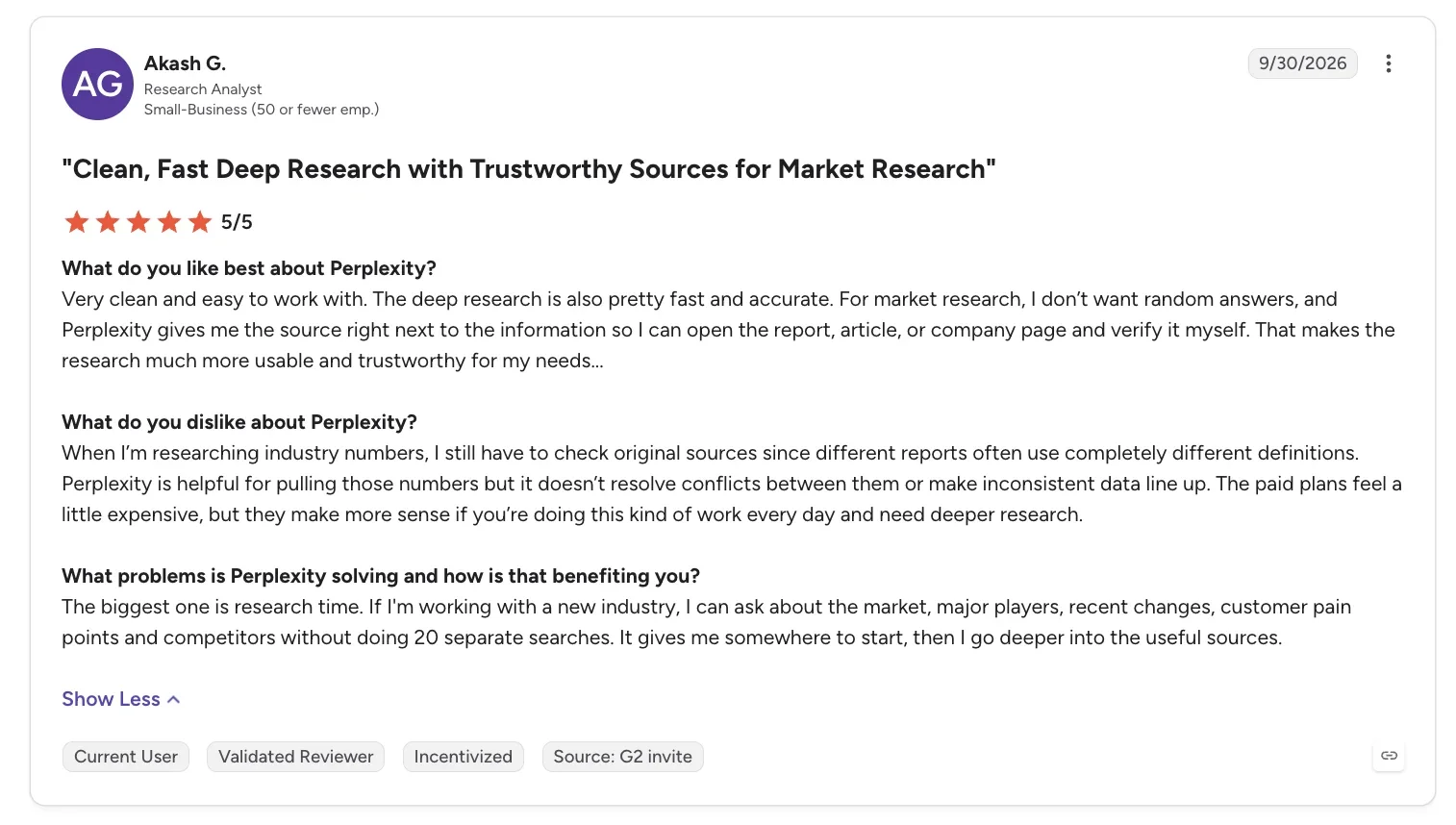
“For market research, I don’t want random answers, and Perplexity gives me the source right next to the information so I can open the report, article, or company page and verify it myself.” - Akash G., G2
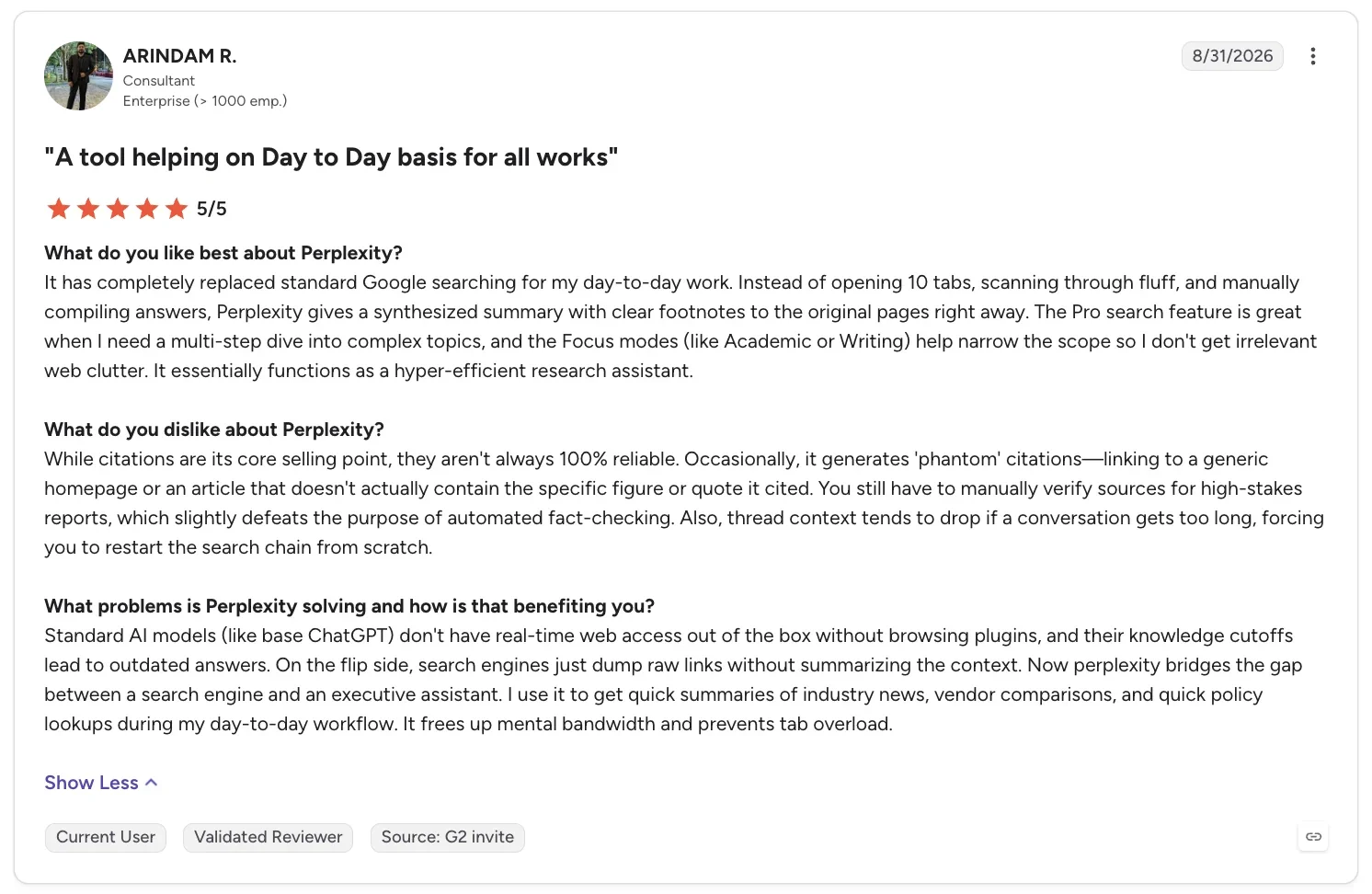
“Occasionally, it generates 'phantom' citations—linking to a generic homepage or an article that doesn't actually contain the specific figure or quote it cited.” - Arindam R., G2
Gemini
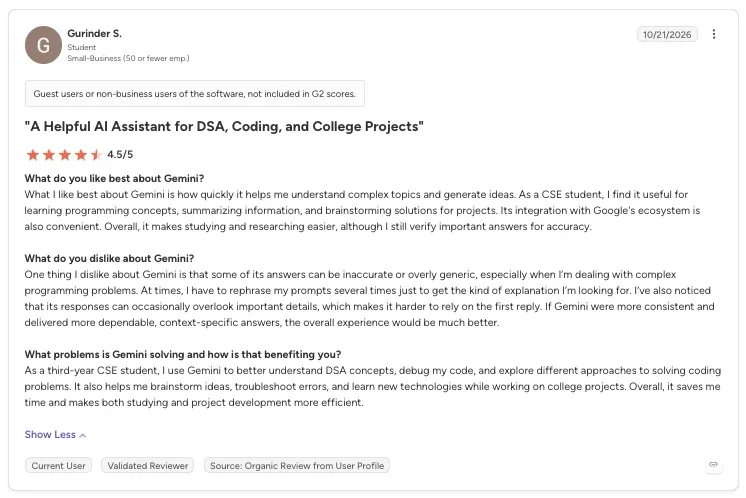
“What I like best about Gemini is how quickly it helps me understand complex topics and generate ideas.” - Gurinder S., G2
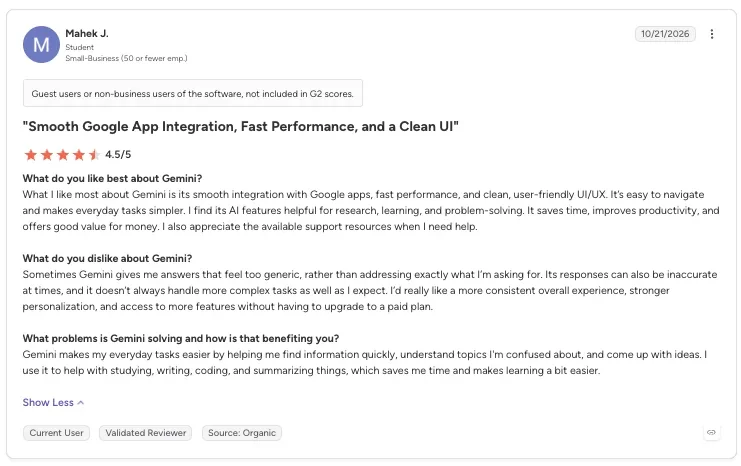
“Sometimes Gemini gives me answers that feel too generic, rather than addressing exactly what I’m asking for.” - Mahek J., G2
How to make your choice
Which one is better depends on the question you ask most.
Gemini pulls ahead when the job sits inside Google's own apps or needs a long, unattended research run. Perplexity pulls ahead when you need a fast, checkable answer and don't want to wait.
Gemini is better for:
Where Gemini fits:
- Daily work inside Gmail, Docs, and Sheets on a paid plan, or on Android
- A hard research question, where Deep Research's free, multi-minute run can go further than a quick search
- Reading and reasoning over long documents, PDFs, or video in the same conversation
Perplexity is better for:
Where Perplexity fits:
- A quick fact you need to double-check before repeating it, with the source right there
- Comparing answers across several different AI models in one place, including ones outside Google
- Research you want to keep organized in one place, through Projects
My verdict
In the Gemini vs Perplexity matchup, Gemini gets the edge on anything with a lot of moving parts, since its free Deep Research goes deeper than a quick search. But for a fast, source-backed answer I can act on right away, Perplexity is still the one I reach for first.
Perplexity answered the live-price question with more detail, caught the same file error faster, and kept citing sources even outside Deep Research.
Try Lindy to use Gemini and other AI models across your work apps
Gemini and Perplexity can help you research, summarize files, and find sourced answers fast. But there's often more work to do after getting an answer, like sending follow-ups, updating your CRM, or coordinating tasks across apps.
That's where Lindy comes in. It's an AI teammate you can work with through Slack or the web. You can ask it to prepare client updates, organize meeting follow-ups, or update HubSpot without switching between apps.
Lindy also supports AI models from Google (Gemini), Anthropic (Claude), and OpenAI (ChatGPT), so you can use different models for different tasks while offloading work across your connected apps.
If you want an AI teammate that helps you get work done, try Lindy for free.
Frequently asked questions
Is Perplexity the same thing as Gemini?
No, Perplexity and Gemini are different products from different companies. Perplexity is a research-first search engine with cited sources, while Gemini is Google's general-purpose assistant built into Gmail, Docs, and Search. Both can answer the same question, but they're built for different jobs.
What can Perplexity do that Gemini can't?
Perplexity shows a clickable citation next to nearly every claim, by default, even on Free. Gemini tucks its citations behind an expandable arrow during Deep Research, and in my test, its regular answer showed no sources. Perplexity Pro also gives you access to outside models like Claude and GPT-6.1 Sol from one account, something Gemini doesn't offer.
Why is Perplexity controversial?
Perplexity is controversial because a few major publishers, including CNN, the New York Times, and the Wall Street Journal's parent company, have sued it over how it uses their reporting. CNN's 2026 lawsuit accuses Perplexity of repackaging copyrighted articles without permission. Perplexity disputes this. A company spokesperson told NPR, "You can't copyright facts."
Is Perplexity in trouble?
No, Perplexity isn't in serious trouble. The lawsuits above add real legal pressure, but nothing suggests they threaten the company's survival, and the cases are still working through the courts.
Gemini vs Perplexity vs ChatGPT: Where does ChatGPT fit in?
ChatGPT fits in as a third option alongside both, a general-purpose writer and researcher similar to Gemini, but it isn't built into Gmail or Docs the way Gemini is.
About the editorial team

Marvin is a Growth Engineer at Lindy focused on AI agents, automation, and product-led growth.

Lindy leads GTM at Lindy and is the team’s most prolific automation builder. She publishes weekly educational videos and articles on building AI assistants – And yes, she’s a real person!
