


How to Use AI for Copywriting: Tips, Use Cases & Top Tools
Lindy walked through AI copywriting tips and compared tools like Jasper, Copy.ai, and ChatGPT on speed, brand consistency, and personalization for marketing teams.
.avif)

It’s frustrating to stare at a blank page when you’re stuck. You may have rewritten the same ad copy because the tone wasn’t consistent across campaigns. AI copywriting offers a way out by drafting usable text in seconds, scaling content for multiple channels, and freeing teams to focus on strategy.
Tools like Lindy even connect that copy directly into workflows, so your words move from draft to live without manual effort.
What is AI copywriting?
AI copywriting is the use of artificial intelligence to create or refine written marketing content. Teams can give AI tools a short prompt, like a product description or campaign goal, and receive usable drafts for ads, landing pages, emails, or social media posts.
Companies need more content across more channels while keeping budgets lean. AI helps by drafting faster, generating multiple variations, and keeping tone consistent. For example, instead of writing ten subject lines manually, marketers can use an AI copywriting tool to produce options instantly, then test which performs best.
These AI tools aren’t the same as traditional writing assistants. Spellcheck or grammar checkers only correct existing text. AI platforms generate full drafts and can support tasks like AI for marketing copy, personalization, and even customer support scripts.
Some tools can do more than writing and connect with workflows to publish approved copy into CRMs or email platforms without extra steps.
How does AI copywriting work?
AI copywriting works by using large language models trained on text data to predict and generate words based on a prompt. The user provides inputs, like audience, offer, and desired tone, and the system produces outputs that match those instructions.
The process follows a simple flow:
- You define the intent. For example, “create a headline for a new product.”
- Then, add context, such as benefits or style preferences.
- Based on your input, the model generates several options.
- You can then edit, refine, and choose the version that best fits your campaign.
A short prompt can expand into a full piece of copy. If you type “write an ad for a time-saving project management app,” an AI copywriting tool can return a headline, body text, and a call to action.
Many platforms also let you ask for multiple versions, making it easier to test which resonates with your audience.
Tools like Lindy go further by linking the writing process to publishing workflows. This means once you approve the draft copy, it can move directly into your CMS or email platform, saving manual steps.
Next, we look at the benefits that make AI valuable for marketing and content teams today.
Benefits of using AI for copywriting
AI copywriting benefits marketing and content teams by making content creation faster, more consistent, and easier to scale. It helps them move from ideas to published assets with less manual effort.
Here are a few tangible benefits:
Speed
An AI copywriting tool can generate multiple versions of a blog intro, ad headline, or subject line in seconds. This saves hours that would otherwise be spent drafting from scratch.
Consistency
Once you provide brand voice rules or examples, AI can keep tone uniform across emails, social posts, and landing pages. This reduces the risk of mixed messaging when multiple people are involved in content production.
Personalization
AI can create targeted variations for different customer segments, such as changing tone for enterprise buyers versus small business owners. Earlier, it required manual rewriting. With AI, you can automate this process at scale, so teams can test more approaches with less effort.
Cost savings
Businesses can rely on AI for the bulk of drafting and use in-house expertise for final editing instead of outsourcing routine copy tasks. This balance lowers costs while preserving quality.
These are a few reasons why marketing and content teams are adopting AI copywriting rapidly. But to use it effectively, you also need to be aware of its limitations.
Limitations and challenges of AI copywriting
AI copywriting has advantages, but it also comes with constraints that teams need to manage. Ignoring these challenges often leads to generic or unreliable outputs.
Let’s look at a few of them:
Generic prompts result in generic copy
If the input is vague, the output will lack detail and sound repetitive or generic. Strong briefs and examples are essential for getting useful results from any AI copywriting tool.
Inaccuracies
AI can produce incorrect facts or claims if it is not grounded in the right context. This creates risk for brands, especially in industries where compliance and precision matter. You should always have a human in the loop to review and approve the output AI generates.
Mismatched tone
AI may miss subtle brand voice cues or fail to capture cultural nuance. Training the model with brand guidelines or adding a review workflow helps reduce these errors.
Ethical challenges
Teams need to decide when to disclose AI use, respect copyright boundaries, and maintain an authentic human connection with customers. If you over-rely on automation, it can make the copy feel impersonal, even if you edit it extensively.
Understanding these challenges makes it easier to apply AI strategically. The next step is to look at the most effective ways to use AI in copywriting workflows.
The best ways to use AI for copywriting
AI is most effective when it supports specific workflows rather than acting as a solution for everything related to copy. Below are some of the most common and practical use cases that show how it fits into everyday marketing tasks:
Blog ideation and outlines
Instead of staring at a blank page, teams can input a topic or keyword and get a structured outline that includes suggested subheadings and questions to answer. This accelerates the research phase and helps align content with search intent.
Email campaigns
It can generate subject lines, preheaders, and email body copy variations in seconds. Marketers can use AI to build lifecycle emails like welcome sequences, product promotions, or reactivation flows, then test multiple angles at once. Some tools even allow you to create your email assistants to automate tasks like inbox triage or outreach.
Digital ads and social media
AI can help teams generate alternative hooks, CTAs, and captions, so they can quickly create variants tailored to different platforms or customer segments.
Landing pages
You can use AI copywriting tools to draft hero sections, proof points, and CTAs. The process becomes faster, with AI creating multiple page variations for testing.
So, how do you balance AI-generated copy with the creative judgment only humans can provide?
AI vs human copywriting
AI and human copywriting have different strengths. Most teams combine them rather than relying on one alone to get the best results. Here’s a comparison to show why:
Teams use AI to speed up drafts, generate variations, and personalize at scale. Humans then refine messaging, add insight, and ensure the copy aligns with brand strategy. This workflow allows teams to take advantage of AI’s speed without sacrificing quality.
Next, we explore the top 5 AI copywriting tools in 2025 and how they differ in features, pricing, and integrations.
The 5 best AI copywriting tools of 2025
Several platforms stand out in 2025 for making AI copywriting practical. Each offers different strengths depending on whether you need fast drafting, brand consistency, or automation across workflows.
Here’s how they compare:
Next, we’ll look at each tool in more detail, starting with Lindy.
1. Lindy – best for AI copy and workflows automation
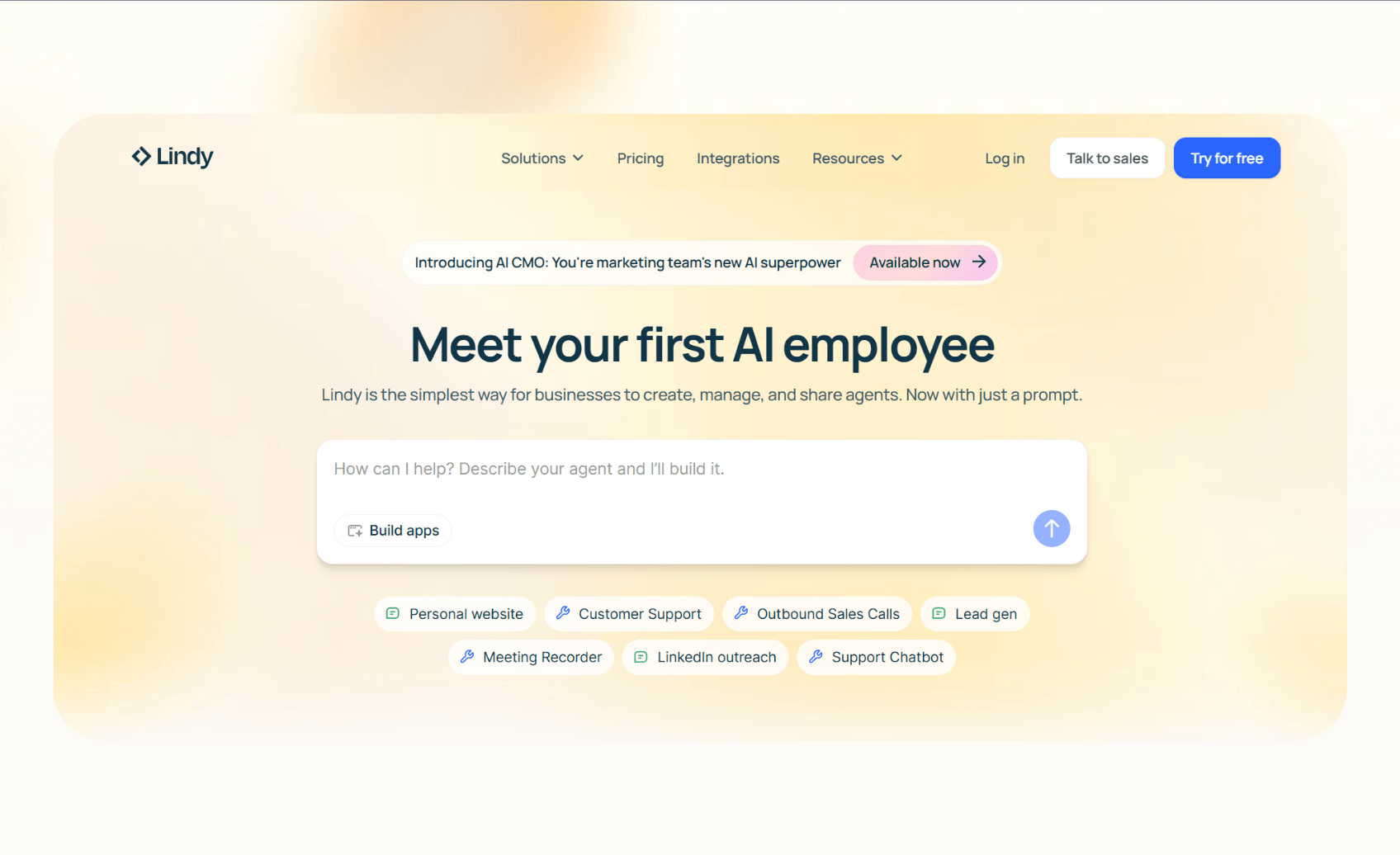
Lindy is an AI workflow automation tool that can help with multiple copywriting tasks. You can create custom AI agents for tasks like drafting a copy, routing it for approvals, and then pushing it directly into the systems where it needs to go.
This makes it valuable for teams that need AI copywriting across workflows, like customer support, email processing, content creation, internal documents, and more.
Best for
Support, sales, outreach, marketing, and content teams who want AI to generate copy for tasks like CRM updates, email campaigns, or customer follow-ups. It suits lean teams that prefer automation over manual copy-pasting across tools.
Key features
- No-code workflow builder with multi-step agents that can draft, revise, and publish copy while including human approval checkpoints.
- 4,000+ integrations with apps like HubSpot, Salesforce, Gmail, and Slack, so teams can send or log approved content without extra steps.
- Templates for email, ads, and support workflows, with the ability to tweak them to match your use cases.
- SOC 2 and HIPAA compliance for regulated industries that handle sensitive data.
Pricing
- Free: 400 monthly credits and up to 40 tasks
- Pro: $49.99/month, billed monthly, with 5,000 credits
- Business: $199.99/month, billed monthly, 20,000 credits
- Enterprise: Custom pricing and credit limits
Bottom line
Lindy stands out for combining copy generation with automation, making it one of the best copywriting tools for teams that need their content to ship, not just sit in drafts.
{{templates}}
2. Jasper – best for on-brand content inside an editor
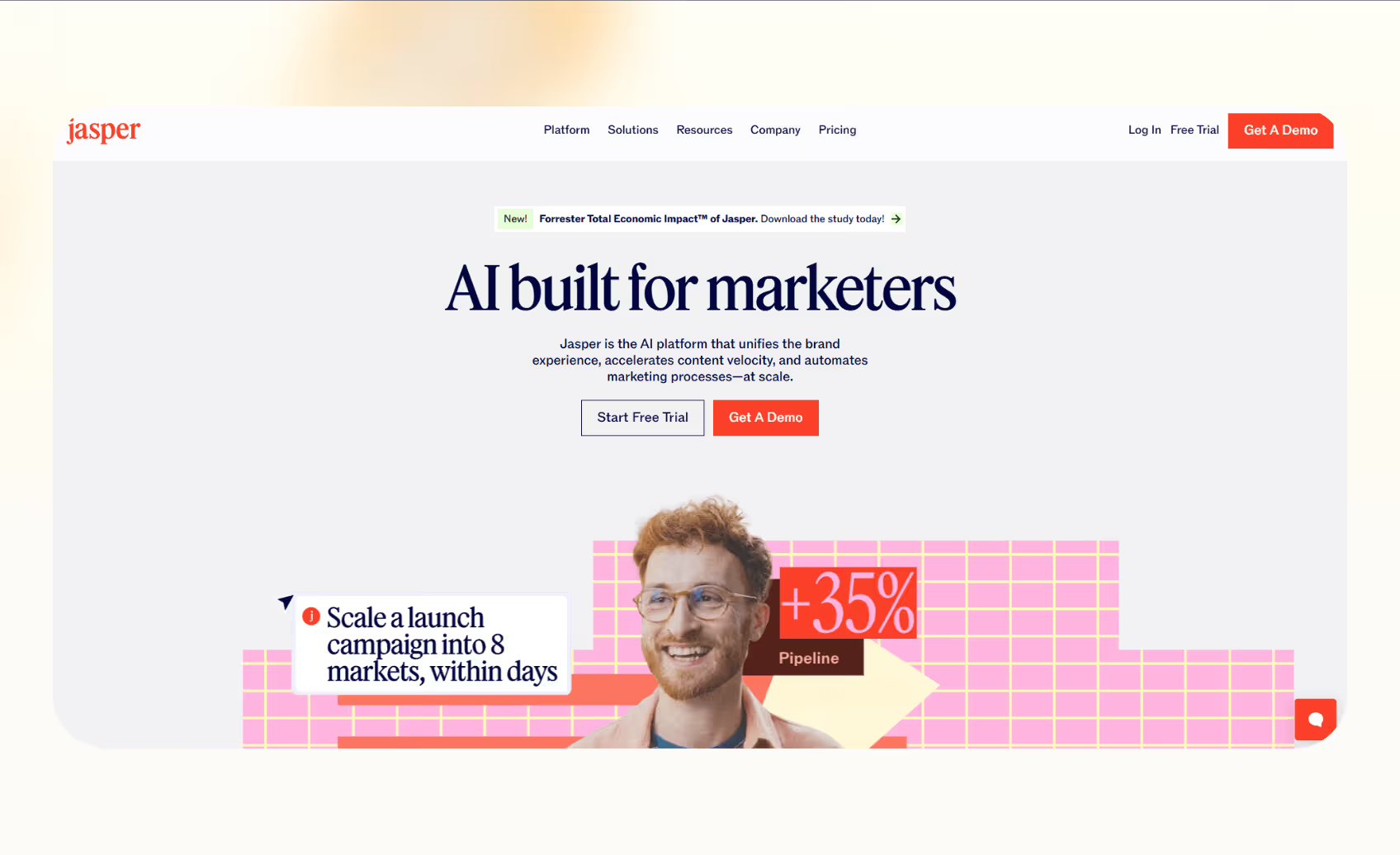
Jasper is an AI copywriting platform that focuses on helping teams create consistent, polished marketing content. It centers on its editor and brand voice tools, making it a go-to option for writers who want AI to stay close to their company's style.
Best for
Content and marketing teams that produce blogs, landing pages, and ad copy need outputs to follow brand rules across every channel.
Key features
- Brand Voice and Knowledge Base let teams upload style guides, value props, or past assets, so AI copywriting aligns with tone and facts.
- The Canvas editor provides a collaborative space for drafting long-form copy, campaign copy, or SEO content.
- Plagiarism checker powered by Copyleaks to ensure originality.
Pricing
- No free plan, 7-day free trial available
- Pro: $69/seat/month, billed monthly
- Business: Custom pricing and limits
Bottom line
Jasper is best for companies that prioritize AI copywriting consistency and collaboration within an editor, though it requires separate steps to publish or connect outputs to workflows.
3. Copy.ai – best for GTM workflows with flexible credits
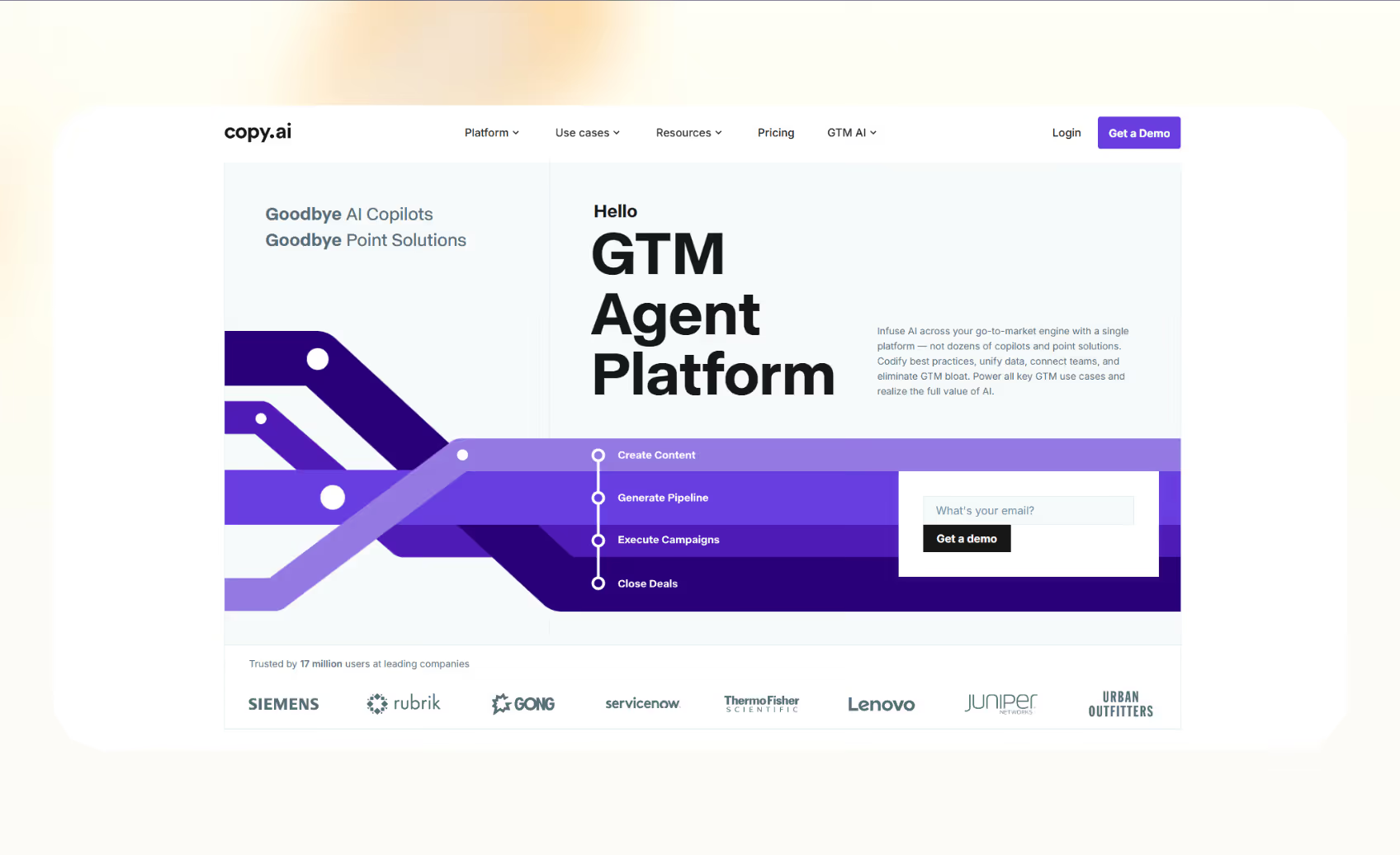
Copy.ai has shifted from being a pure writing assistant to positioning itself as a go-to-market automation tool. It combines chat-style generation with workflow builders that can handle research, scraping, and copy creation in one sequence.
Best for
Teams that want to create AI marketing copy at scale and connect it into GTM systems using Zapier or API connections. It works well for startups or agencies looking for flexible credits rather than strict seat-based pricing.
Key features
- Workflow builder allows users to chain research, writing, and formatting steps into repeatable processes.
- Infobase and brand voice help maintain tone and factual accuracy across different campaigns.
- Zapier integration lets Copy.ai connect to thousands of apps for pushing outputs into email tools, CRMs, or project management platforms.
Pricing
- Free: 1 seat, 2,000 words in chat
- Starter: $29/month, unlimited words, latest LLMs
- Advanced: $249/month, up to 5 seats
- Enterprise: Custom pricing
Bottom line
Copy.ai is one of the best copywriting tools for marketers who want AI-driven workflows tied into their existing GTM stack.
4. Writesonic – best for SEO-heavy and blog-focused content
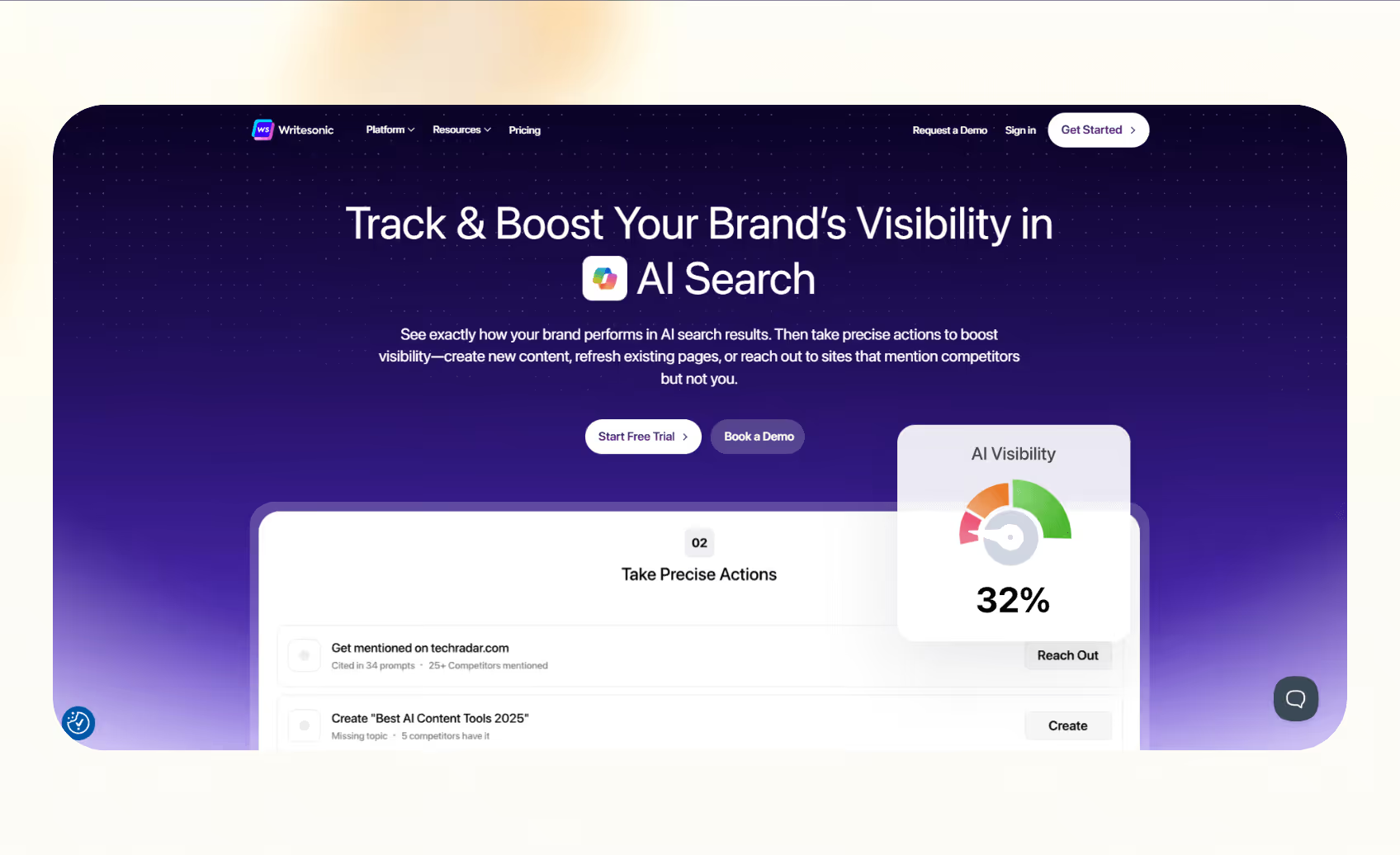
Writesonic is a content and SEO suite that supports teams producing long-form articles, product descriptions, and marketing pages. It suits creators who need both drafting and optimization tools in one place.
Best for
Writers, consultants, and small teams that focus on AI copywriting for blogs and SEO-driven content.
Key features
- AI Article Writer and SEO optimizer to generate drafts aligned with keywords.
- Chatsonic for research and conversational queries with access to multiple models.
- Zapier integration to connect content generation with publishing platforms like WordPress or Google Docs.
Pricing
- No free plan
- Lite: $49/month
- Standard: $99/month
- Professional: $249/month
- Advanced: $499/month
- Enterprise: Custom pricing
Bottom line
Writesonic works best when the priority is SEO-focused copy and blog production, but it offers fewer workflow automation options than other AI copywriting tools.
5. ChatGPT – best for general-purpose copy and connectors
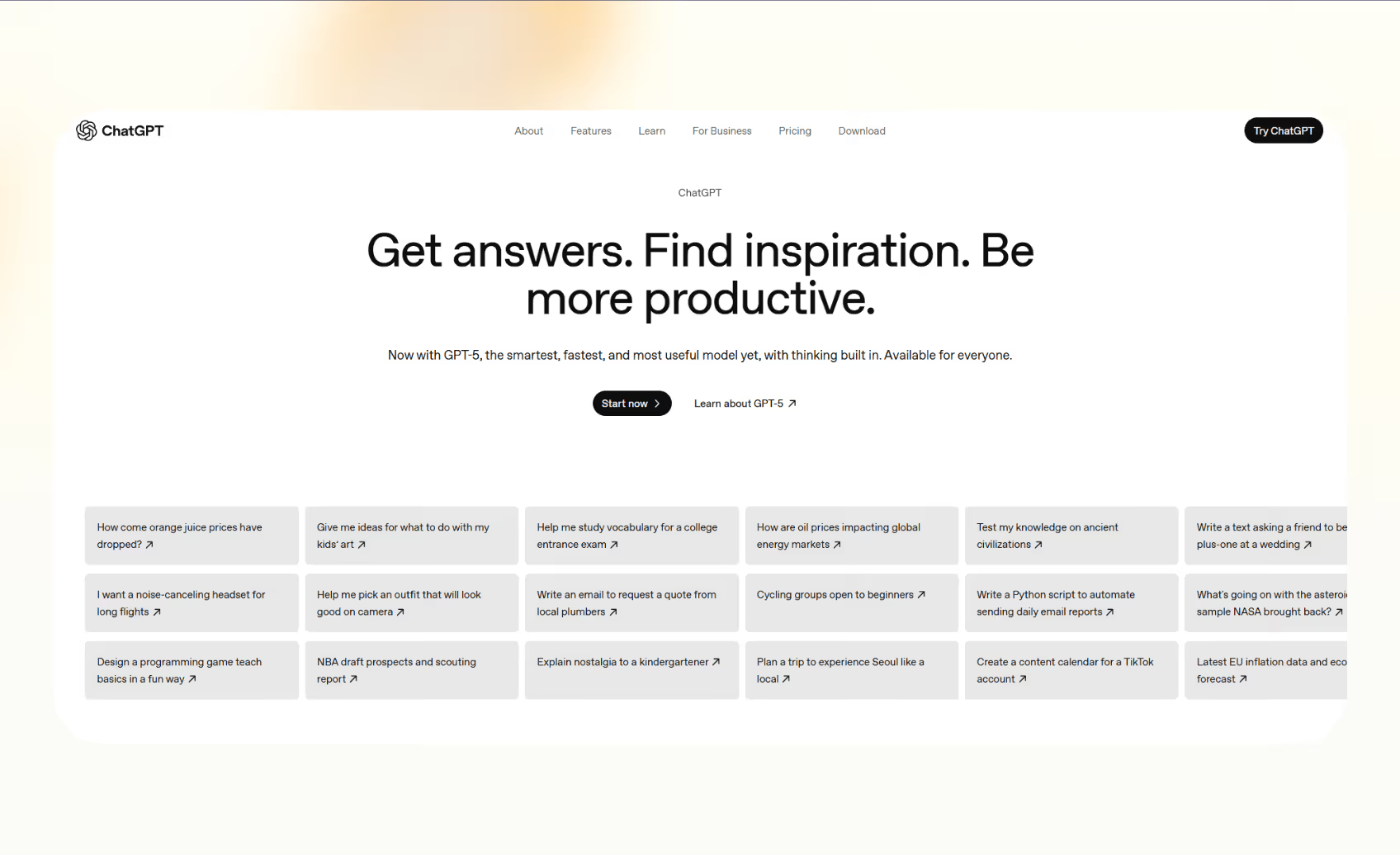
ChatGPT is one of the most widely used AI writing tools, valued for its versatility and expanding set of integrations via plugins and third-party connectors. It works as a general assistant that can draft, edit, and refine text while connecting to the apps teams already use.
Best for
Teams that want a baseline tool for brainstorming, drafting, and quick editing, with the ability to plug into Google Drive, Outlook, Slack, HubSpot, and other platforms through connectors.
Key features
- Projects and deep research features for organizing and synthesizing large volumes of information.
- Connectors that let users pull data or files directly from tools like Google Docs or SharePoint.
- Sora can generate images based on your prompts.
- Codex to help developers with code writing.
Pricing
- Free: Limited memory and context, access to GPT 5
- Plus: $20/month, projects, tasks, custom GPTs
- Pro: $200/month, unlimited messages and uploads, advanced Codex and Sora
- Business: $25/user/month, for more than 2 business users
Bottom line
ChatGPT is reliable for everyday AI copywriting, but teams often pair it with other platforms to manage workflows and approvals.
How does AI fit into marketing copy strategy?
AI fits into marketing copy strategy by acting as a drafting and testing partner rather than a full replacement for human creativity. It accelerates content creation while still requiring editorial oversight to ensure accuracy and alignment with brand goals.
Marketers use AI to generate first drafts of emails, ads, or landing pages, then refine them with human input. Approvals remain critical, especially in industries where compliance and messaging precision matter. This workflow balances speed with control and keeps copy consistent across campaigns.
Another key role is experimentation. Teams can use an AI copywriting tool to create headline or CTA variations at scale and then run structured A/B tests. Instead of testing two options, marketers can test ten and quickly see what resonates with different segments.
AI also extends reach by supporting repurposing. A blog post can be turned into ad copy, email snippets, and social captions in minutes, saving manual rewriting.
Chatbots can also use AI to give better responses. Let’s explore that in detail.
{{cta}}
Chatbot copywriting with AI
Chatbot copywriting is the practice of writing scripts and responses that feel natural in automated conversations. It matters because a chatbot often acts as the first touchpoint for customers, and tone shapes how trustworthy the interaction feels.
AI helps here by generating clear, concise replies that fit different user intents.
For example, a chatbot copywriting prompt can include brand guidelines, product details, and fallback rules, so the AI produces on-brand responses. It can also generate variations for different customer moods, such as a frustrated tone versus a casual inquiry.
Here are a few best practices to keep the copy human and approachable:
- Keep the responses short and crisp to avoid jargon.
- Guide the customer towards the next step of the support process.
- Suggest escalation messages for when an issue requires a human handoff.
- Use AI customer service tools to further improve the support process.
Next, we move on to training AI systems to reflect your unique brand voice.
How to train AI on your brand voice
Training AI on your brand voice means giving it the right context and examples so outputs match your company’s tone. Without this step, even the best AI copywriting tool can produce copy that feels generic.
Start by uploading or referencing materials that define your brand. These can be style guides, product messaging, past campaigns, and lists of words to use or avoid. These inputs help AI learn how to mirror your tone.
Many platforms also let you build a “brand voice” profile or knowledge base for reuse across projects. Next, focus on the prompt design. Include sample lines or clear tone instructions to guide the AI to stay consistent.
Platforms like Lindy, that combine writing with workflows, make this easier. For example, you can configure Lindy’s AI agents to generate outputs using the knowledge base as a reference and not publish them unless approved. This way, you can align your voice in every channel with AI for marketing copy.
Let Lindy be your AI copywriting and automation software
Manual copywriting slows down marketing and content teams. Lindy automates email writing, outreach messages, blog repurposing, CRM updates, and more. It acts as a hands-on writing partner, helping your team improve your content, copy, and overall messaging.
Here’s why Lindy should be in your corner:
- Supports content creation tasks: Lindy handles meeting notes, website chat, lead generation, and content creation. You can create AI agents that help reduce manual work in training, content, and CRM updates.
- Integrates with major apps: Lindy connects with your favorite tools like Airtable and Salesforce, keeping all your training data in one place.
- Personalized email outreach and replies: Lindy’s Lead Outreacher crafts personalized outreach and manages replies autonomously. Your team can send professional replies without hours of manual effort.
- Update CRM fields without manual entry: Instead of just logging a transcript, you can set up Lindy to update CRM fields and fill in missing data in Salesforce and HubSpot without manual input.
- AI Meeting Note Taker: Lindy joins meetings from Google Calendar. It records the conversation, creates transcripts, and writes structured notes in Google Docs. After the meeting, Lindy can send Slack or email summaries with action items and can even trigger follow-up workflows across apps like HubSpot and Gmail.
- Affordability: Build your first few automations with Lindy’s free version and get up to 40 tasks. With the Pro plan, you can automate up to 5,000 tasks, which offers much more value than Lindy’s competitors.
Try Lindy free and automate your first 40 sales tasks.
Frequently asked questions
Can AI write marketing copy better than humans?
Yes, AI can write marketing copy faster than humans, but humans still create more original ideas and adapt tone depending on the application, situation, and the target audience.
Is AI copywriting good for SEO?
Yes, AI copywriting is good for SEO when humans edit outputs, check facts, and align drafts with search intent before publishing.
How do I train AI to match my brand voice?
You train AI to match your brand voice by uploading guides, examples, and prompts that define tone, words, and style.
What are the risks of AI-generated copy?
The risks of AI-generated copy include factual errors, generic tone, copyright issues, and copy that feels impersonal without human editing.
Can AI write long-form content?
Yes, AI can write long-form content, but it requires human editing for accuracy, structure, and brand perspective to make it effective.
Is AI copywriting cost-effective for small businesses?
Yes, AI copywriting is cost-effective for small businesses because it reduces outsourcing costs while helping teams produce usable drafts faster.
What’s the best AI copywriting tool in 2025?
Some of the best AI copywriting tools in 2025 are Lindy, Jasper, Copy.ai, and ChatGPT. Among these, Lindy stands out for connecting copy generation with workflows and automation.











Blog
Related Articles


.avif)

.avif)

.avif)
.avif)
.avif)
The AI assistant that runs your work life
Lindy saves you two hours a day by proactively managing your inbox, meetings, and calendar, so you can focus on what actually matters.
