Obsidian Pricing Breakdown: Prices, Plans, Pros, and Cons
Michelle broke down Obsidian pricing across Free, Sync, Publish, and Catalyst tiers, weighing device sync limits, storage caps, and version history against Notion.


I started with Obsidian’s free plan, convinced I’d never need to pay for it. Then I wanted access to the same vault across three devices, a dependable version history, and a way to share my notes without a custom sync setup. Suddenly, the free notes app had a pricing decision attached to it.
That’s where Obsidian’s pricing gets confusing. The core app costs nothing, but cloud sync, publishing, extra storage, and higher limits sit in separate paid options.
I compared the Free, Sync, Publish, and Catalyst offerings to find out what each one covers, where the limits appear, and when an upgrade makes sense.
Here’s what you get for your money and who should keep using the free version.
What is Obsidian?
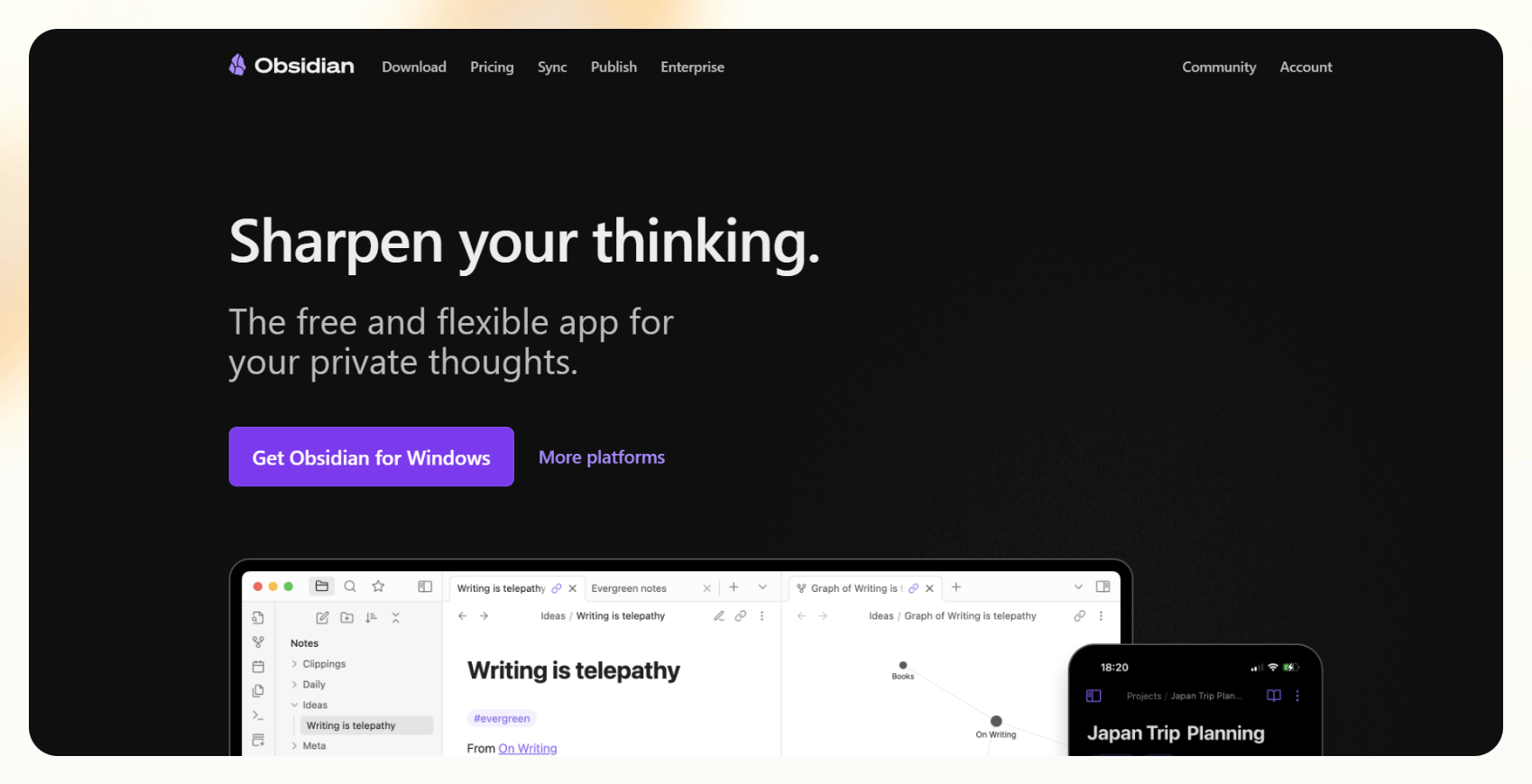
Obsidian is a markdown-based note-taking app that stores all notes locallyobsidian review for a complete evaluation. on your device. It’s popular among people who want a personal knowledge base they can shape and scale however they like. To determine if the app meets your specific needs, read our best
You can use it for daily journaling, academic research, or technical documentation, depending on how you build it out. Obsidian is flexible, meaning you can install community plugins, tweak the interface, and create your workflow without needing to code.
Core features
Obsidian’s features make it ideal for building a long-term knowledge base. Here are the core ones worth knowing:
- Local vaults and file-based storage: Every note is stored as an .md file in a local folder you control. You don’t need an account or a cloud subscription.
- Graph view and backlinking: Obsidian automatically maps how your notes connect. You can visualize relationships between ideas, helping you spot gaps or recurring themes across your content.
- Community plugins: Users have built 1,000+ plugins, everything from task managers and spaced repetition tools to daily note templates and kanban boards.
- Custom themes and interface tweaks: You can change the look of the interface. Obsidian lets you restyle almost everything using CSS, or install pre-made themes from the community.
- Command palette and keyboard-first design: Users can navigate, search, and trigger actions using a global command bar.
But what sets Obsidian apart is how much control it gives you over your data. We’ll explore that next.
Why teams choose Obsidian
Teams choose Obsidian because it gives them privacy, control, and long-term access to their notes. It offers something most cloud tools don’t:
- Local control: Notes live on your device. You’re not relying on a third-party server, which is critical for teams handling sensitive or regulated information.
- You own your data: Obsidian saves all your notes in plain-text markdown. You can move, back up, or version your notes however you want.
- Plugin-rich customization: From team documentation templates to synced vaults via third-party tools, Obsidian’s plugin ecosystem allows some workarounds for collaboration.
- Pricing transparency: The core app is free forever. You pay for Sync or Publish if you need them.
It’s a practical choice for teams focused on privacy and offline control. Let’s explore its ideal audience next.
Who Obsidian is best for
Obsidian works best for individuals who want privacy, long-term access to their content, and control over customization settings. These teams can be:
- Writers and researchers: If you need to reference sources, link related ideas, or maintain a second brain over time, Obsidian gives you the building blocks.
- Academics and technical users: The markdown-first approach makes it easy for academic users to export, archive, and share notes in plain text.
- Privacy-conscious users: Obsidian stores notes on your device. Users who are uncomfortable with SaaS platforms tracking or scanning their content find this valuable.
- Tinkerers and builders: Obsidian becomes a planner, journal, or research lab if you’re willing to set it up.
Next, we move on to Obsidian’s pricing.
{{templates}}
Obsidian pricing plans (2025 breakdown)
Obsidian uses a modular pricing model. The core app is free, and you only pay if you need features like cloud sync or publishing. Here’s how the pricing breaks down: If you are comparing budgets across your software stack, you can also review the best fireflies ai pricing options. For teams evaluating automated developer tools, comparing devin pricing software offers insight into modern AI tool subscription models. If you are comparing broader AI productivity software costs, reviewing the best genspark pricing can help guide your decision. Additionally, organizations exploring voice automation tools might consider evaluating vapi ai to see how voice agent costs fit into their budget.
| Plan | Price | What’s Included |
|---|---|---|
| Free | $0 | Core app, plugins, themes, local storage |
| Sync (Standard) | $5/user/month, billed monthly | E2EE sync, 1GB, 1-month history, priority support |
| Sync (Plus) | $8-10/month | Up to 10 vaults, 10–100 GB, 12-month history, larger file support |
| Publish | $10/month/site | Web publishing, themes, custom domain, search |
| Catalyst | One-time $25 | Insider access, badges, dev support |
| Commercial | $50/user/year | License for orgs, no feature change |
Free plan
Price: $0
What’s included:
- Full access to the core app
- Community plugins and themes
- Local markdown storage without the need to login
Pros:
- Core app is capable
- Works completely offline
- Plugin ecosystem isn’t paywalled
Cons:
- No sync, notes stay on one device
- Requires manual backup or third-party cloud storage
Sync plan
Price: $5/month per user, billed monthly
What’s included:
- End-to-end encrypted sync
- 1 remote vault (1GB), 1-month version history
- Priority support
Pros:
- Fast and private device syncing
- Good for solo users across devices
- Built-in version history
Cons:
- Only 1 vault on the standard plan
- Some users feel that Obsidian sync pricing is steep for what it offers
- To expand limits, you need to upgrade to Sync Plus, $10/month, billed monthly
Publish plan
Price: $10/month per site, billed monthly
What’s included:
- Public publishing of selected notes
- Custom domain and built-in search
- Hosted and maintained by Obsidian
Pros:
- Simple way to publish knowledge bases
- Zero hosting setup needed
- Markdown stays clean and editable
Cons:
- Requires CSS tweaks for custom branding
- Doesn’t support embeds or web app logic
Catalyst license
Price: One-time payment of $25
What’s included:
- Early access to insider builds
- Community badges
- Supports future development
Pros:
- Great if you want to support Obsidian’s roadmap
- No recurring cost
- No feature lock-in
Cons:
- Doesn’t unlock sync or publish
- Purely for early access and community support
Next, let’s talk about when it makes sense to pay for the paid plans.
Is Obsidian worth it?
Obsidian is worth it for the right kind of user. The free version is already powerful enough for most solo workflows. If you want to add cloud sync or share notes online, the paid upgrades are reasonably priced.
However, not everyone needs Obsidian’s level of customization or local setup. Obsidian isn’t for teams looking for automation or cloud-based notes. It’s a great choice if you’re already managing a knowledge base.
It becomes cost-effective when:
- You work across multiple devices and want secure, encrypted sync
- You rely heavily on version history for long-form notes
- You’re maintaining a personal wiki or public-facing documentation site
- You’ve outgrown iCloud or Dropbox as syncing workarounds
You may outgrow it if:
- You need real-time collaboration or shared editing
- You want notes to trigger tasks, reminders, or updates automatically
- You’re tired of maintaining plugins or vault structure yourself
- Users mention that sync pricing feels high just to move text between devices
When Obsidian might not be a fit
Obsidian might not work if you want a note-taker that is easy to set up, supports collaboration, or can automate workflows. It may not fit your use cases if:
You need live team collaboration
Obsidian doesn’t support multiple people editing the same note at once. There’s no Google Docs-style live view or shared comments. You can share vaults, but it’s manual and often limited to read-only.
You require detailed analytics or reporting
There’s no dashboard for usage metrics, note frequency, or contributor activity. If you're trying to audit content or spot patterns over time, you'll need plugins or external tools.
You want a ready-to-use, cloud-first note system
Obsidian needs setup like plugin installation, theme tuning, and folder structure. If your goal is speed and simplicity, AI note-takers like Notion or Lindy may be a better fit.
Let’s say Obsidian doesn’t cut it for your workflow. What should you consider instead?
Top alternatives to Obsidian
Obsidian alternatives, offering collaboration, automation, and ease of set up. These five tools are excellent Here’s how they compare:
| Tool | Best for | Offline use | Sync support | Customization | Ideal user type |
|---|---|---|---|---|---|
| Lindy | AI note-taking to trigger automation workflows | No | Yes (via E2EE & APIs) | Medium (template agents) | Ops leads, solo execs, automation-first users |
| Notion | Structured docs & team collaboration | No | Yes (native) | High (blocks, templates) | Teams, PMs, startup operators |
| Logseq | Privacy-first personal knowledge base | Yes | Manual / 3rd-party | High (plugin-rich) | Researchers, markdown purists |
| Roam | Networked thinking & bi-directional notes | Limited | Yes (cloud-first) | Medium-high | PKM builders, Zettelkasten fans |
| Evernote | Quick capture, tagging, and reminders | Limited | Yes (built-in) | Low | General users, field workers |
If you're managing client calls, internal notes, or lead tracking, Lindy can help make that information actionable rather than static.
Let’s see how Obsidian compares to Lindy.
Lindy vs Obsidian
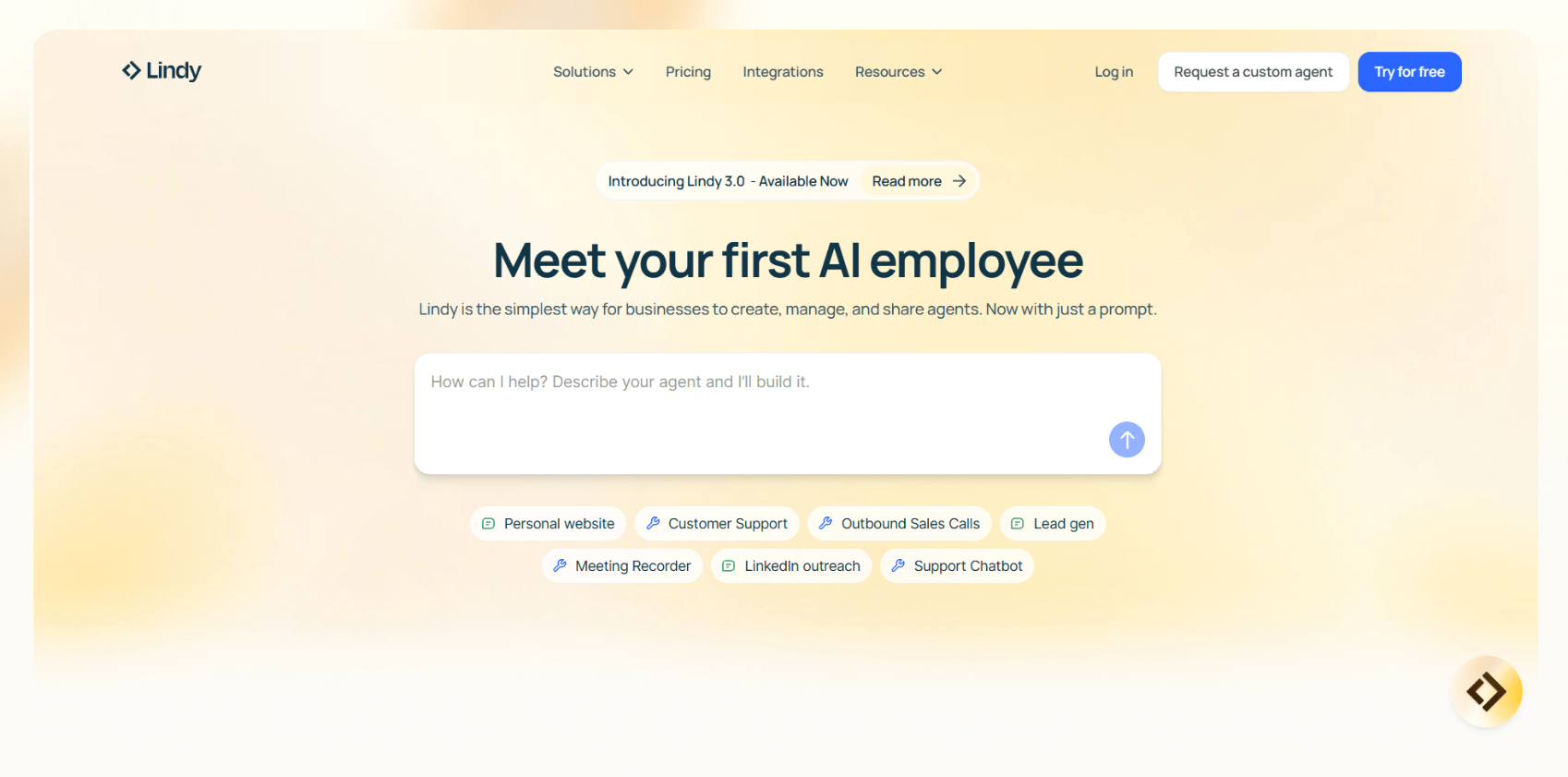
Obsidian helps you organize ideas. Lindy helps you act on them. They overlap in some use cases, but they serve very different goals.
Use Lindy if:
- You want your notes to trigger tasks, emails, or follow-ups automatically
- You’re handling meetings, updates, or lead workflows across apps
- You need a system that runs without manual setup or plug-in hunting
Use Obsidian if:
- You prefer full control over your local files
- You like building and customizing your systems
- You don’t need your notes to talk to other apps
How they complement each other
Some users write and tag notes in Obsidian, then use Lindy to act on that information. For example, Lindy can pick up a note tagged #follow-up and trigger a workflow, like sending a reminder, updating your CRM, or emailing a teammate.
How Lindy helps you get stronger knowledge ROI
Obsidian reliably stores and organizes notes, but it lacks automation features. Lindy uses customizable AI agents to execute automation workflows using notes as triggers.
Lindy agents read your notes, extract the relevant context, and act on it. They can send a follow-up email, assign a task, log a CRM update, or generate a status report without you needing to copy-paste or manage tools manually.
Such automation helps when you're dealing with dozens of meetings, tasks, or updates every week. Notes become part of your workflows, helping you automate repetitive tasks.
If you’re in healthcare, Lindy's clinic notes AI can summarize conversations, set reminders, and prepare structured output for compliance or documentation from your daily notes.
{{cta}}
Try Lindy, your Obsidian alternative with automation
If you want affordable AI automations around your notes, try Lindy. You can build AI agents that trigger action based on your notes, like sending emails, updating CRMs, and managing follow-ups automatically.
It includes ready-to-use templates and integrates with 7,000+ apps, including Notion, Gmail, Slack, and HubSpot.
Here’s what makes Lindy practical for support, sales, and internal workflows:
- AI Meeting Note Taker: Lindy can join meetings based on Google Calendar events, record and transcribe conversations, and generate structured meeting notes in Google Docs. After the meeting, Lindy can send Slack or email summaries with action items and can even trigger follow-up workflows across apps like HubSpot and Gmail.
- Sales Coach: Lindy can provide custom coaching feedback, breaking down conversations using the MEDDPICC framework to identify key deal factors like decision criteria, objections, and pain points.
- Automated CRM updates: Instead of just logging a transcript, you can set up Lindy to update CRM fields and fill in missing data in Salesforce and HubSpot — without manual input.
- AI-powered follow-ups: Lindy agents can send follow-up emails, schedule meetings, and keep everyone in the loop by triggering notifications in Slack by letting you build a Slackbot.
- Lead enrichment: Lindy can be configured to use a prospecting API (People Data Labs) to research prospects and to provide sales teams with richer insights before outreach.
- Automated sales outreach: Lindy can run multi-touch email campaigns, follow up on leads, and even draft responses based on engagement signals.
- Cost-effective: Automate up to 400 monthly tasks with Lindy’s free version. The paid version lets you automate up to 5,000 tasks per month, which is a more affordable price per automation compared to many other platforms.
Sign up for Lindy’s free plan and automate up to 400 tasks right away.
Frequently asked questions
How much does Obsidian cost?
Obsidian is free to use, but premium features cost extra. Sync is $4/month, Publish is $8/month per site, and Catalyst starts at a one-time $25.
Is Obsidian free forever?
Yes, the core Obsidian app is free forever for both personal and commercial use. You only pay for optional upgrades.
What is the difference between Publish and Sync?
The Publish plan lets you share notes online through a hosted site. The Sync plan helps you keep your notes updated across devices with end-to-end encryption.
Does Obsidian have a free trial for premium services?
No, Obsidian doesn’t have a free trial, but you can request a refund within 7 days for Sync or Publish if it’s not the right fit.
Can I use Obsidian on multiple devices for free?
Yes, you can use Obsidian on multiple devices for free if you manually sync your vaults. Automatic syncing requires a paid plan.
What are the best Obsidian alternatives?
Top Obsidian alternatives include Notion, Logseq, Roam, Evernote, Gong, and Lindy if you want AI agents that automate your notes.
Can Obsidian be used for teams or collaboration?
Using Obsidian for teams or collaboration is difficult as it doesn’t support live editing or shared comments. Team workflows can get clunky.
How does Obsidian compare to Lindy?
Obsidian helps you store and structure ideas. Lindy helps you act on them, like sending follow-ups or updating your CRM based on notes.
Does Obsidian support analytics or reporting?
No, Obsidian doesn’t support analytics or reporting. However, it does have some plugins that offer limited tracking.









