

Instinct AI is an invite-only personal assistant you can text through iMessage, WhatsApp, or SMS, or call to handle everyday tasks. It can book appointments, order groceries, and proactively flag things that need your attention. But is it worth a look if you already use Lindy?
Lindy offers similar personal assistance, alongside shared Slack workflows, company knowledge, and recurring tasks for teams.
I wanted to give both products a fair look. So I reviewed Instinct’s official documentation and firsthand user experiences on Reddit alongside Lindy's capabilities.
Here's what I found and which assistant I'd recommend for different needs.
Instinct AI vs Lindy: TL;DR
I'd choose Instinct for personal errands and Lindy for recurring team workflows. Both can complete tasks through messages and connected applications, but their strengths differ.
Here's how I'd choose:
- Pick Instinct for personal assistance: It can book appointments, order groceries, make reservations, and handle errands through text messages.
- Pick Lindy for team workflows: Lindy works in Slack, uses shared company context, and handles recurring tasks involving meetings, follow-ups, and connected applications.
- Use both if your needs overlap: Instinct can handle personal appointments and purchases, while Lindy helps with meeting preparation, CRM updates, and team coordination.
What is Instinct AI?
Instinct is a personal AI assistant developed by Spear Street Technology, Inc. You can text or call it, describe what you need, and have it complete tasks using its own phone and computer capabilities.
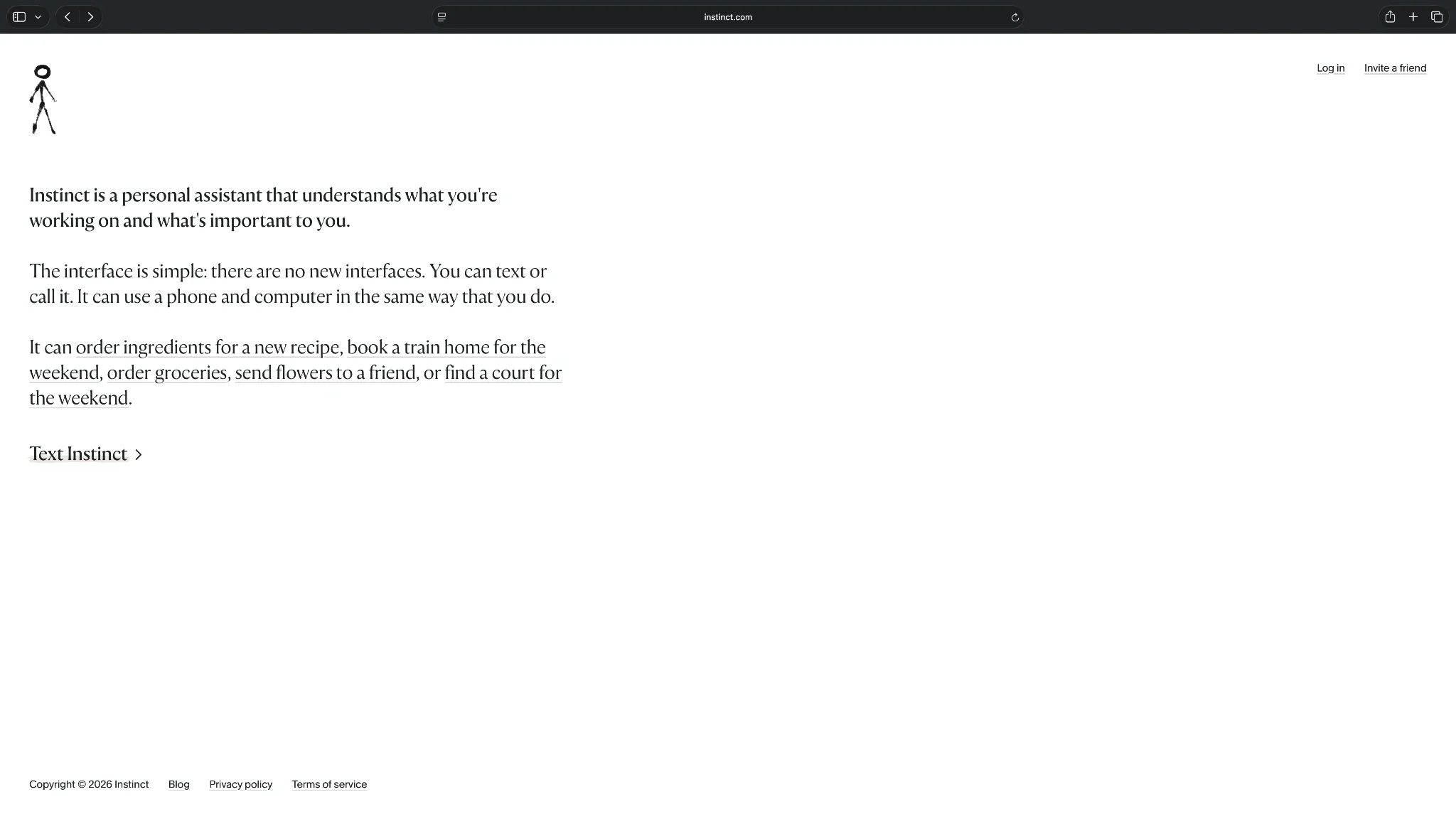
For example, you could ask Instinct to book a train ticket, arrange a doctor's appointment, order groceries, or cancel a subscription.
Instinct can connect to your email, calendar, and other accounts to understand requests and complete multi-step tasks.
In a Reddit discussion, one user reported using Instinct to buy and cancel travel tickets, plan meals and shopping, and compare insurance quotes. Another described using it to manage appointments, household bills, and family schedules.
Instinct's official announcements also describe location-based suggestions and proactive assistance. Its terms support group chats involving friends, family, and coworkers.
Instinct's connected-account capabilities also extend to professional applications, although its public documentation provides fewer details about managing shared company workspaces.
Recent updates and access
Noah Shinn founded Instinct AI and launched it as an invite-only early access program in 2026. It also lets your assistant coordinate plans and swap files with the Instinct assistants of trusted friends and coworkers.
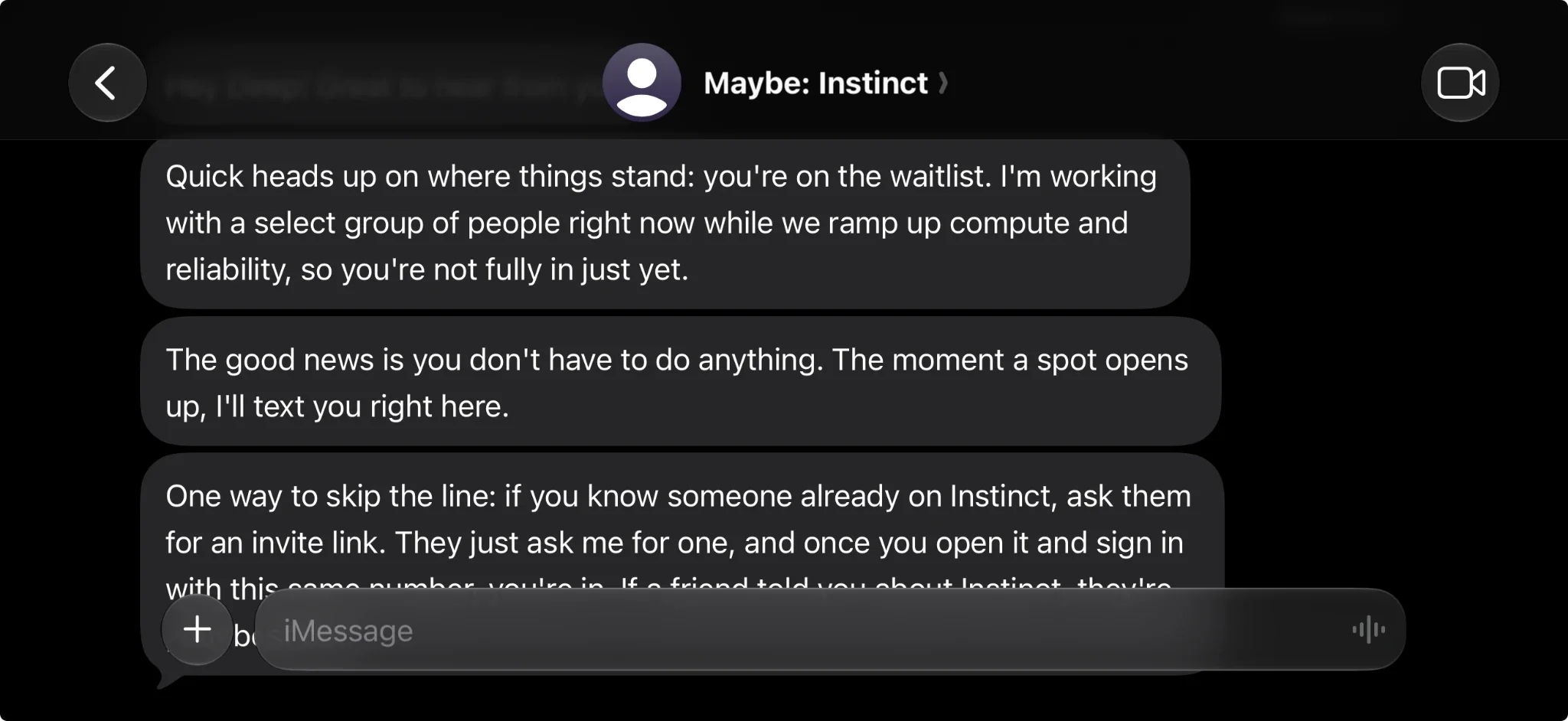
Instinct remains in early access, with no confirmed date for unrestricted availability. Its current terms state that the service is free, although the company may introduce fees later.
What is Lindy?
Lindy is an AI teammate that works privately with individuals and as a shared teammate for teams. You can delegate tasks through Slack, the web app, iMessage, SMS, or email.
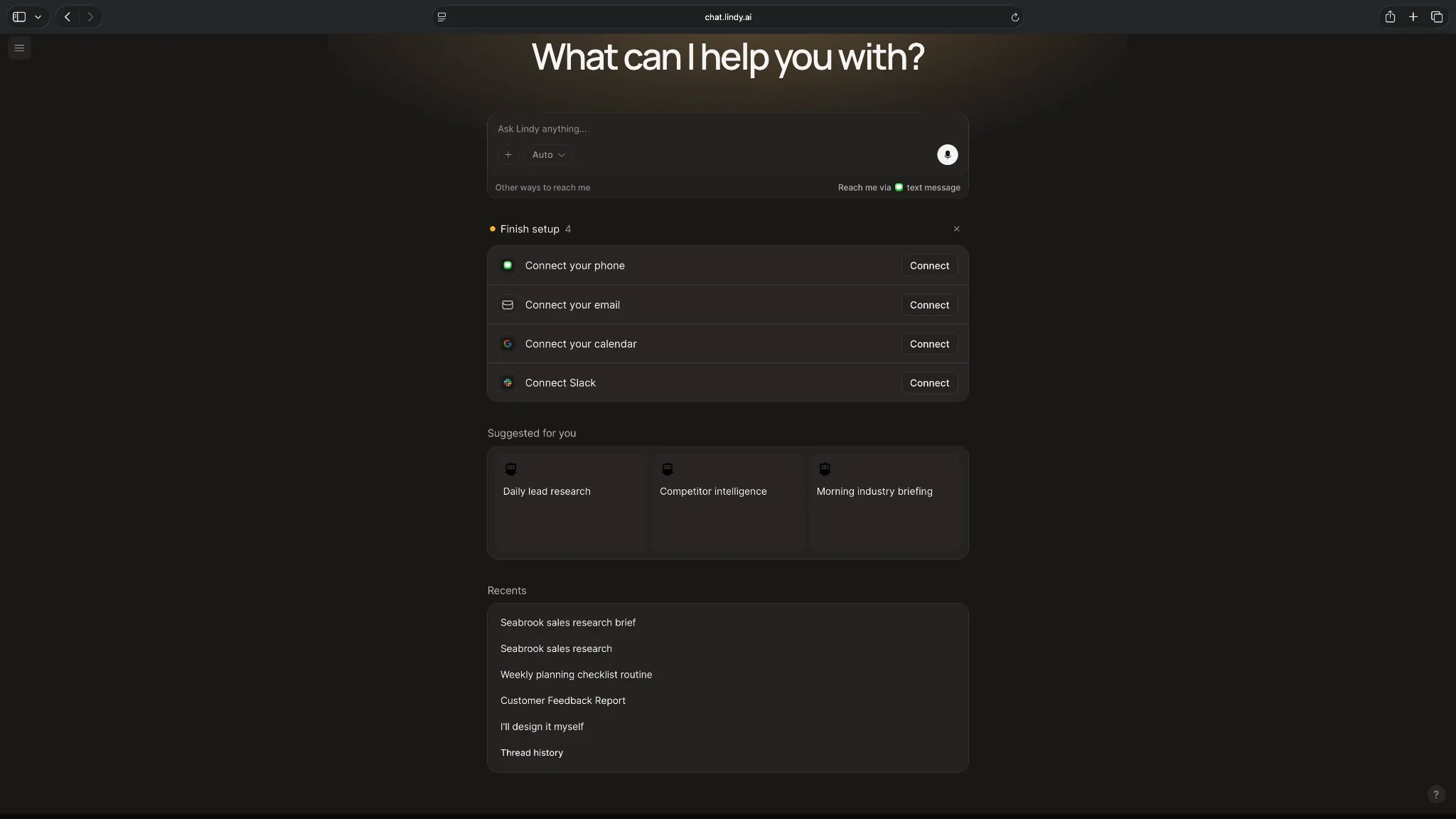
In Slack, teammates can @mention Lindy to research information, prepare reports, or work with connected applications. Lindy uses shared meetings, files, and workspace context, allowing other team members to follow conversations and continue work.
Lindy also handles personal tasks, including meeting preparation, inbox management, scheduling, and follow-ups.
For example, a sales manager could ask Lindy to review recent customer meetings, identify unanswered questions, and prepare a summary for the sales team.
Using workspace routines, a workspace admin could schedule the report every Monday and share it in a Slack channel.
Lindy supports personal and shared workspace memory, with separate access permissions for individual and team information. It also offers 3,000+ integrations and MCP support.
These capabilities make Lindy useful for teams that regularly work with shared information.
Recent updates and features
In October 2026, Lindy introduced Watch and Learn, which lets users demonstrate a task through a recording or written instructions and turn it into a repeatable process.
It also launched Lindy Apps, allowing teams to build internal tools such as approval boards and trackers using natural-language instructions.
These features expand Lindy's ability to handle ongoing responsibilities across business applications, similar to an AI employee.







Instinct vs Lindy: Quick comparison
Both tools can handle personal tasks, work with connected accounts, and follow up on requests. They differ when it comes to collaboration, memory, and recurring work. Here's a side-by-side comparison:
| Feature | Instinct AI | Lindy |
|---|---|---|
| What it is | Personal AI assistant | An AI teammate |
| Best for | Errands, appointments, purchases | Meetings, team questions, recurring work |
| Where you use it | iMessage, WhatsApp, SMS, phone | Slack, web, iMessage, SMS, email, phone |
| Collaboration | Group chats, assistant coordination | Shared Slack threads, team workflows |
| Memory | Conversations and connected accounts | Personal and shared workspace memory |
| Integrations | Connected accounts, websites, browser actions | 3,000+ integrations and MCP |
| Approvals | User oversight; action-specific safeguards | Configurable controls in shared Slack threads |
| Pricing | Currently free | From $29.99/user/month for 3,000 credits; $10 per additional 1,000 |
| Free access | Free for invited users | $50 in credits for seven days |
Instinct is particularly appealing for personal tasks you want to delegate through messages, while Lindy's shared-workspace features make it a stronger fit for recurring company work.
Where Instinct AI and Lindy overlap
Instinct and Lindy share several capabilities. Both can communicate through iMessage, respond to text messages, use connected applications, and complete tasks on your behalf.
Here's what both assistants can do:
- Handle personal tasks: Schedule appointments, manage calendars, and help with follow-ups.
- Work with connected accounts: Use information from your email, calendar, and other authorized services to complete requests.
- Act proactively: Surface reminders, upcoming commitments, or tasks that need your attention.
- Communicate with others: Send messages or contact people while completing assignments, depending on available permissions.
Both also support collaboration. Instinct can participate in group chats and coordinate with other assistants, while Lindy works in shared Slack conversations.
Lindy vs Instinct: 5 key differences
You can ask either Instinct or Lindy to take actions for you, but the experience changes depending on the task and who needs access to its results. Here are the five differences I'd consider before choosing one:
1. Personal errands vs shared team workflows
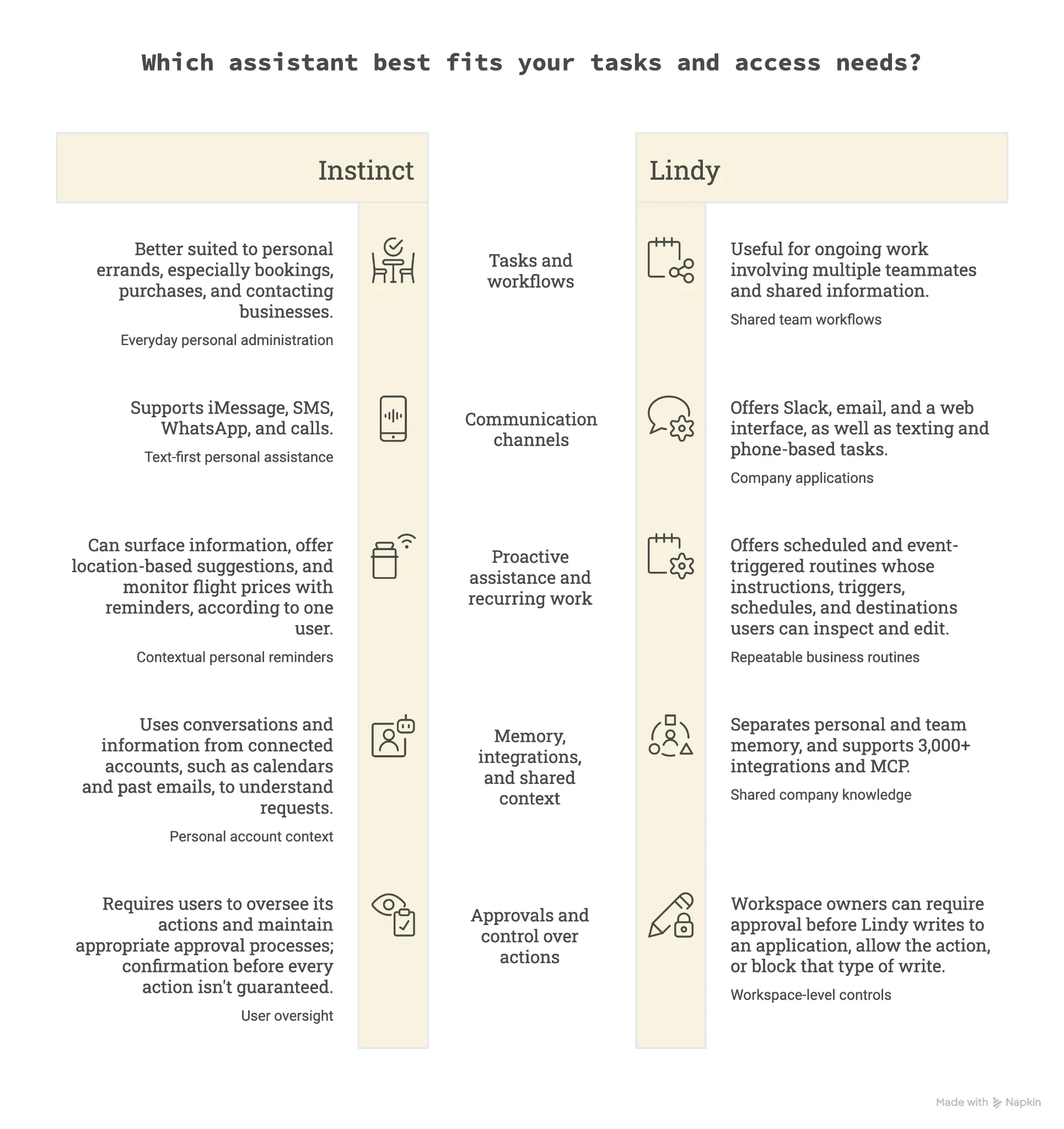
Instinct is better suited to personal errands, especially tasks involving bookings, purchases, and contacting businesses.
For example, you could ask it to find a restaurant for Friday, confirm availability, and make a reservation. Its phone and computer capabilities allow it to interact with services while completing your request.
Lindy handles personal tasks too, but its shared Slack workspace is useful when several people need access to the same information.
For example, a sales manager could ask Lindy to summarize customer meetings, identify outstanding questions, and share the findings in a Slack channel. Teammates could then continue the conversation using the same context.
My pick: Instinct for everyday personal administration; Lindy for ongoing work involving multiple teammates.
2. Messaging and communication channels
Both assistants support iMessage, letting you delegate tasks through familiar text conversations.
Instinct emphasizes this experience. You can message it through iMessage, SMS, or WhatsApp, or call it to explain what you need. That makes sense for someone who wants an assistant available throughout their day.
Lindy also supports texting, but offers additional ways to work through Slack, email, and its web interface.
In Slack, you can @mention Lindy in a channel or thread. Other teammates can see the conversation, ask follow-up questions, and work from information shared there.
Lindy also supports phone-based tasks, although calling features and usage may vary by account.
My pick: Instinct for text-first personal assistance; Lindy for communication that happens across company applications.
3. Proactive assistance and recurring work
Instinct can proactively surface information that might need your attention.
Its September 2026 announcement describes location-based suggestions. With location sharing enabled, Instinct can recognize when you arrive somewhere and suggest actions based on your preferences.
In a Reddit discussion, one user reported asking Instinct to monitor flight prices several times a day and send reminders when fares changed. However, these experiences are self-reported, so they don't establish how consistently the reminders work.
Lindy offers scheduled and event-triggered routines. You can configure it to prepare meeting briefs, check emails, draft follow-ups, or post updates to a team channel.
For example, you could ask Lindy to check for unanswered client emails every weekday morning and prepare a list of pending follow-ups.
The difference is the level of documented control over recurring work. Lindy lets users inspect and edit routine instructions, triggers, schedules, and destinations.
Instinct supports contextual assistance and recurring monitoring, but I couldn't verify an equivalent set of configurable team routines.
If you want other proactive assistants to compare, Claude Duet and ChatGPT dots are worth a look as Instinct AI alternatives.
My pick: Instinct for contextual personal reminders; Lindy for repeatable business routines.
4. Memory, integrations, and shared context
Instinct uses conversations and information from connected accounts to understand your requests.
For example, it may use your calendar and past emails to identify the right person to contact or find information needed for an appointment.
Lindy also remembers context, with an additional distinction between personal and team memory.
Personal files are accessible to the individual user, while workspace members can read the shared team files. Owners and admins control changes to team files.
Lindy also supports 3,000+ integrations and MCP, including connections to common business applications.
That makes shared information easier to manage when several teammates need access to company procedures, meeting decisions, or customer context.
Instinct supports connected work applications and group conversations, but comparable workspace-wide memory controls remain unverified.
My pick: Lindy for shared company knowledge; Instinct for assistance centered on personal account context.
5. Approvals and control over actions
Both assistants can take actions that affect other people, including sending messages, arranging bookings, and interacting with connected services.
Instinct's terms of service require users to oversee its actions and maintain appropriate approval processes. The company may add safeguards or confirmation steps to some tasks, but it doesn’t promise they’ll stop mistakes.
Lindy offers configurable controls for connected tools in shared Slack threads. Workspace owners and admins can require approval before Lindy writes to an application, allow the action, or block that type of write.
For example, a team could let Lindy research CRM records while requiring approval before it updates them.
These integration guardrails only apply in shared Slack threads. Private web chats, Slack DMs, and text messages aren’t covered, so review permissions for each one.
My pick: Lindy for its documented workspace-level controls. Both require oversight when handling sensitive or consequential actions.
Privacy and data handling of Instinct AI and Lindy
It's worth checking how each service handles that information before granting access to your inbox, calendar, or company applications. Let’s see how each tool handles your data:
How Instinct handles your data
Instinct's privacy policy, updated November 17, 2026, explains that certain information may be used to improve and train its AI models.
You can opt out of model training through your account settings. However, the opt-out applies going forward, and Instinct may still use information flagged for safety review.
The policy also offers specific protections:
- Vault information: Instinct says information stored in its Vault isn't used to train AI models.
- Google Workspace data: Information received directly through Google Workspace APIs isn't used for model training.
- Connected accounts: You can disconnect services and request deletion of previously collected information.
Instinct says account-data deletion may take up to 90 days, with exceptions for legal, security, and related obligations.
How Lindy handles your data
Lindy states in its security documentation that customer data isn't used to train AI models. It also describes encryption in transit and at rest, activity logging, and controls for connected accounts.
Lindy's personal and team memory have separate access permissions. Workspace members can read shared team files, while owners and admins control edits.
For organizations with additional requirements, Lindy offers SOC 2 Type II certification and Enterprise features such as SSO, audit logs, and HIPAA support with a signed BAA.
Which offers better privacy controls?
Lindy has more explicitly documented controls for managing company information, particularly around shared memory, application permissions, and administrator access.
Instinct also provides privacy controls, including model-training opt-outs and protections for Vault and Google Workspace information.
I'd recommend reviewing each product's permissions before connecting sensitive accounts. If I were evaluating either for company use, I’d pick Lindy.
Instinct AI vs Lindy: Pricing and availability
Pricing is another difference between the two assistants, as Instinct is still in early access. Here’s a complete breakdown of their costs:
Instinct AI pricing
According to Instinct's November 2026 terms, the assistant is currently free to use. However, you still pay for purchases, bookings, and other third-party services Instinct arranges on your behalf.
Here's the current pricing breakdown:
| Plan or cost | Price | Details |
|---|---|---|
| Early access | Free | Invite-only access to Instinct |
| Third-party purchases | Varies | Groceries, bookings, and other services |
| Future paid plans | Not announced | Fees may be introduced later |
Instinct hasn't published a confirmed paid subscription plan. Instinct remains invite-only, so you'll need access through its invitation process before you can use it.
Lindy pricing
Lindy has a free plan with $50 in credits that last seven days. It also offers clearly laid-out pricing tiers. Here's how the pricing works:
| Plan or option | Price | Included credits |
|---|---|---|
| Free | $0 | $50 in credits for 7 days |
| Starting price | From $29.99/user/month | 3,000 credits |
| Additional credits | $10 | 1,000 credits |
Team members can draw credits from a shared workspace pool. Credit usage depends on the complexity of the work and the actions Lindy performs.
My take: Instinct has the price advantage if you have access. Teams can get started with Lindy immediately and budget in advance for recurring work.
Which one should you choose: Lindy or Instinct AI?
I'd make the decision based on the tasks you'll delegate most often. I’ve listed a few scenarios and use cases to help you decide:
Choose Instinct if:
- Most of your requests involve personal errands, appointments, bookings, or purchases.
- You prefer interacting with your assistant through WhatsApp, iMessage, or phone calls.
- You have an invitation and want to explore personal assistance without a subscription fee.
Choose Lindy if:
- Multiple teammates need access to the same meetings, files, and company context.
- You want recurring work to run on schedules or connected-app events.
- You need documented workspace permissions and shared application connections.
Final verdict
Instinct works for someone who primarily wants help managing everyday life. Its texting experience and personal-task capabilities are appealing, especially while access remains free.
For a business, I'd choose Lindy. Its shared memory, Slack collaboration, connected applications, and scheduled routines make it a stronger fit for recurring work involving several teammates.
You can also use both if your personal and business needs overlap.
If team workflows are your priority, try Lindy with $50 in introductory credits and see how it handles your existing tasks.
FAQs
1. Is Instinct AI free?
Yes, Instinct AI is currently free to use. Users still pay for purchases and bookings made through third-party services. Instinct may introduce fees later.
2. How do I get an Instinct AI invitation?
Right now, you need an invite from someone who already uses Instinct. The homepage has no public waitlist or request form. Instinct remains in early access, and the company hasn't confirmed when unrestricted signup will become available.
3. Can a team use Instinct AI?
Yes, a team can use Instinct, as it supports group chats involving coworkers, connected work applications, and assistant coordination. Its terms also permit authorized internal business use. However, its public documentation doesn't mention the same workspace-wide memory and administrative controls that Lindy provides.
4. Can I use Instinct AI and Lindy together?
Yes, you can use Instinct for personal errands and Lindy for recurring business work.
For example, Instinct could help with travel arrangements and appointments while Lindy prepares meeting summaries, handles follow-ups, and shares updates with your team.
About the editorial team

Lindy leads GTM at Lindy and is the team’s most prolific automation builder. She publishes weekly educational videos and articles on building AI assistants – And yes, she’s a real person!

Flo Crivello is the founder and CEO of Lindy. Before that, he founded Teamflow and was a product manager at Uber. He writes about technology, startups, and the future of work on his blog.
