9 Best AI Agent Tools I Tested on One Job in 2026
Everett tested 25+ AI agents, including CrewAI, Devin AI, and Sintra AI, weighing ease of setup, automation quality, and pricing to find the top 9.


An AI agent tool is software you use to build and run agents that make decisions, call other apps, and finish a task without someone clicking through every step. Some hand you a canvas. Some hand you a Python import. And some skip the building part and just do the work.
That split is the whole problem. A marketer who opens a developer framework loses a week to it. An engineer hits a wall on day three of any drag-and-drop canvas.
I ran nine of them through the same job. A lead lands from a form, the agent researches the company, writes a short brief, and drops it in Slack for approval before anything gets sent. Same task, same Slack workspace, same nine days.
Lindy finished it in under ten minutes without me building anything. It also spends credits faster than the rest of this list, and I'll get to that.
Below you'll find what each one does, what it costs billed monthly, and the specific moment each one slowed me down.
9 AI agent tools: TL;DR
Ordered by how much building each one asks of you, lightest first:
- Lindy: Best for teams who want the work done with no canvas to learn
- Zapier Agents: Best for stacks already running 20 or more Zaps
- Gumloop: Best for marketing and ops teams building flows together
- MindStudio: Best for shipping one agent as an app, an API, and an extension
- Relevance AI: Best for runs that need an evaluation score and an audit trail
- Make: Best for high volume where the per-credit cost decides
- n8n: Best for technical teams that self-host and want a JavaScript node
- CrewAI: Best for Python teams running several agents with defined roles
- LangChain: Best for engineers who want the primitives and nothing decided for them
How I researched and tested these AI agent tools
Every tool got the same brief. The agent researches the company behind a new lead, drafts a 150-word summary, and posts it to #leads for a human to approve.
Setup ran on a free tier or trial wherever one existed, and I read the pricing page myself for the rest. That gave me nine days, one Slack workspace, and one HubSpot sandbox to work in.
If you're comparing enterprise deployments, that's a different question, and I wrote up AI agent platforms separately.
What I scored:
- Time to first working agent: From signup to a run that posted something correct in Slack. The three camps pull apart here more than anywhere else.
The range ran from eight minutes to a full afternoon, counting from signup in every case. Relevance AI is the one with no free way in, so its clock starts once you're paying.
- Where it broke: Four of the nine failed outright during the test. I logged what failed, whether the error told me anything useful, and how long the fix took.
- Human approval: Could I park the agent before it sent anything? Six of the nine publish some form of approval step. Lindy and n8n were the two I got working inside the test window, and I say the other four cost me time.
- Pricing: Billed monthly, from each company's own pricing page. Credit and task systems make headline prices misleading, so I noted the unit next to every number.
Five tools I looked at and left off the list:
- Botpress: It runs on chat, and my brief never needed a conversation. Wrong shape for this list.
- Voiceflow: The agent-building works as advertised, and it's aimed at customer-facing support flows, so my brief never needed what it does best.
- Stack AI: The free tier gated the connectors I needed behind a sales call, so I couldn't run the test the same way as the others and left it off instead of judging it on a demo.
- Microsoft Copilot Studio: The free trial license lets you build an agent but never publish one, so I couldn't run the brief end-to-end the way I did everywhere else.
- Salesforce Agentforce: It works off Salesforce records; my lead lived in HubSpot, and the packaged editions start at $550 per user per month.
9 AI agent tools compared
Six of the nine run a free tier. Zapier, MindStudio, and Make give you enough runs for a proper test; CrewAI and LangChain cap you lower, and n8n is free only if you self-host it. Two offer a trial, and nothing else, and Relevance AI offers neither.
Every price above is the monthly-billed rate.
1. Lindy: Best for teams who want the work done with no canvas to configure
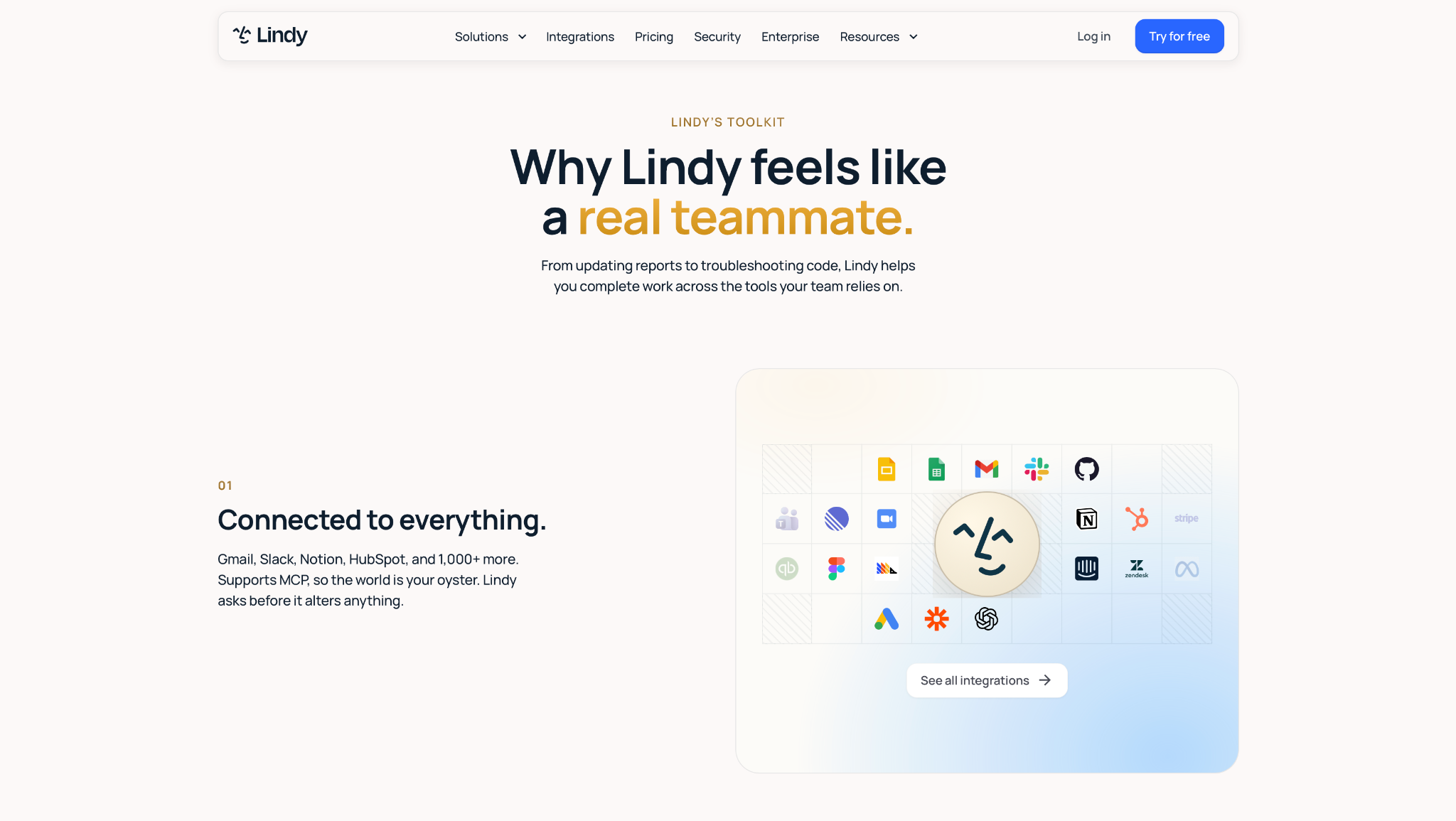
What it does: Lindy is an AI teammate that works across your connected apps. I ran it in Slack, where you @mention it in a channel or DM it, tell it what you need in plain English, and it answers in the thread.
Best for: Founders and ops leads at 10 to 100-person companies who want to hand work off and stop there.
The whole setup was connecting HubSpot. I typed the brief into a DM as one paragraph, Lindy came back asking which channel to post in, and the first lead summary landed in #leads eight minutes after signup.
Answers came back with the source attached, so when a company write-up looked wrong, I could click through and see which page it came from in one click. I kept using that long after the test ended.
I told it to check with me before posting anything outside the channel, and it started every send with a confirmation message I could reject. Nothing to configure.
Nine days in, I'd burned the 3,000 credits that come with a Plus seat. The research step burned through them faster than the writing did (each company lookup fires several tool calls).
Key features
- Slack teammate: @mention it in a channel for company context, or DM it for your own email and calendar.
- Cited Sources: Each response points to the Slack thread, Notion page, or file it came from.
- Meeting Library: Team meetings get recorded and summarized, and anyone can question any meeting afterwards.
- Routines: Recurring work in plain English, like "every Monday at 9, send the pipeline brief."
- Admin guardrails: Admins name an approver, and Lindy checks with them before it alters anything.
- Integrations: 1,000+ apps including Gmail and HubSpot, plus any MCP server you point it at.
Pros and cons
Pros:
✅ First to a working result of the nine I tested, because there's no canvas to learn before you get an answer.
✅ Sensitive sends stop at a human on a plain-English instruction, with nothing to wire up.
✅ A wrong write-up is traceable in one click. I caught two before they went out.
✅ SOC 2 Type II, GDPR, HIPAA, and PIPEDA compliance are all in place, and the signed BAA comes with Enterprise.
Cons:
❌ A single company lookup fires several tool calls, so a research-heavy routine exhausts the Plus allowance before the month ends.
❌ No free plan, and the 7-day trial only applies to teammates joining through Slack, so a solo evaluation is billed from day one.
❌ Vague instructions produce vague work, and I rewrote my brief twice before the summaries were usable.
What users say
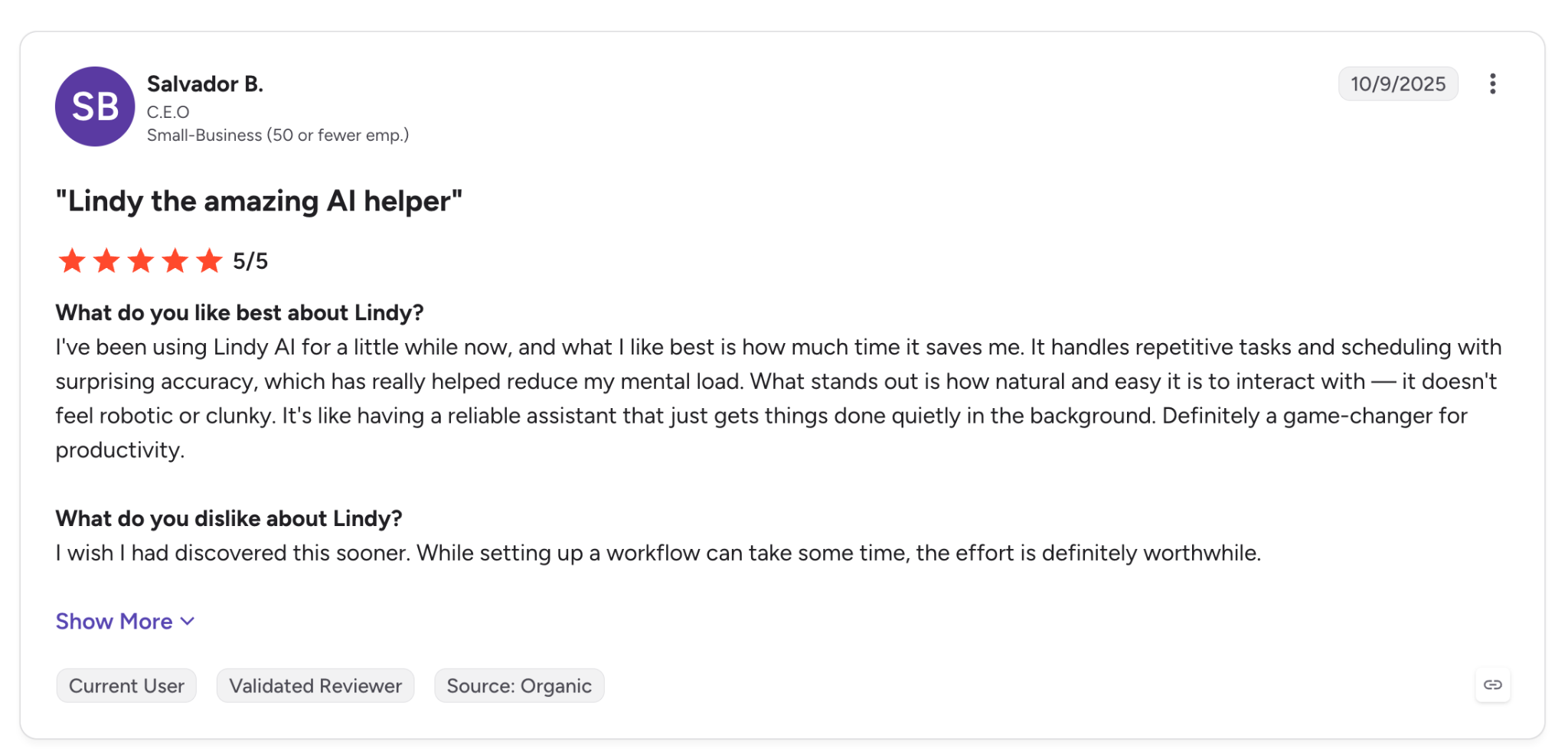
"It handles repetitive tasks and scheduling with surprising accuracy, which has really helped reduce my mental load." (Salvador B., G2)
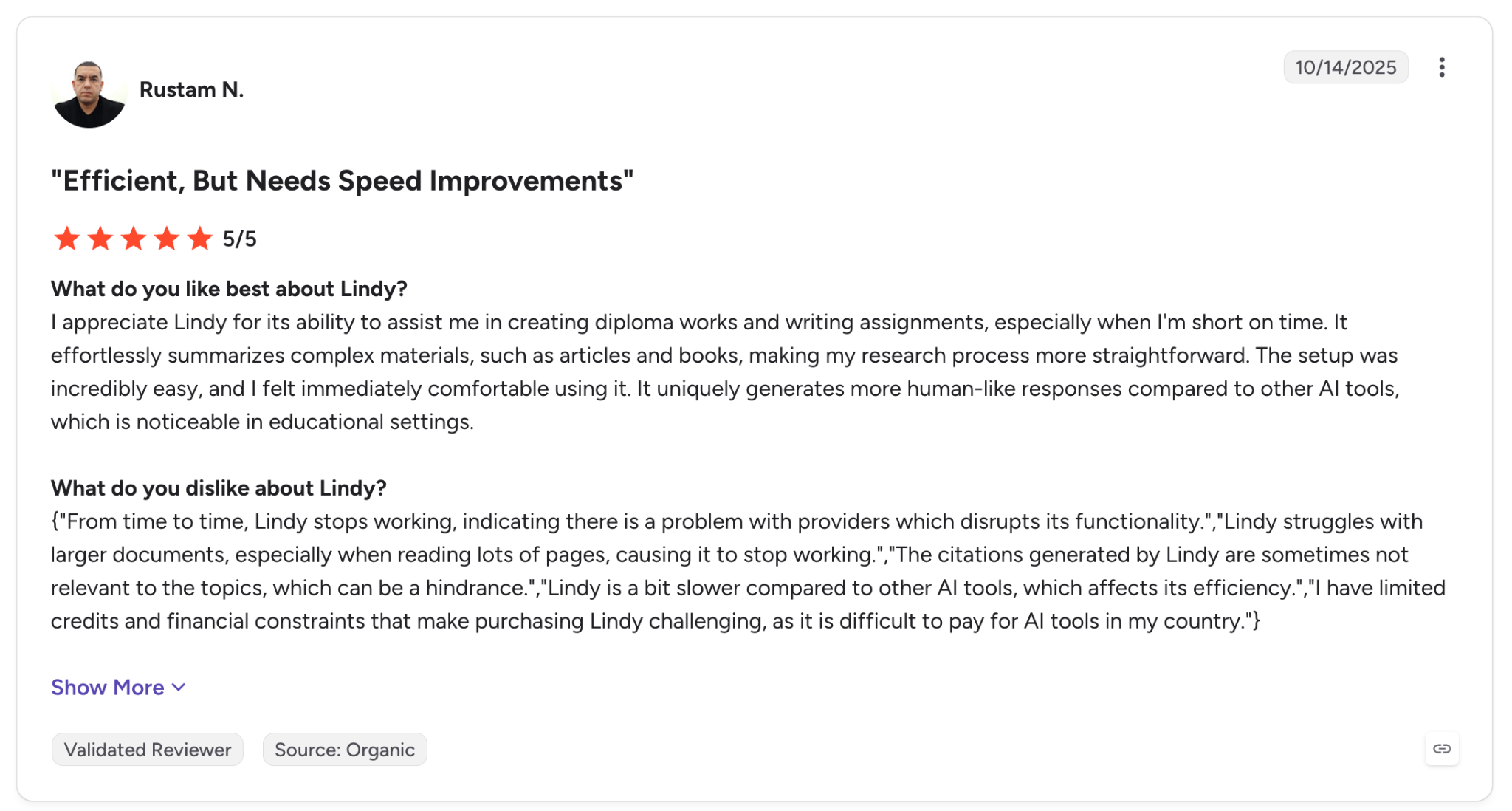
"Lindy is a bit slower compared to other AI tools, which affects its efficiency." (Rustam N., G2)
Lindy rates 4.9 out of 5 on G2 from 171 reviews.
Pricing
- Plus: $29.99 per user per month, billed monthly, with 3,000 credits per user
- Pro: $99.99 per user per month, 15,000 credits
- Max: $199.99 per user per month, 35,000 credits
- A 7-day free trial covers the Plus features for teammates who join through Slack. Direct signups are billed from day one.
Bottom line
If the work itself is your bottleneck, I'd put Lindy in front of a team and expect work back the same week. If you need to hold the logic step by step, keep reading.
{{templates}}
2. Zapier Agents: Best for bolting agents onto app plumbing you already run
What it does: Zapier Agents lets you describe an AI teammate in plain language and give it access to your connected apps, live data sources, and existing Zaps.
Best for: Teams already running 20 or more Zaps who want AI decisions in the middle of automations that work.
My first agent here took twelve minutes, and all twelve went into the agent itself, because HubSpot and Slack were already authorized from an old Zap.
Data sources handled the difficult part. I pointed the agent at a Google Sheet of past customers, and it started noticing when an inbound lead matched an account already in the sheet. None of the other eight did that without me asking.
The handoff to a Zap settled the argument for me. My agent decided a lead was qualified and fired a Zap I'd wired up two years ago and never touched again.
An "activity" is any automated behavior, so my agent spent them on steps I hadn't counted, and the 1,500 activities a month on Agents Pro went in ways I couldn't forecast before running it.
Key features
- Plain-language setup: Describe the agent's job, and it wires the steps, then you correct them.
- Data sources: Point it at a Sheet, a table, or a knowledge base, and it reads live from them mid-run.
- 9,000+ connections: against Make's 3,000 and n8n's 500.
- Chrome extension: Talk to your agents from any tab without opening Zapier.
Pros and cons
Pros:
✅ The app catalog covers the long tail, so at 9,000 connections the tool your finance team insists on is in there.
✅ Existing Zaps become callable steps, so one I wired up two years ago still does its job.
✅ A free tier at 400 activities a month, enough to judge it before you hand over a card.
Cons:
❌ Activity-based billing is hard to forecast. My agent spent activities on steps I hadn't counted.
❌ The agent layer sits on top of a rule-based engine, and the limits appear on multi-step reasoning.
❌ Zapier rates 1.3 on Trustpilot across 317 reviews, with billing and support the two recurring themes.
What users say
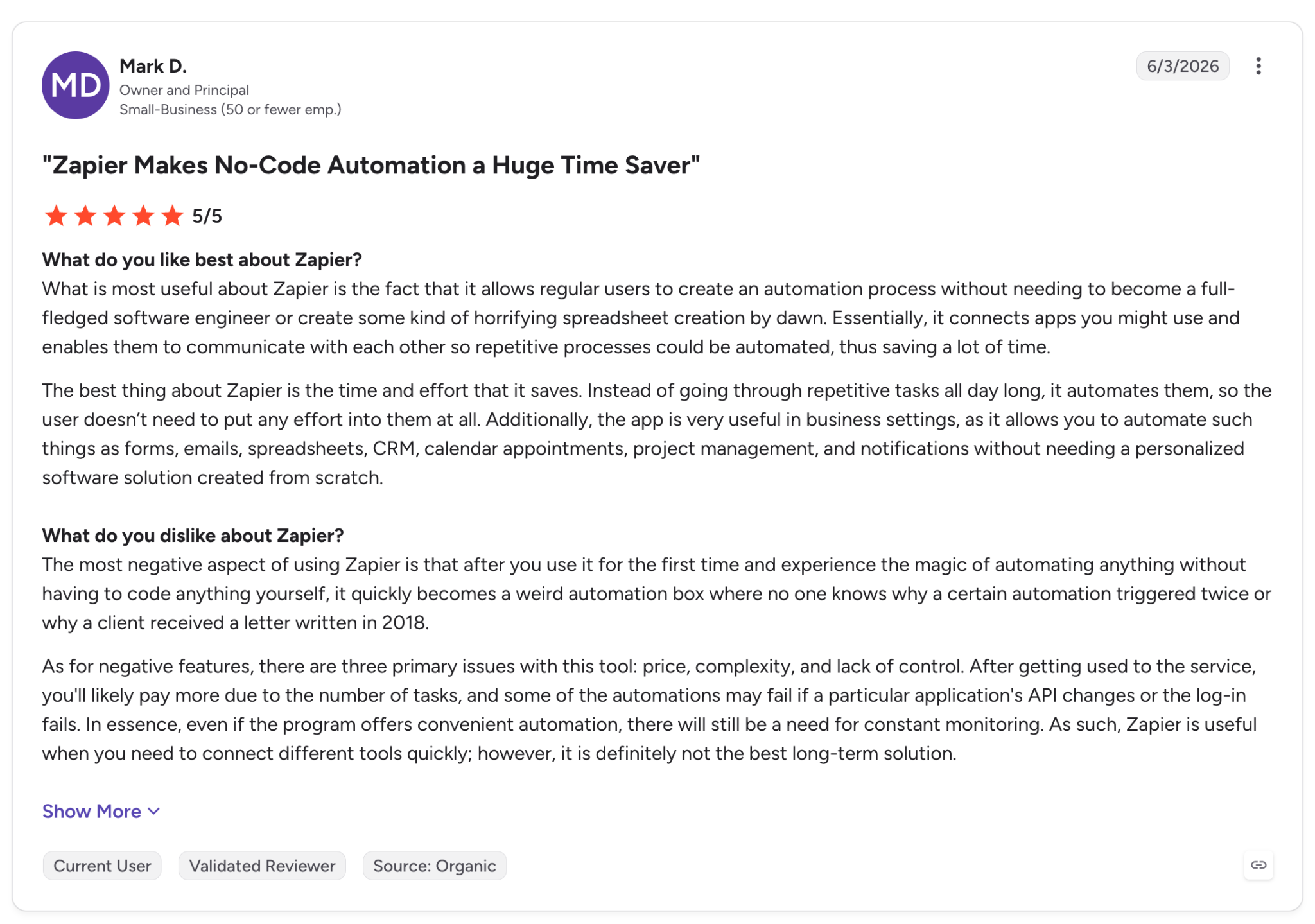
"The best thing about Zapier is the time and effort that it saves by automating repetitive processes so users don't need to put any effort into them at all." (Mark D., G2)
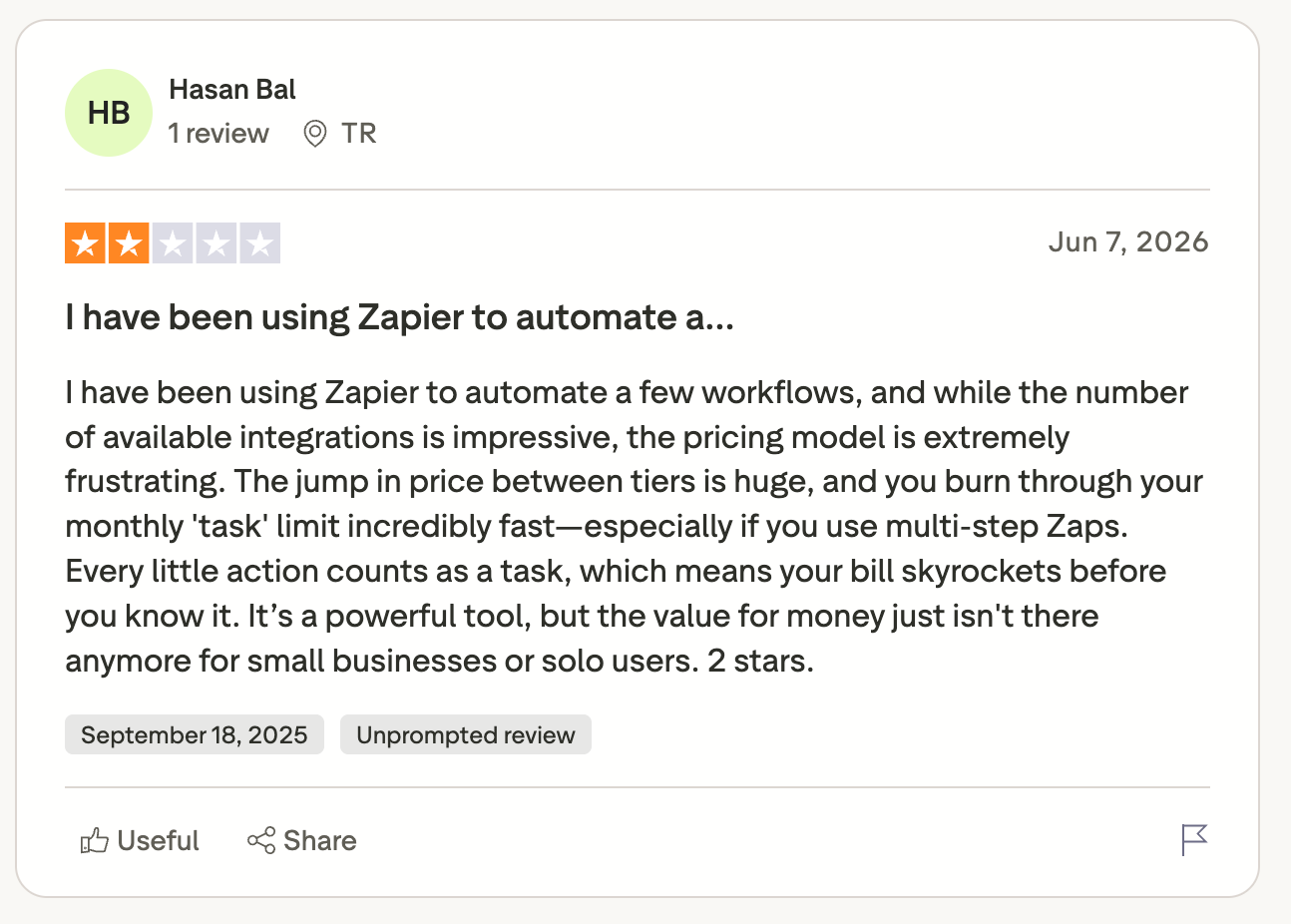
"You burn through your monthly task limit incredibly fast." (Hasan Bal., Trustpilot)
Zapier rates 4.5 out of 5 on G2 from 2,087 reviews and 1.3 on Trustpilot from 317. The two recurring themes in the Trustpilot 1-star reviews are billing and support.
Pricing
- Agents Pro: $50 per month, billed monthly, 1,500 activities
- Agents Enterprise: Contact sales
- Agents Free: 400 activities per month, free forever
Bottom line
Zapier Agents pay off in proportion to how much Zapier you already run. From zero, you're buying a catalog of 9,000 apps to use four of them, and that's poor value.
3. Gumloop: Best for marketing and ops teams building visual flows together
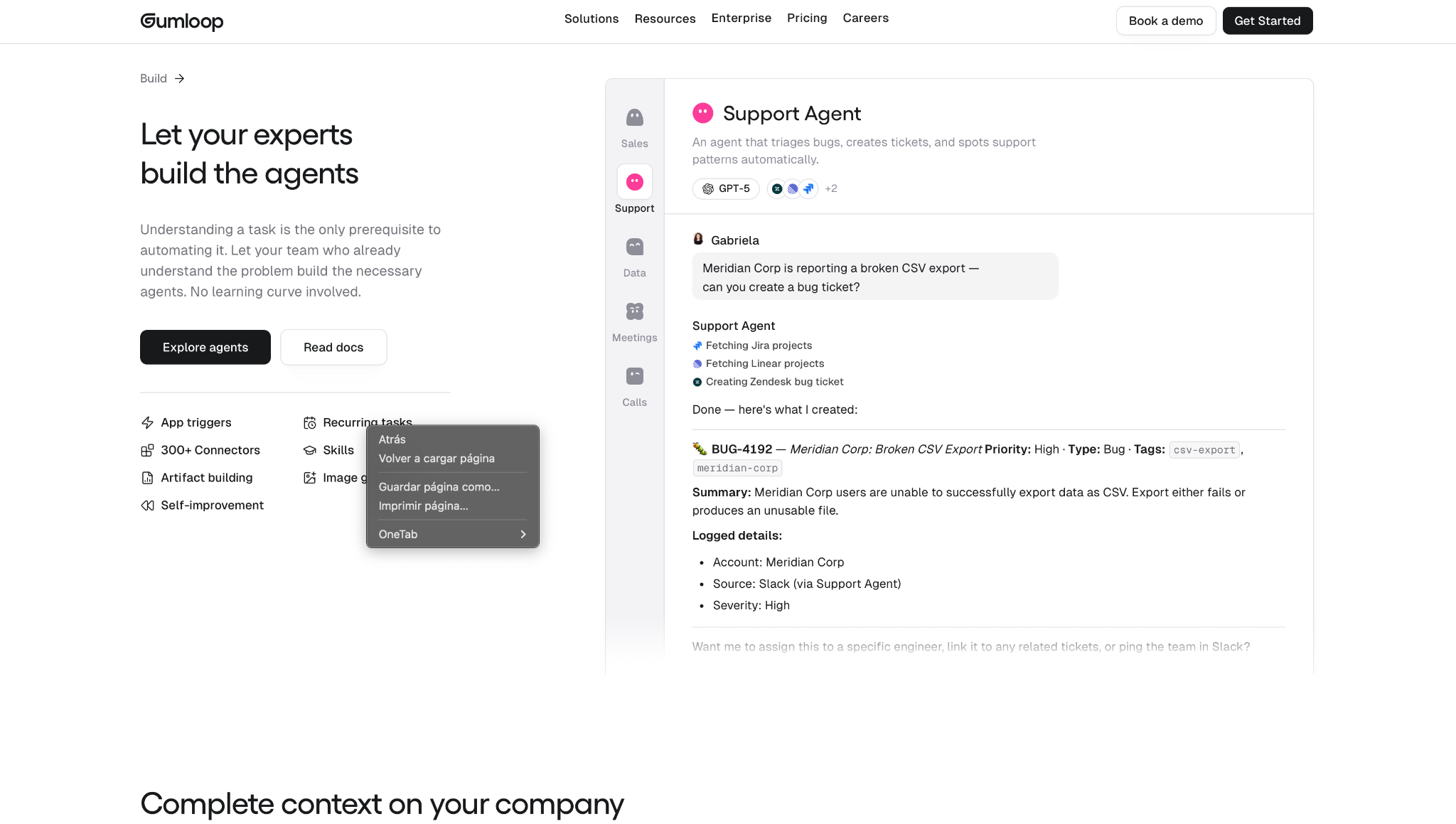
What it does: Gumloop is a visual canvas where you chain nodes into agents and flows, with your whole team able to open and edit the same build.
Best for: Marketing, growth, and ops teams who want to see the logic on screen and hand it to someone else.
Dragging nodes worked like a design canvas rather than an automation builder, and the lead-research flow was done in half an hour. Two of those nodes were scraping steps I'd have written code for anywhere else, and one was pointed at the wrong page.
A colleague opened my flow, spotted it, and fixed it while I watched. That review isn't possible over a screenshot of a Python file.
Company Brain kept context between runs, so the agent stopped re-researching accounts it had already seen that week.
I wanted a connector for a smaller CRM and ended up making it myself inside a webhook node. That's the cost of 300 connectors against Zapier's 9,000 and Make's 3,000.
Key features
- Visual builder where each node is a step you can inspect and rerun on its own.
- Multiplayer editing so a flow belongs to the team instead of sitting in one person's account.
- Company Brain holding shared context the agents read from across runs.
- Approvals and spend caps that hold a costly action until someone signs off, per agent, team, or org.
- Bring your own API keys, or use the models Gumloop routes to by default.
Pros and cons
Pros:
✅ Easier to hand over than any code-first option, since a teammate can read the flow without a walkthrough.
✅ Unlimited seats on Pro, so adding people doesn't change the bill.
✅ Scraping and enrichment nodes work out of the box.
Cons:
❌ 300 connectors against Zapier's 9,000, so anything niche means building it in a webhook node yourself.
❌ An 8% orchestration fee sits on top of credit usage, buried low in the pricing table.
❌ There's no free tier at all, so every evaluation you run is on the 14-day trial clock.
What users say
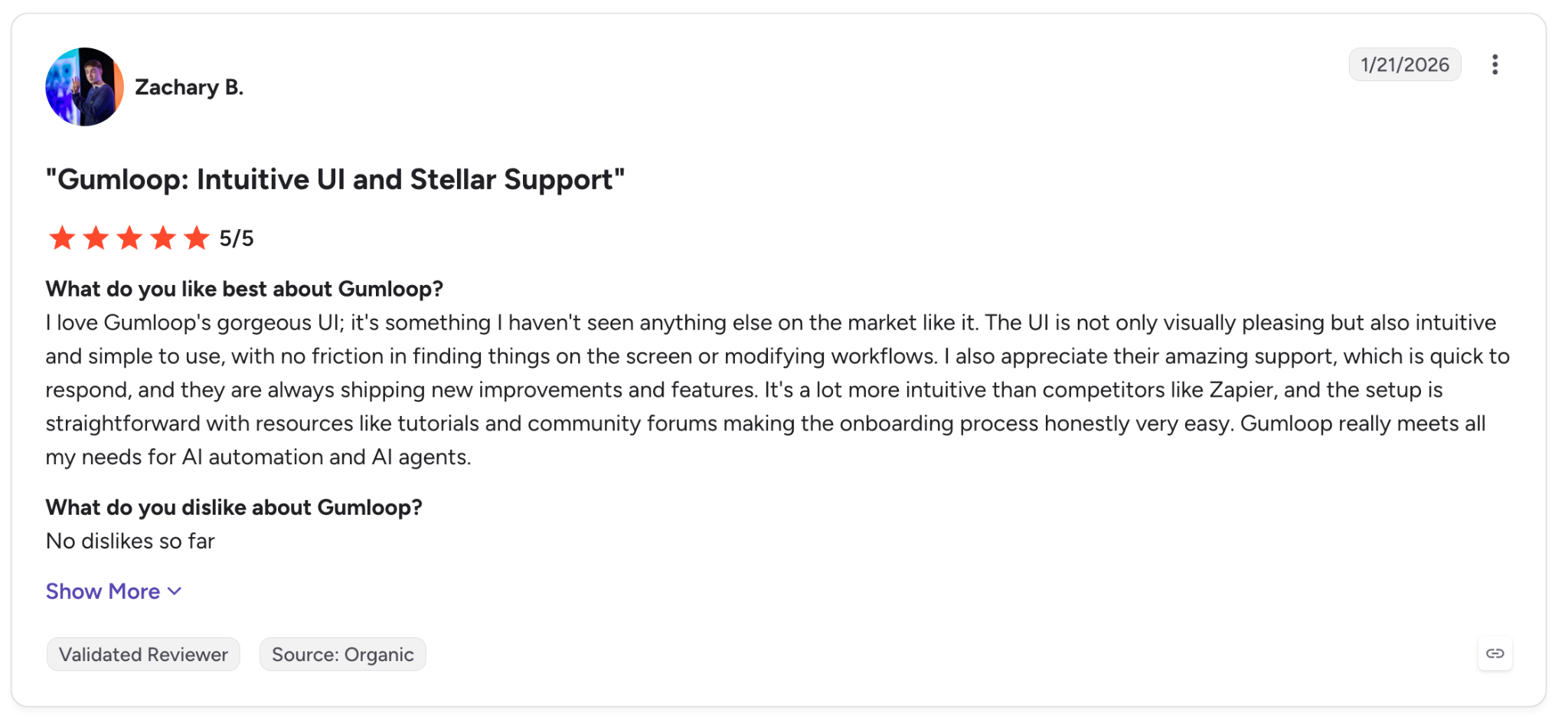
"I love Gumloop's gorgeous UI; it's something I haven't seen anything else on the market like it." (Zachary B., G2)
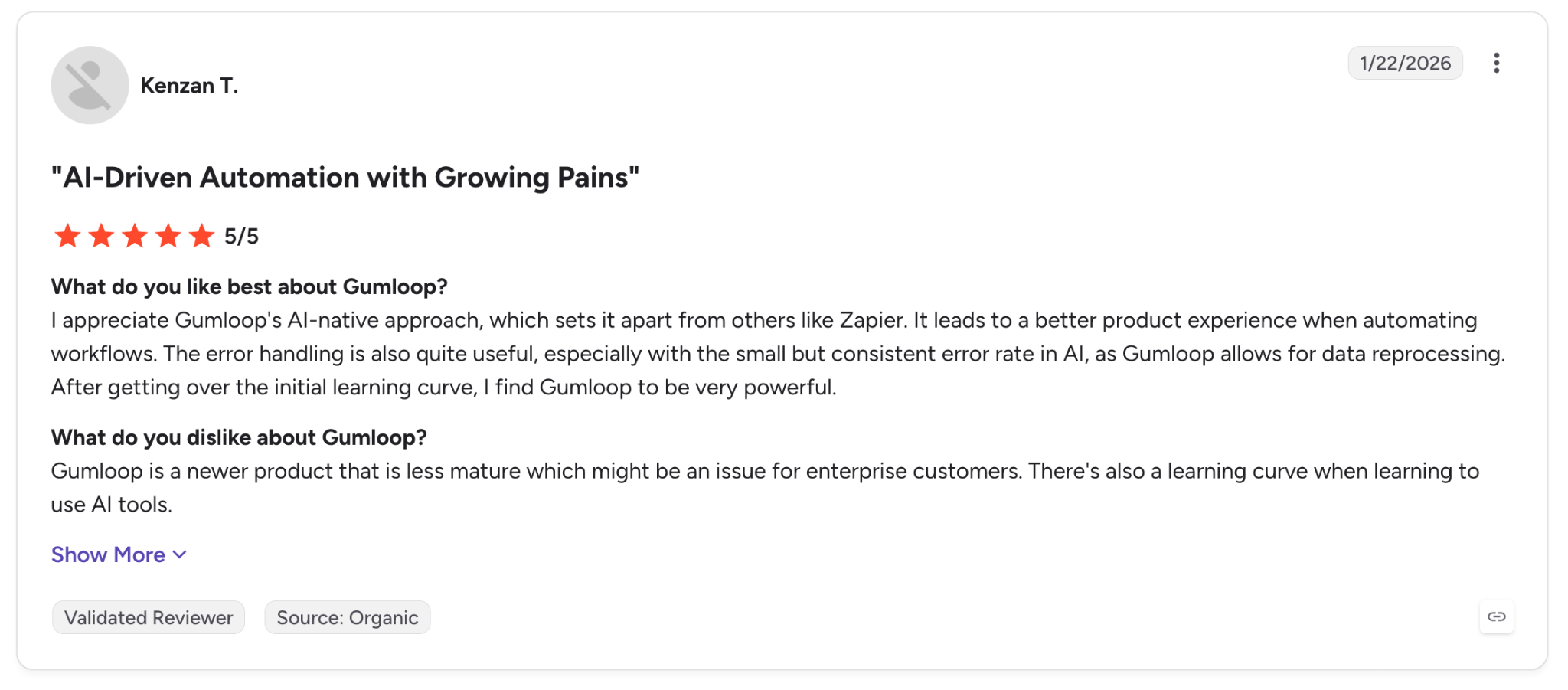
"Gumloop is a newer product that is less mature, which might be an issue for enterprise." (Kenzan T., G2)
Gumloop rates 4.8 out of 5 on G2 from 7 reviews, so treat the rating as an indication, not as evidence.
Pricing
- Pro: from $37 per month, billed monthly, with 20,000 credits, unlimited seats, and an 8% orchestration fee
- Enterprise: Custom pricing
- Free trial: 14 days
Bottom line
A growth team can run with this tomorrow. An enterprise buyer with a procurement checklist starts at Relevance AI instead.
4. MindStudio: Best for shipping one agent as a web app, an API, or a browser extension
What it does: MindStudio is a no-code builder that publishes one agent to six different targets, from a web app on a link to an MCP server any model can call.
Best for: Solo builders and agencies who need to put an agent in a client's hands.
The lead brief went in, and twenty minutes later I had a working agent. I published the same thing as a web app on a link and sent it to a colleague who'd never seen the tool.
MindStudio is on this list for that publishing spread. Nothing else here goes past two or three delivery formats without a developer, and anyone billing clients bills on exactly that.
My research step returned nothing, and the run log handed me the exact prompt and the exact response back. I found the broken selector in under a minute.
Past roughly ten agents, I lost track of which workspace held what. Long-time G2 reviewers count several plan changes since they signed up, which tells you how often they land.
Key features
- Six publish targets from one build. MindStudio ships the same agent as a web app, an autonomous agent, a browser extension, an email trigger, a webhook or API endpoint, or an agentic MCP server.
- 200+ models through its own router, so no API keys unless you want to use your own.
- 1,000+ app integrations plus scraping and database connections.
- Human approval checkpoints inside a run.
Pros and cons
Pros:
✅ I sent a colleague the published web app as a link, and they used it without ever opening MindStudio.
✅ The free tier runs one agent 1,000 times a month, enough to judge it before you commit.
✅ A failed step names the model, the prompt, and the response, so you fix the cause without guessing at it.
✅ Your data stays out of AI training on every tier, including the free one.
Cons:
❌ Past roughly ten agents, workspace and project organization stop holding together.
❌ Reviewers on G2 count several plan changes since they signed up, which is costly if you quote clients on this year's rates.
❌ Model usage bills on top of the $20, so the real monthly bill lands above the headline number.
What users say
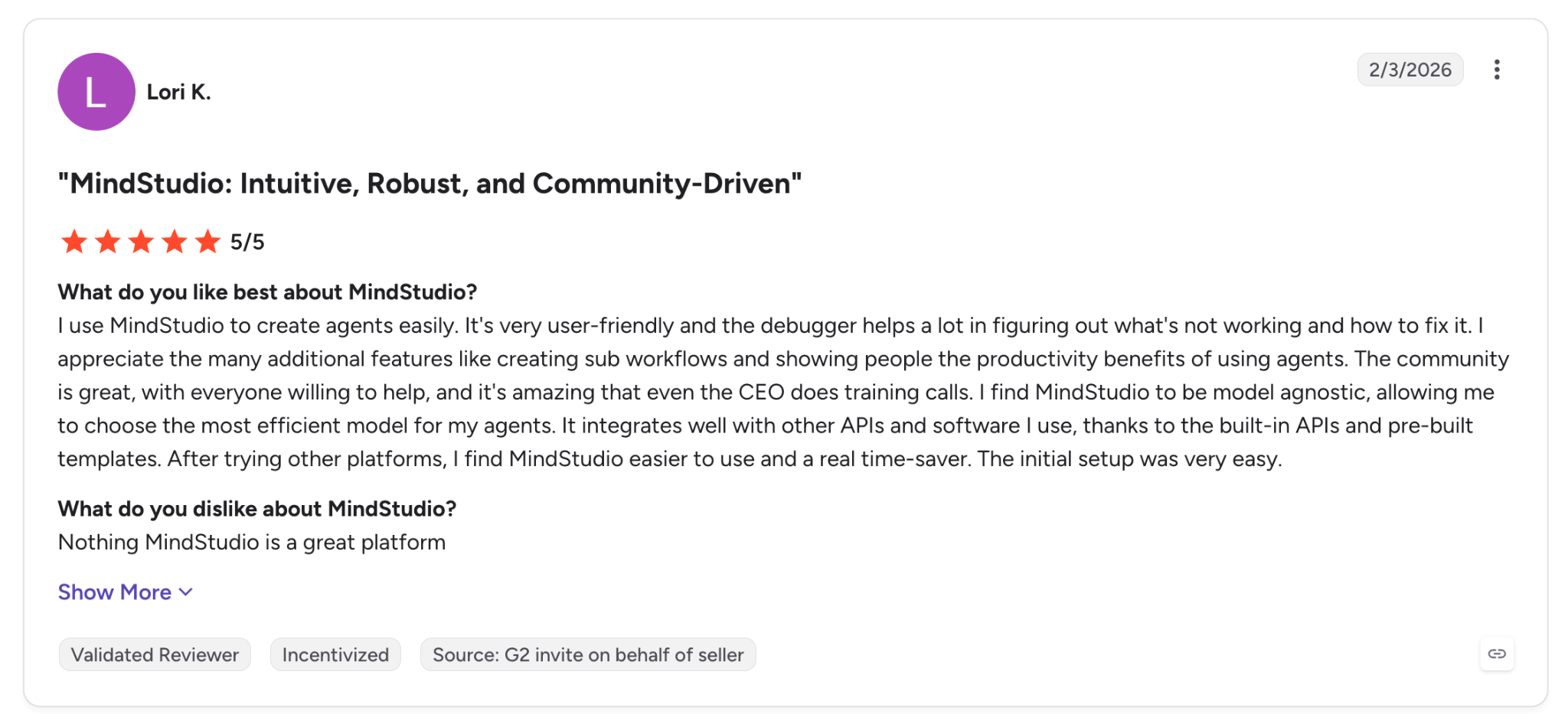
"I use MindStudio to create agents easily, and the debugger helps a lot in figuring out what's not working." (Lori K., G2)
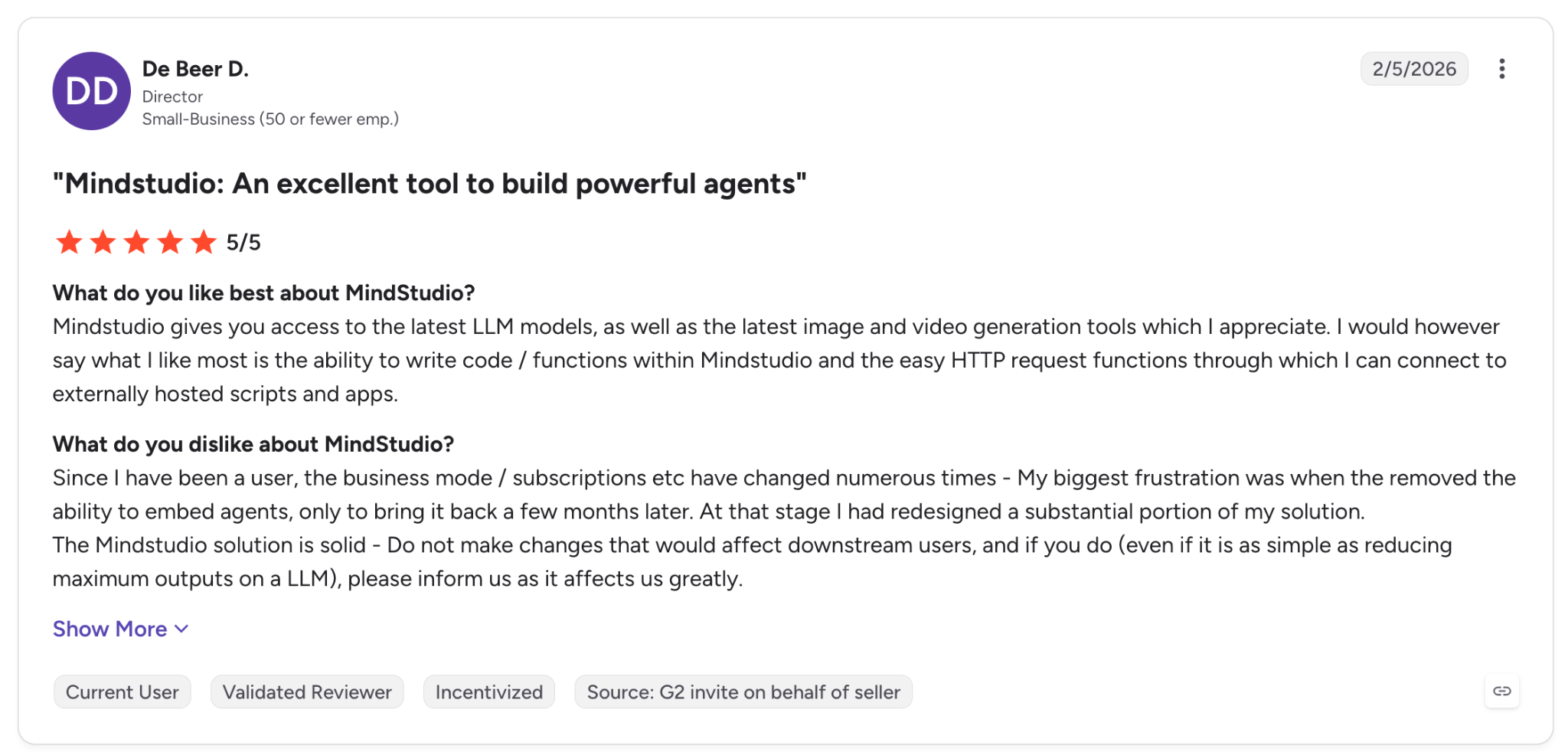
"Since I have been a user, the business mode/subscriptions etc. have changed numerous times." (De Beer D., G2)
MindStudio rates 4.9 out of 5 on G2 from 26 reviews.
Pricing
- Individual: $20 per month plus usage, billed monthly, unlimited agents and runs
- Business: Custom pricing
- Free: $0 per month plus usage, one agent, 1,000 runs per month
Bottom line
At $20 a month, a consultant shipping to three clients a month covers it on one invoice.
5. Relevance AI: Best for enterprise teams who need evaluations and audit trails on every run
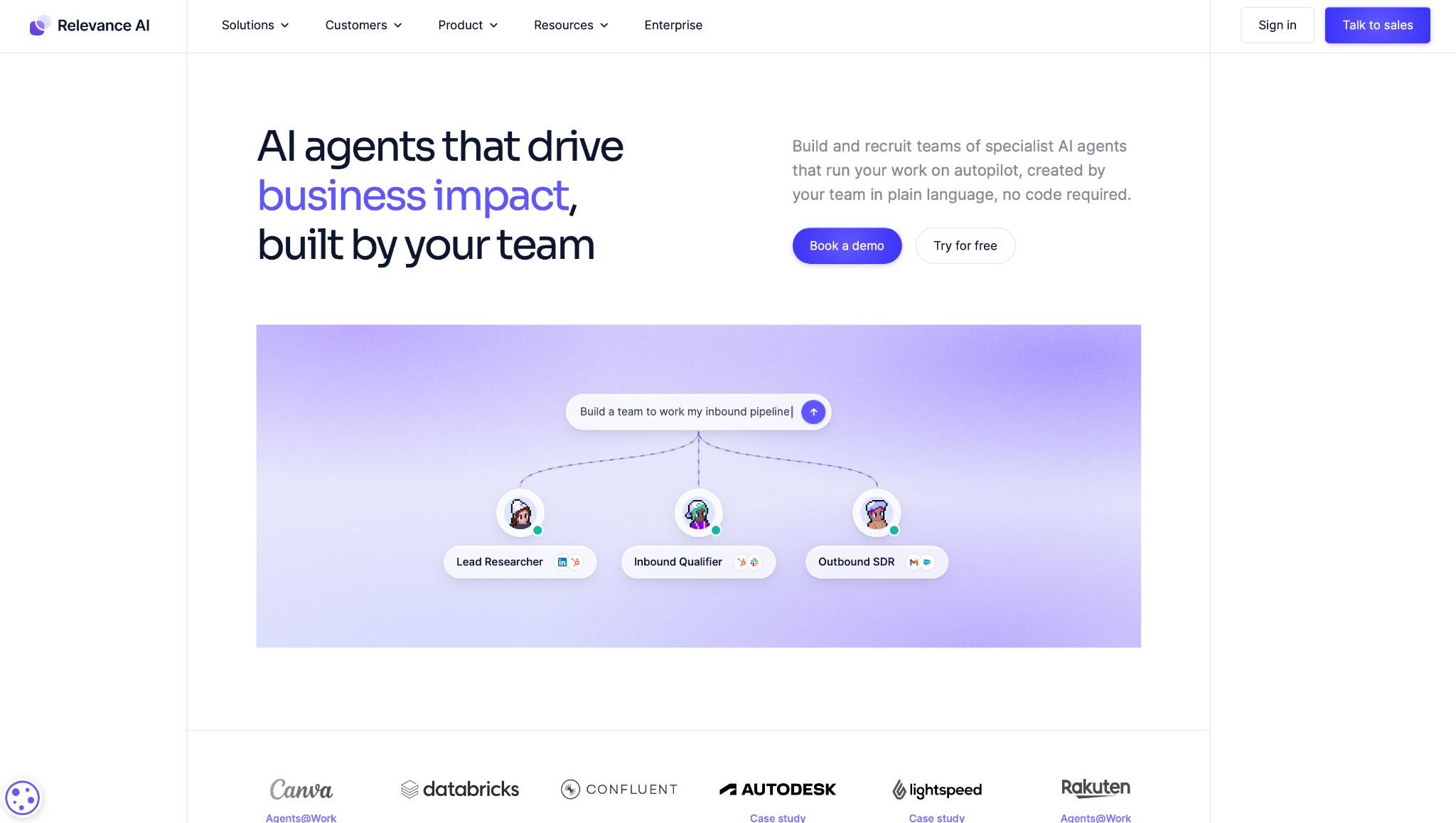
What it does: Relevance AI builds teams of specialist agents across sales and support, with evaluation frameworks that score how each run performed.
Best for: Companies past 200 people where an agent's output has to survive a compliance review.
I signed up on Pro and nobody made me book a call first. I had the lead-research agent running within the hour, and the setup felt closer to configuring a CRM than building a flow.
It samples live runs and tracks a pass rate. You see the number move weeks before a customer would have told you the agent was wrong. The pass rate only covers the runs it samples, so a rare failure mode still reaches you from a customer.
Role-based access and audit logs are there on Enterprise, and that's why it turns up in Enterprise shortlists and rarely in solo builder threads.
What costs it a place higher on this list is where the good parts sit. Agent evaluations, audit logs, SSO, and RBAC are all Enterprise, so $29 buys you the builder without the governance layer this tool is known for.
The free plan is retired too, so there's no zero-cost way to put your own data through it first.
Key features
- Agent evaluations with pass-rate tracking over sampled live runs.
- Three build paths. Drag and drop, Build with AI, or Build with MCP.
- Human approvals and escalation that run inside the agent's own flow.
- SOC 2 Type II and GDPR on every plan, with audit logs, SSO, and RBAC on Enterprise.
- 1,000+ integrations, including the CRMs and helpdesks an enterprise stack runs on.
Pros and cons
Pros:
✅ The evaluation layer answers "is this agent still working," a question Gumloop and MindStudio leave to you.
✅ Audit logs, SSO, and RBAC are configured per workspace on Enterprise, which is what security reviews ask for.
✅ Domain experts and engineers can build on the same platform without stepping on each other.
Cons:
❌ Agent evaluations and audit logs are Enterprise-only, so the pass-rate tracking that makes this tool worth buying starts with a sales call.
❌ The interface gets crowded, and a G2 reviewer reports edits that don't sync.
❌ Overbuilt for anyone under about 200 people, where the sales cycle takes more time than the software gives back.
What users say
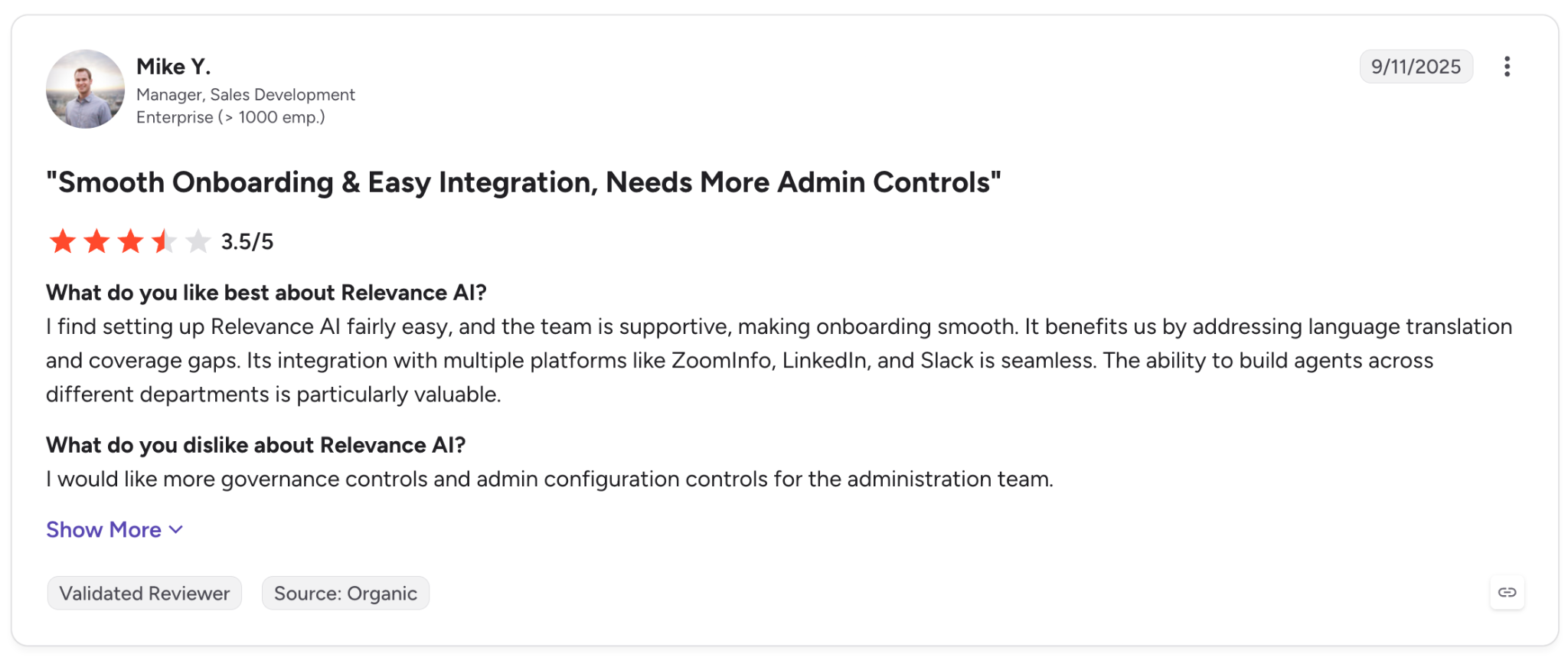
"I find setting up Relevance AI fairly easy, and the team is supportive, making onboarding smooth." (Mike Y., G2)
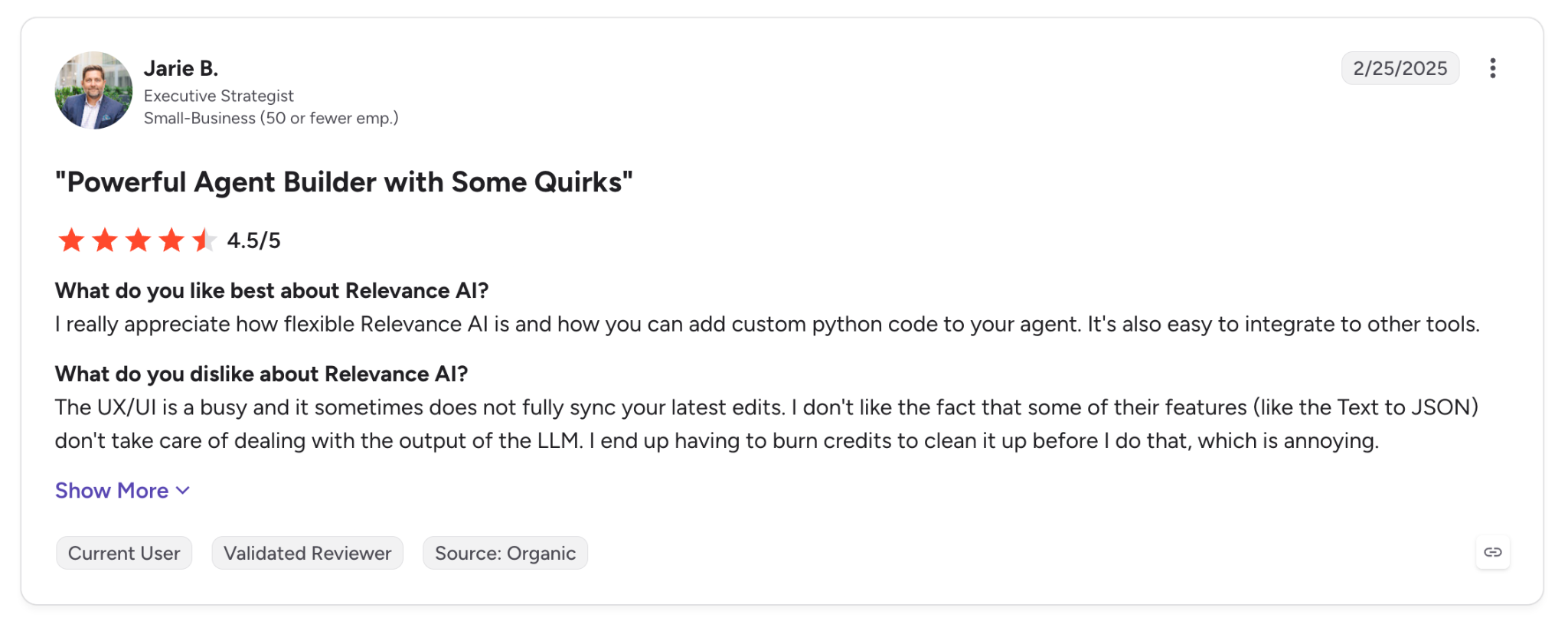
"The UX/UI is busy, and it sometimes does not fully sync your latest edits." (Jarie B., G2)
Relevance AI rates 4.3 out of 5 on G2 from 20 reviews, a thin sample next to the rest of this list.
Pricing
- Pro: $29 per month, billed monthly, with 2 build users and 1 project
- Team: $349 per month, with 5 build users, 45 end users, and 5 shared projects
- Enterprise: Custom pricing, adding agent evaluations, audit logs, SSO, and RBAC
Bottom line
Smaller teams will find the sales gate more expensive than the software. Shortlist it only if your security review has killed tools before.
6. Make: Best for cheap, high-volume automation with AI steps mixed in
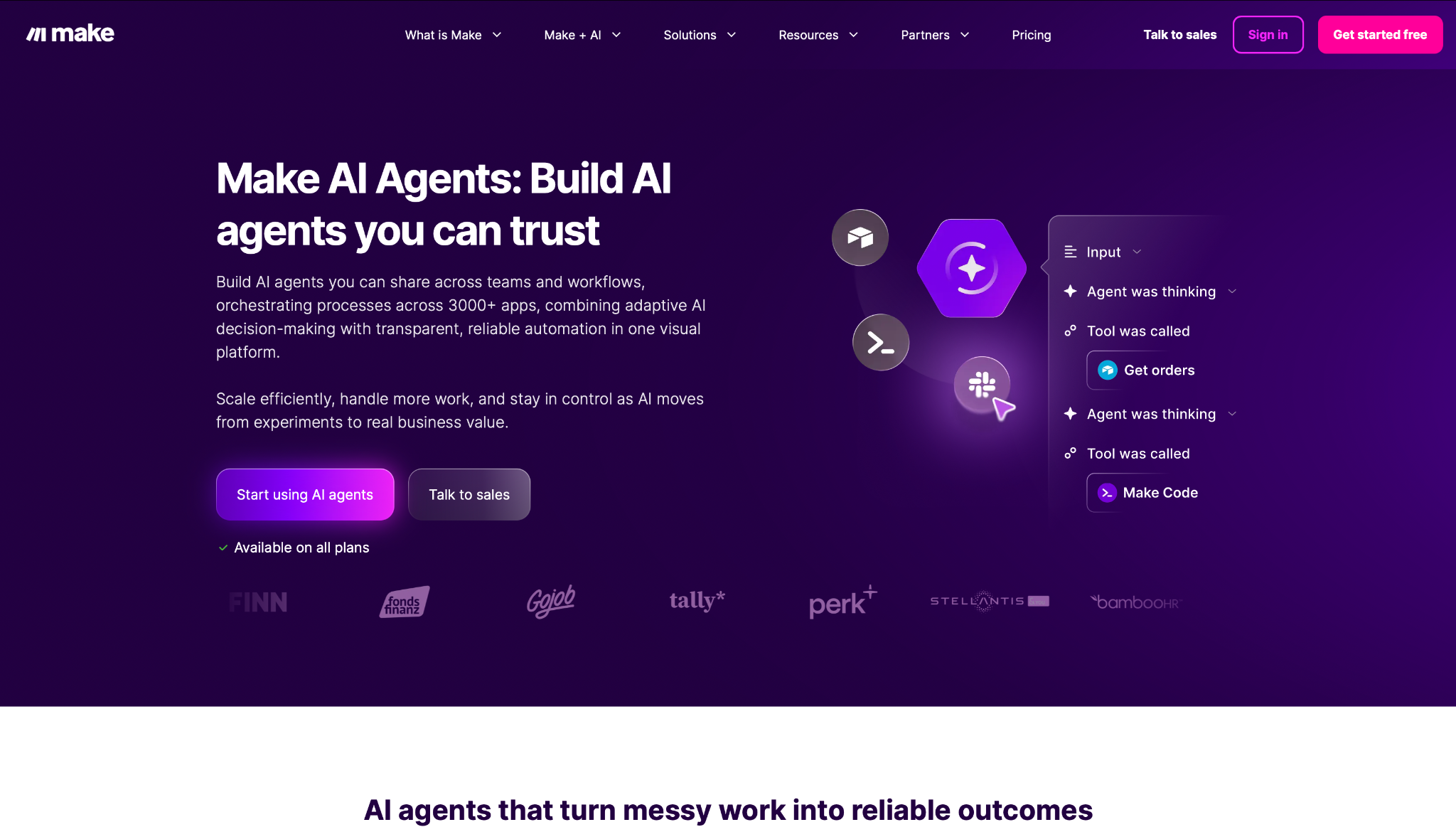
What it does: Make is a visual automation platform with 3,000+ app connections, where AI steps sit inside scenarios alongside routers, filters, and error handlers.
Best for: Teams running thousands of credits a month who need a few of those steps to think.
Make's canvas packs more modules into the same screen than Gumloop's, and the added setup time pays back in control. My scenario ended up with a router splitting leads by company size before the research step ran, which cut credit use by about a third.
Make wins outright on cost per credit. Core runs 10,000 credits for $16 a month, while $50 on Zapier Agents Pro buys 1,500 activities, and 10,000 takes you to a sales call.
You can give any module its own error route, so one failed enrichment didn't kill my run. Make is the only no-code tool here that routes errors per module.
Make AI Agents run inside the same canvas and show every decision step by step. Carrying state between separate runs cost me an improvised data store, and I couldn't find a documented way to avoid that.
Key features
- 3,000+ app integrations wired together with routers and iterators.
- Error routing so a failed module reroutes instead of killing the scenario.
- Credit-based pricing that scales from 1,000 credits a month to 8 million and up.
- Scenario templates that teams can create and share on the Teams plan.
- Make an API for triggering scenarios from your own code.
Pros and cons
Pros:
✅ $16 buys 10,000 credits here, whereas $50 on Zapier Agents Pro buys 1,500 activities. The units aren't the same, so read it as an order of magnitude rather than a ratio.
✅ The free tier at 1,000 credits a month covers a small workflow end to end.
✅ Retry logic is set per module, so an unstable enrichment API retries before anything escalates.
✅ The canvas is precise enough that you can read exactly what will happen before you run it.
Cons:
❌ I couldn't find a documented way to carry memory between runs, so I stitched it together in a data store. Agent-first tools hand you that.
❌ Support is self-serve first, and Trustpilot reviewers describe long waits.
❌ The canvas gets unreadable past 30 modules.
What users say
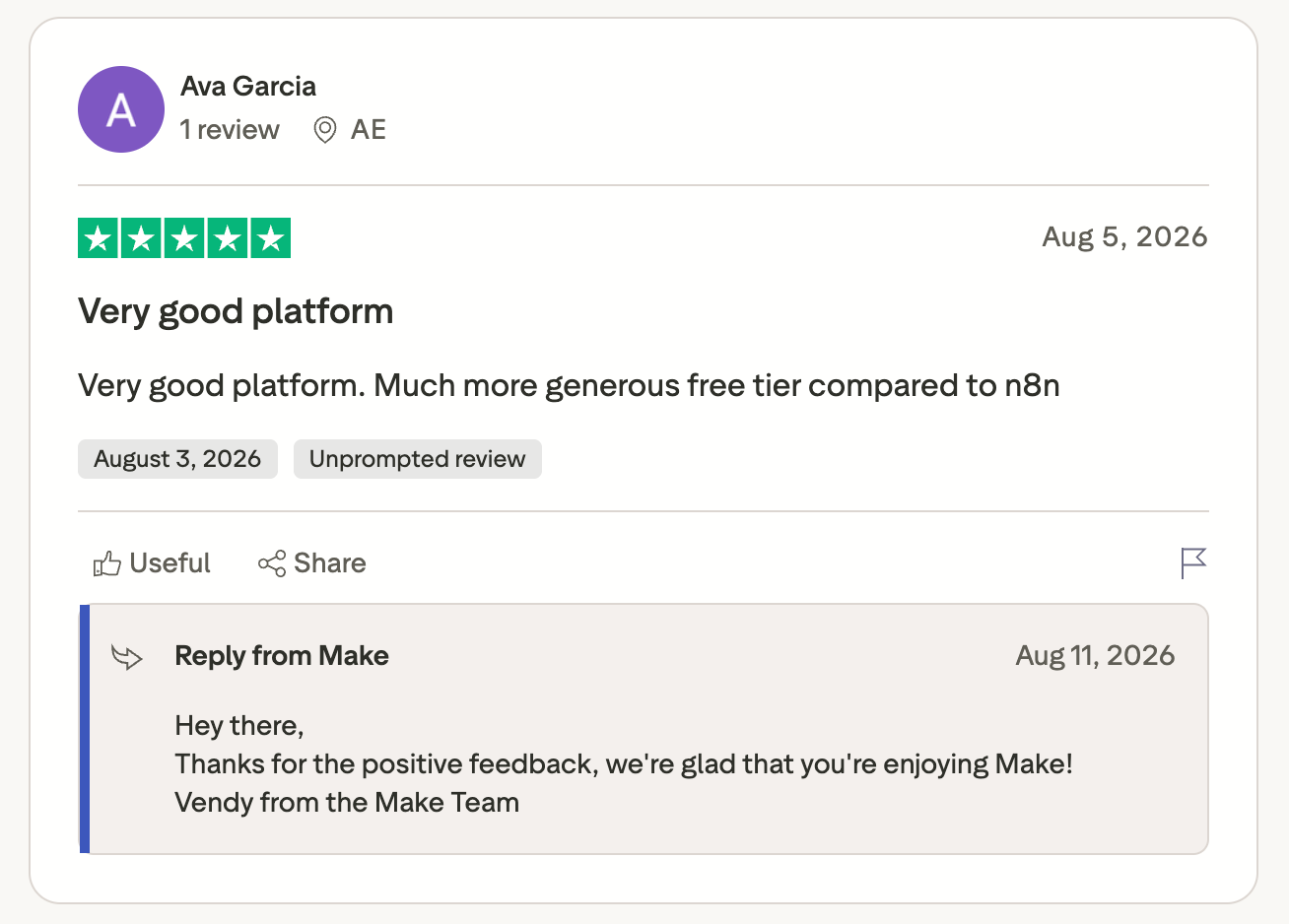
"Very good platform. Much more generous free tier compared to n8n." (Ava Garcia, Trustpilot)
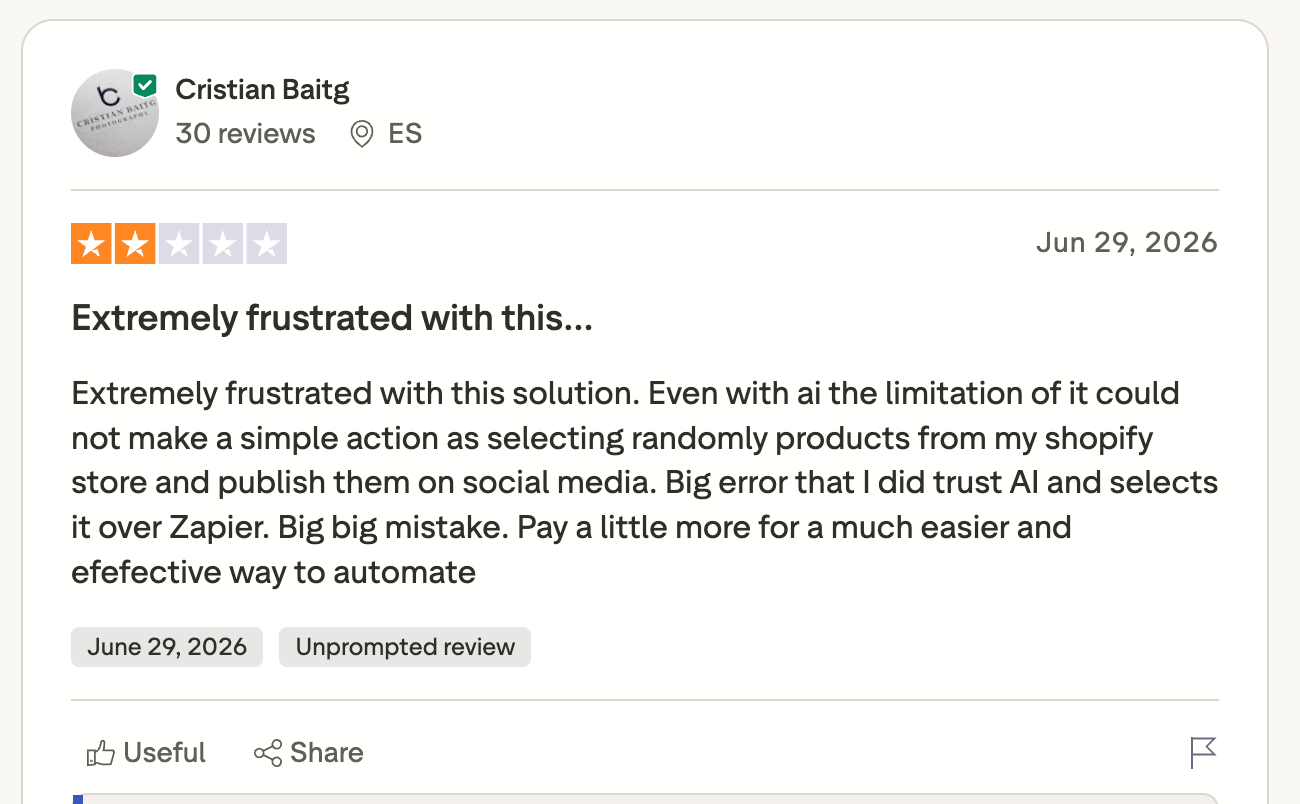
"Big mistake. Pay a little more for easier and effective automation." (Cristian Baitg, Trustpilot)
Make rates 2.6 out of 5 on Trustpilot from 170 reviews, with support for the theme that comes up most.
Pricing
- Core: $16 per month at 10,000 credits a month
- Pro: $28 per month at the same credit tier, adding priority execution and custom variables
- Enterprise: Custom pricing
Bottom line
Make wins on arithmetic once the volume gets serious. If the run has to reason its way through more than a step or two, buy something designed for agents from the start. Teams sit closer to the first case than they admit.
7. n8n: Best for technical teams who want to self-host and drop into JavaScript
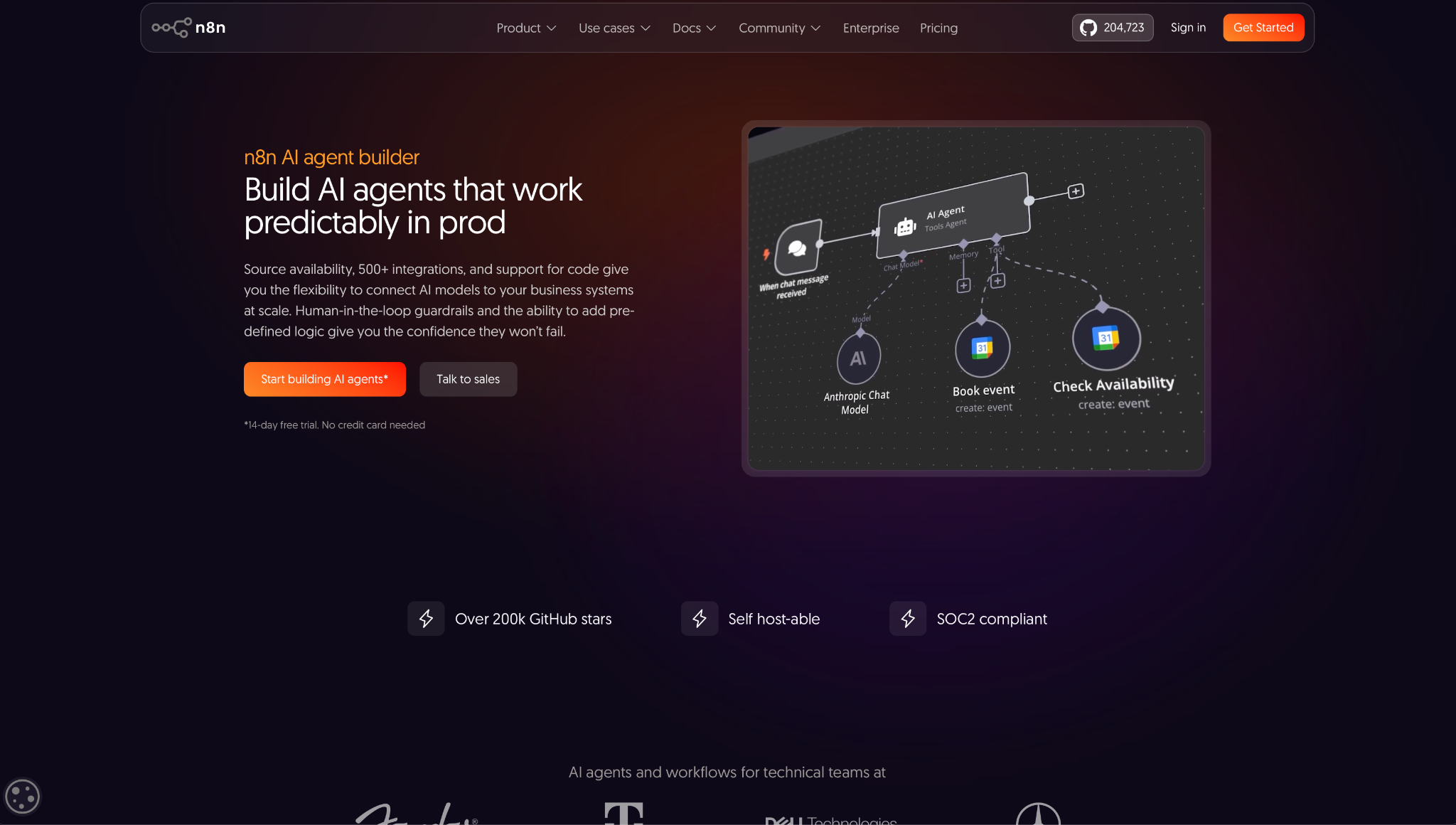
What it does: n8n is a workflow platform with a visual builder, 500+ integrations, and code nodes, available as a hosted plan or self-hosted on your own infrastructure.
Best for: Engineering-adjacent teams who want a canvas nine times out of ten and raw code the tenth.
Self-hosting took an afternoon, the longest setup of anything here that didn't need code. It's also why n8n turns up in threads where the hosted tools don't come up. Customer data never left the server.
When the research step needed a parse that no stock node covered, I wrote nine lines of JavaScript inline and moved on. That's why technical people stay.
The AI Agent node held context across turns and took a manual approval step without a workaround.
The community forum is active, and the paid support draws complaints on G2 and Trustpilot from n8n's own users. You find out which one you've got when a self-hosted instance fails overnight.
Key features
- Self-hosting on your own boxes, with the hosted option if you'd rather not.
- Code nodes for JavaScript, with Python available too.
- 500+ integrations plus community nodes.
- AI Agent node with memory, tool calling, and human approval steps.
- Execution logs on every plan, with execution search from Pro up.
Pros and cons
Pros:
✅ Customer records stay on your infrastructure. Security teams stop asking.
✅ Dropping into code when a node doesn't exist means you don't get stuck.
✅ Unlimited users on every plan, so pricing doesn't punish you for adding people.
Cons:
❌ Support wait times come up more often than any other complaint on G2 and Trustpilot, and self-hosting means the outage is yours to fix.
❌ Two meters run at once, workflow executions and AI credits, so a talkative agent depletes the credit allowance long before the execution count runs down.
❌ The learning curve costs you a week, and a non-technical colleague won't pick this up unassisted.
What users say
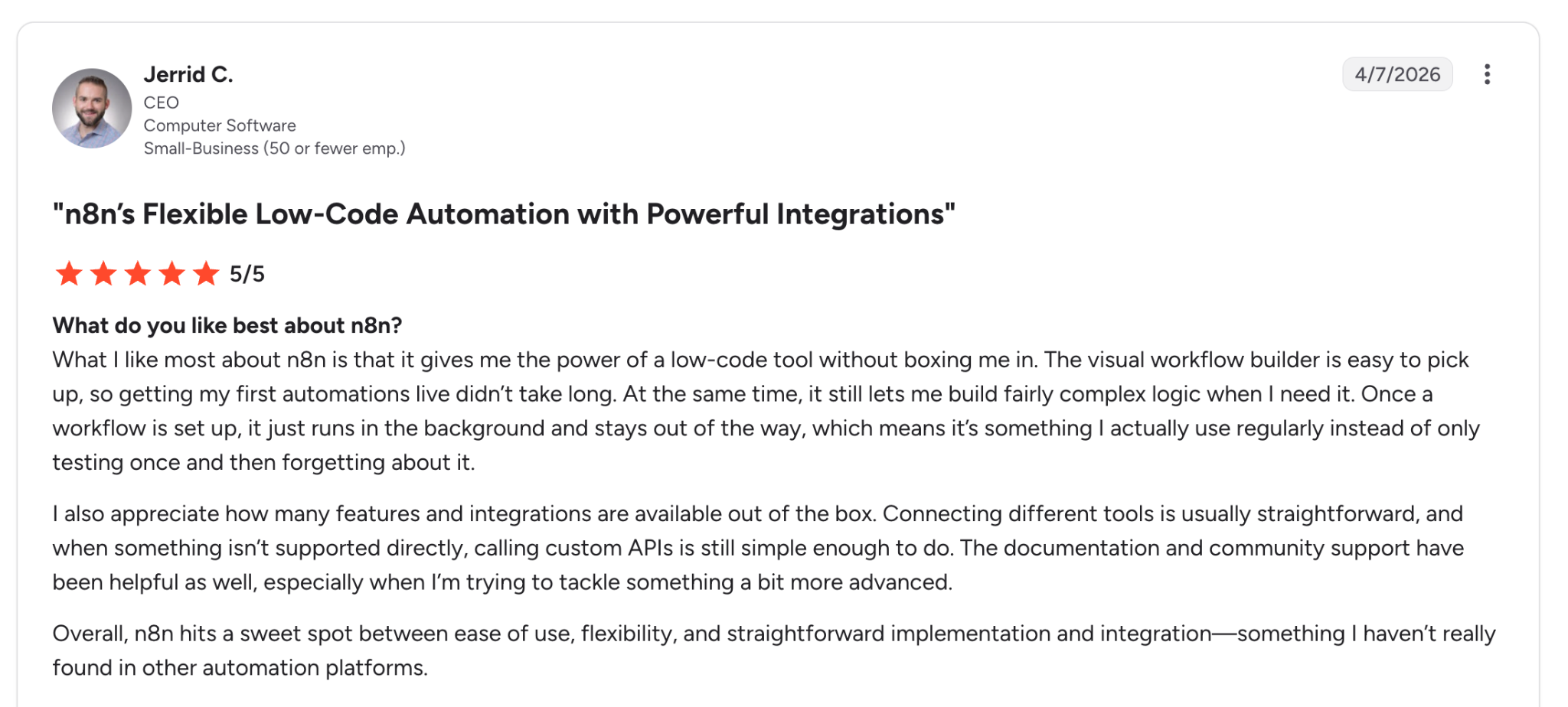
"What I like most about n8n is that it gives me the power of a low-code tool without boxing me in." (Jerrid C., G2)
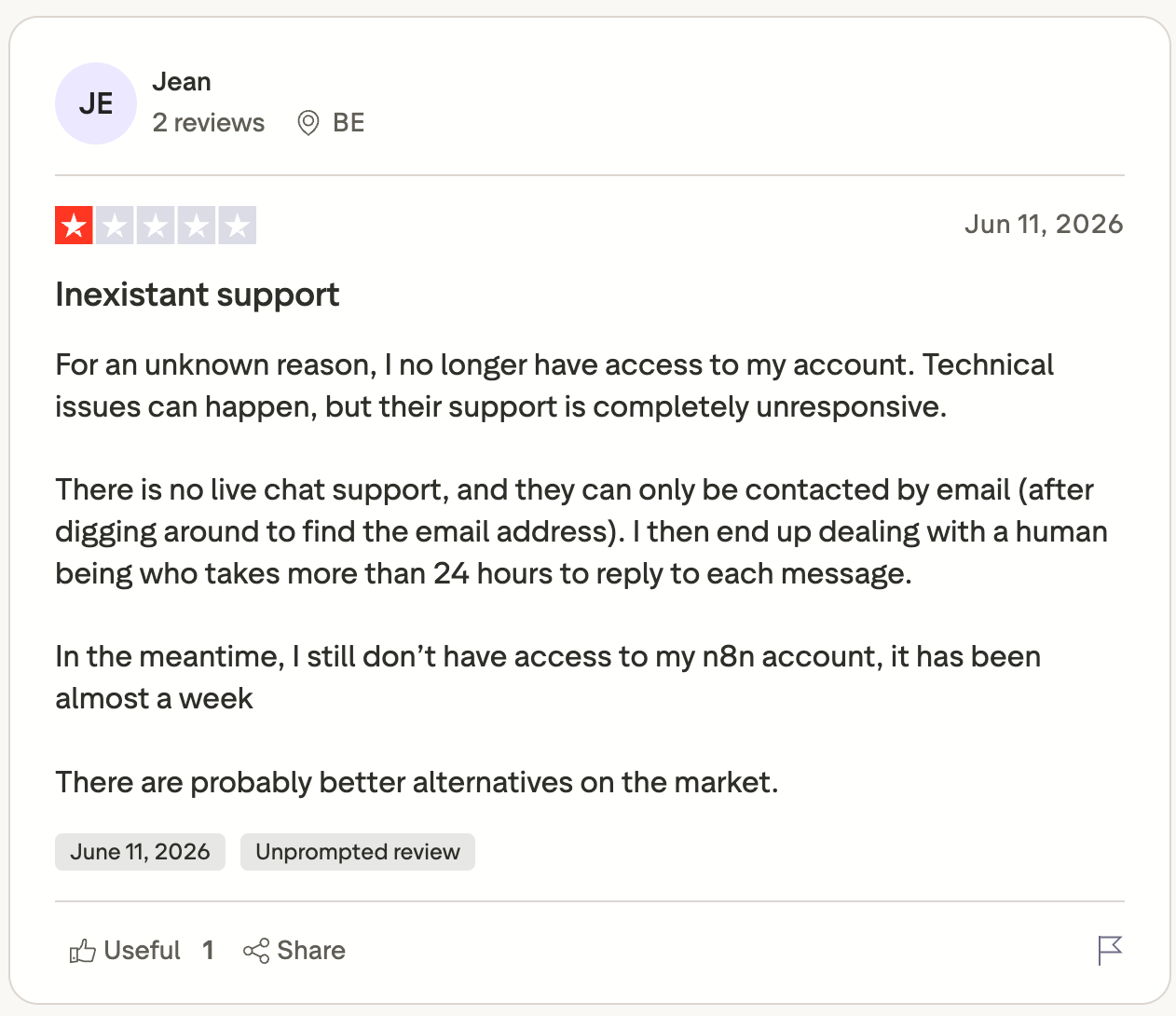
"There is no live chat support, and they can only be contacted by email (after digging around to find the email address)." (Jean, Trustpilot)
n8n rates 4.7 out of 5 on G2 from 314 reviews.
Pricing
- Starter: $24 per month, billed monthly, 2,500 workflow executions and 2,300 AI credits
- Pro: $60 per month, 10,000 executions and up to 13,700 AI credits
Bottom line
For a team with one engineer to look after it, n8n does more per dollar than the rest of this list. Without that person, it goes unused within a month.
8. CrewAI: Best for Python teams building agents with defined roles
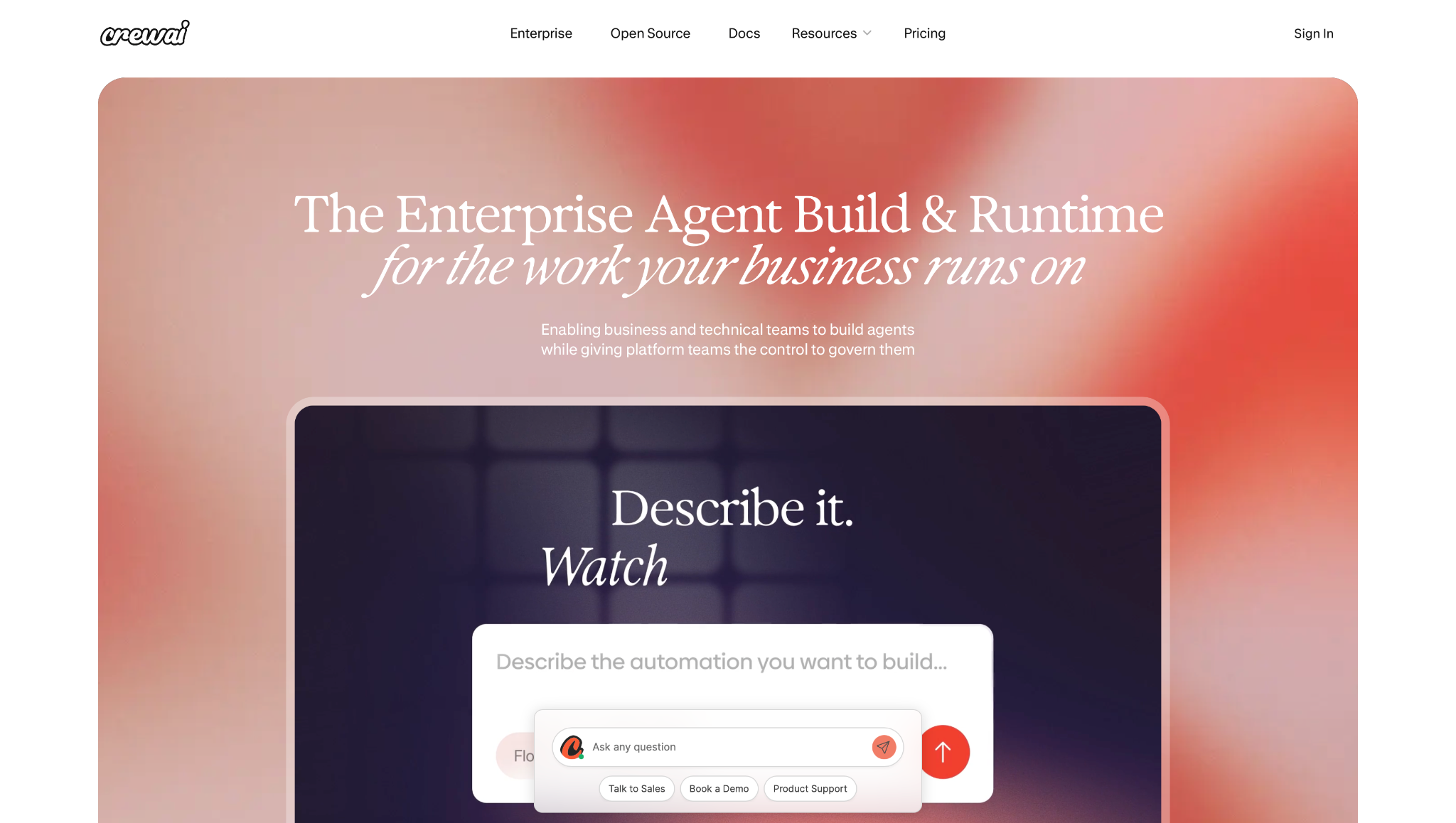
What it does: CrewAI is an open-source Python framework for multi-agent systems, where each agent gets a role, a goal, and tools, plus a hosted platform with a visual editor on top.
Best for: Engineering teams who've outgrown a single agent doing everything and need several that check each other.
My first crew took an hour and a half to write, and the structure made more sense than I expected. A researcher agent handed off to a writer, and a reviewer read what came out, each with its own prompt and tool access.
Role separation turned out to be the useful part. The reviewer agent caught two hallucinated company facts that a single-agent version had happily posted to Slack.
Crews let agents decide their own order. Flows sit above them and pin the sequence, and I used both in the same build.
There's no shortcut past writing and testing Python, and I spent the free tier's 50 monthly workflow executions inside a single debugging session.
Key features
- Crews for role-based agents that collaborate on their own.
- Flows for event-driven sequences you define precisely.
- Open-source core you can self-host and modify.
- Visual editor and AI copilot on the hosted platform.
- GitHub integration on the free tier.
Pros and cons
Pros:
✅ Role separation caught what a single agent posted unchanged.
✅ Open source means no vendor lock-in on the part that matters.
✅ You get the paid product's builder on day one, with no credit card and no demo call.
Cons:
❌ 50 workflow executions a month is thin, and debugging burns through them quickly.
❌ 21 G2 reviews against n8n's 314, so the public signal is thin next to the rest of this list
❌ The free plan also caps you at 2 automations, and one real build fills both.
What users say

"Great multi-agent platform, suitable whenever you need more scalability." (Daniel Barreto, Product Hunt)
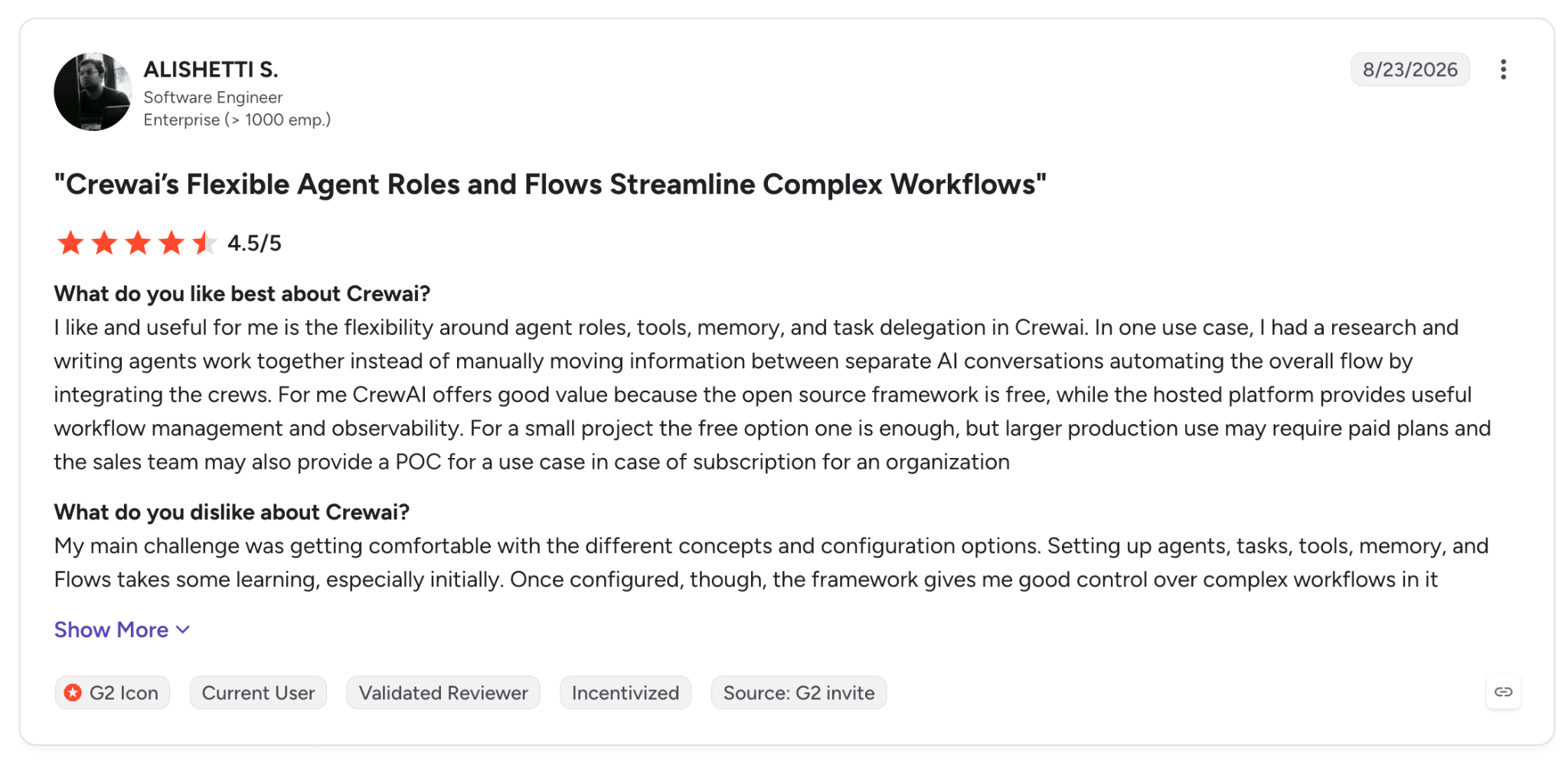
"My main challenge was getting comfortable with the different concepts and configuration options." (Alishetti S., G2)
CrewAI rates 4.2 out of 5 on G2 from 21 reviews, so the sample is thin.
Pricing
- Enterprise: Custom pricing, with self-hosting, SSO, RBAC, PII redaction, and a 45-day onboarding
- Free: Visual editor, AI copilot, GitHub integration, 50 workflow executions per month
Bottom line
One agent doing one task doesn't justify the Python. Three agents checking each other's work starts to pay back the setup time.
9. LangChain: Best for engineers who want the primitives and nothing decided for them
What it does: LangChain is an open-source framework for building LLM applications. LangSmith handles tracing and evaluation; LangGraph gives you low-level control over each step.
Best for: Engineering teams building something so specific that every other tool on this list gets in the way.
The first chain worked in under an hour and then took another three hours to stop breaking, which is roughly the trade LangChain offers. Nothing is decided for you, including the things you'd rather not decide.
The traces showed me each prompt, its token count, and every tool call, and I found a retry loop that had been doubling my model spend unnoticed. You're paying for the trace.
The structured output parser did more for my test than any feature in the no-code tools. Forcing the research step into a Pydantic schema stopped the free-text drift that broke my Slack formatting twice.
On a task the size of my brief, it was the wrong tool, and its own users are blunt about that.
Key features
- Open-source framework in Python and JavaScript.
- LangGraph for building agents with low-level control over each step.
- LangSmith tracing that shows what the agent did step by step, with token usage, latency, and cost per run.
- Structured output with Pydantic schemas that hold the model to a shape.
- Model-agnostic, so switching providers is a config change.
Pros and cons
Pros:
✅ Tracing beats every other debugger on this list, and one caught runaway loop covers the cost.
✅ The framework is free and open source, with paid tiers only for the hosted platform.
✅ Structured outputs pin downstream steps to a schema that prompt-only approaches rarely manage.
Cons:
❌ Four hours to make one lead summary hold its shape.
❌ The abstractions change often enough that tutorials go stale, and you'll read source code eventually.
❌ A non-technical teammate won't touch it.
What users say
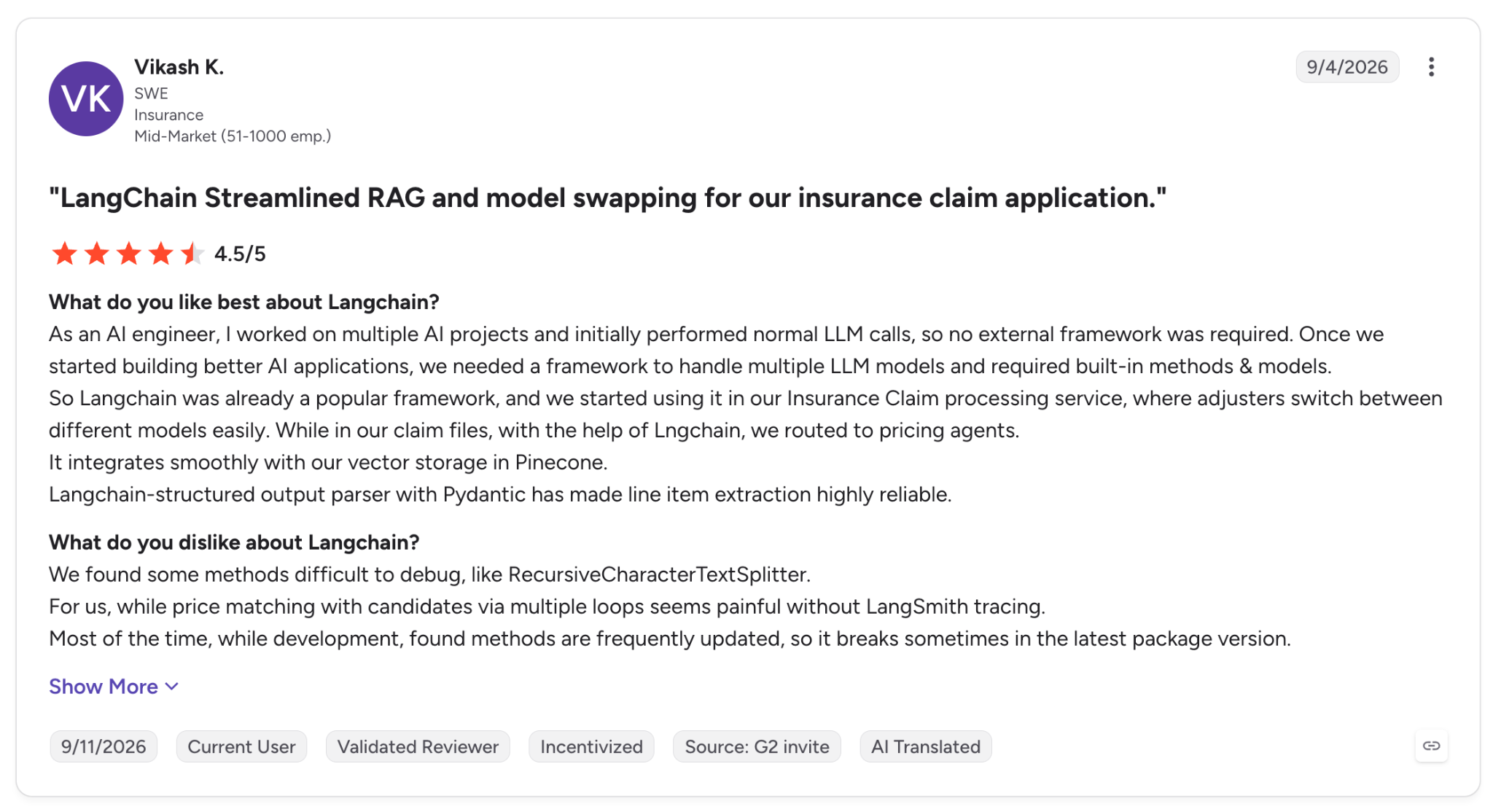
"LangChain-structured output parser with Pydantic has made line item extraction highly reliable." (Vikash K., G2)
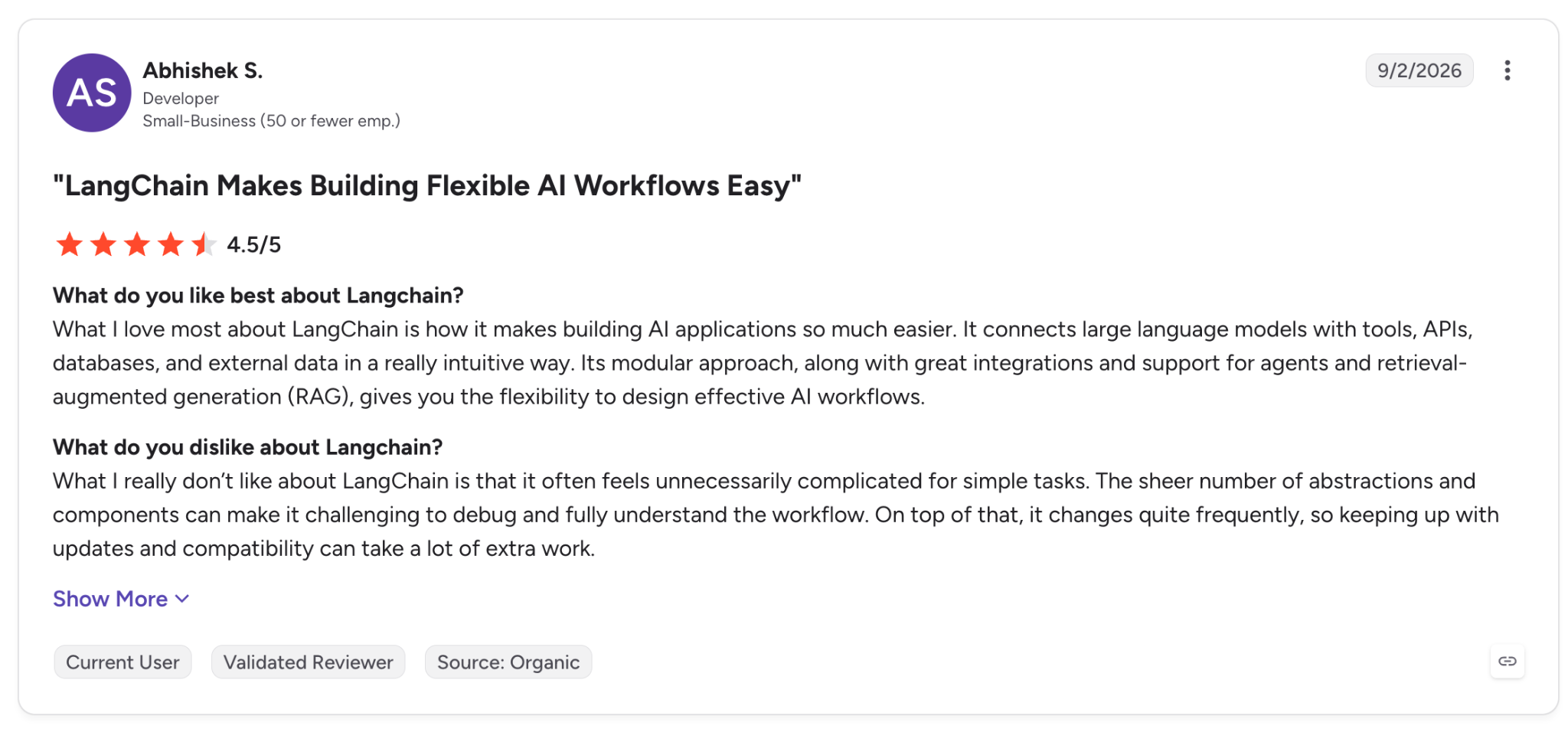
"What I really don't like about LangChain is that it often feels unnecessarily complicated for simple tasks." (Abhishek S., G2)
LangChain rates 4.5 out of 5 on G2 from 136 reviews.
Pricing
- Plus: $39 per seat per month, billed monthly, 10,000 base traces, unlimited seats, plus Deployment and Engine
- Enterprise: Custom pricing with self-hosted and hybrid options
Bottom line
If your team is already writing the application, take LangChain with LangSmith beside it.
Which AI agent tool should you choose?
Work backwards from who's going to own it after launch, because no feature comparison settles it for you. Here's how that shakes out across these AI agent tools.
Choose Lindy if you:
- Want the work finished and nothing left to maintain
- Live in Slack and would rather @mention someone than open another tab
- Need approvals and audit trails that come switched on
- Work in health, finance, or anywhere a HIPAA question comes up early
Choose Zapier Agents if you:
- Already run Zapier and have years of Zaps worth reusing
- Need an app connector nothing else supports
- Want to test agents on a free tier before committing
Choose Gumloop if you:
- Run a marketing or ops team that builds together
- Want scraping and enrichment out of the box
- Care that a colleague can read your flow and skip the handover call
Choose MindStudio if you:
- Ship agents into a client's hands under their own domain
- Need one agent published as an app, an API, and an extension
- Want a free tier with enough runs to test the concept first
Choose Relevance AI if you:
- Need to prove an agent is still performing, with numbers
- Have a security review that has killed tools before
- Run enough volume that a sales cycle is worth the time
Choose Make if you:
- Push thousands of credits a month and watch the per-credit cost
- Need serious error handling and retry logic
- Only need one or two steps in the run to think
Choose n8n if you:
- Have an engineer who'll take it on
- Need to self-host for compliance or cost reasons
- Hit a wall on other platforms and want a code node waiting
Choose CrewAI if you:
- Have a problem that splits into several agents checking each other
- Write Python and want structure without guardrails in the way
- Plan to self-host the core
Choose LangChain if you:
- Are building an application with an agent inside it
- Need tracing and evaluation on every run
- Want to swap models with a config change
Skip AI agent tools entirely if you:
- Only need summarizing or drafting, where a chat tool does the job for free
- Don't have a task that repeats often enough to pay back the setup
- Won't assign anyone to maintain it after the first month
Not sure which side of that line you're on? These AI agent examples show the kind of task that pays back the setup.
{{cta}}
Final verdict
Lindy is my pick for the average team. It produced a better result eight minutes after signup, and nobody on the team had to learn a tool to get it.
For a 10- to 100-person company with a stretched ops lead, the argument ends there. The credit consumption is steep, so I'd budget for Pro if research is a daily job.
Gumloop suits a marketing team that wants the logic on screen. Make is an order of magnitude cheaper than Zapier on entry volume, and the gap widens from there.
n8n is the best value on this list for a team with one engineer to look after it, and the worst purchase for a team without one.
CrewAI and LangChain are for people building software. If you're weighing those two against the others, you've already answered the question.
Relevance AI belongs on an enterprise shortlist and rarely anywhere else, and Zapier Agents makes sense if you already live in Zapier, and not otherwise.
That roundup on AI agents goes deeper across categories than this one does.
Try Lindy free for 7 days. Teammates who join through Slack get that first week free on the Plus features, the tier I tested on.
Frequently asked questions
What are AI agent tools?
AI agent tools are platforms and frameworks you use to build and run AI agents that plan a task, call other apps, and finish work with limited supervision.
They fall into three groups. No-code builders like Gumloop and MindStudio, automation platforms with agent features like Zapier and Make, and developer frameworks like CrewAI and LangChain.
Which AI agent tool is the best?
Lindy is the best AI agent tool for small and mid-sized teams because it runs in Slack and needs no build before it produces work. Developers get more from LangChain or CrewAI, and high-volume automation belongs on Make.
What are the 5 types of AI agents?
The five types of AI agents are simple reflex agents, model-based reflex agents, goal-based agents, utility-based agents, and learning agents.
Business tools today combine goal-based and learning behavior, and there's a fuller breakdown of the types of AI agents if you want the theory.
Are there free AI agent tools?
Yes, six of the nine have free tiers you can work in. MindStudio runs one agent 1,000 times a month, Zapier Agents allows 400 activities, Make includes 1,000 credits, and CrewAI, LangChain, and n8n are all free to self-host.









